

WhatsApp Web in 2026 runs independently of your phone, supports Meta AI, and links up to 4 companion devices. Here’s what changed and how to actually use it.
WhatsApp has shipped a wall of changes to the desktop client since 2021. Most users still treat WhatsApp Web like they did in 2018: scan the QR code, type with a keyboard, leave the tab open. Everything else gets ignored. WhatsApp Web is no longer a companion feature that mirrors your phone. It is an independent client that links up to four devices, runs Meta AI inside chats, drafts messages for you, and keeps syncing even when your phone is offline. WhatsApp’s US user base has crossed 100 million monthly actives, and the desktop experience has finally caught up to that scale. Here’s what actually changed, and the shortcuts that separate casual use from power use.
The 2021-2026 shift: WhatsApp Web became a first-class client
The biggest change most users never noticed is architectural. Until 2021, WhatsApp Web mirrored your phone. If your phone was offline or dead, the desktop client stopped working. That dependency is gone.
Since the multi-device architecture rolled out in 2021 and matured through 2025, WhatsApp Web and WhatsApp Desktop run independently of the phone. Up to four companion devices (browsers, Windows apps, Mac apps, or even secondary phones) can be linked to one account simultaneously. The primary phone is still the registration anchor, but it doesn’t have to be online for the linked devices to send and receive messages.
In practice, this changes how you actually use the service. Close your phone in a drawer, work from a laptop at your desk, pick up notifications on both without thinking about it. Messages sync in real time across all four linked devices with end-to-end encryption preserved.
Setup in 2026: QR code or one-time code
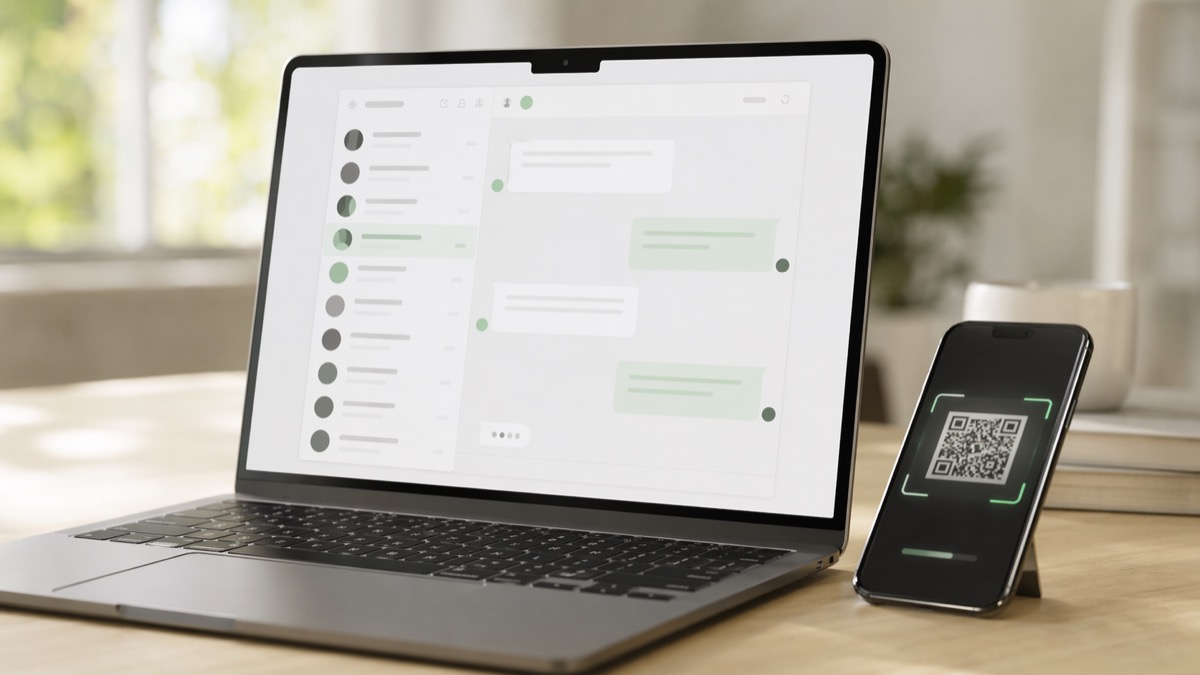
Linking a new device still works the old way. Open web.whatsapp.com in a desktop browser, open WhatsApp on your phone, go to Settings, tap Linked Devices, then Link a Device, and scan the QR code shown on your computer screen. That flow is unchanged.
WhatsApp added an alternative method in February 2026. Enter your phone number on WhatsApp Web, receive an 8-character one-time code, type that code on your phone to approve linking, and skip the QR step entirely. This helps when your phone’s camera is broken, dirty, or simply inconvenient to point at a screen.
One caveat. The one-time code method works for WhatsApp Web, WhatsApp for Windows, and WhatsApp for Mac. It doesn’t work for linking a secondary phone as a companion device. Companion phones still require a QR scan.
Companion Mode: one account on up to four devices
Companion Mode is the feature that confuses most users. Launched in beta in April 2023 and rolled out broadly through 2024-2025, it lets you link up to four additional mobile devices (Android or iOS) to your primary phone, all sharing the same WhatsApp account.
Companion devices work independently for up to 14 days while the primary phone stays offline, then auto-logout for security. Each linked device handles its own end-to-end encryption rather than relaying through the primary phone. Setup uses the same QR code flow as WhatsApp Web.
This is genuinely useful for people who carry a work phone and a personal phone, or for small teams sharing a business line. For larger team workflows, the WhatsApp Business API remains the structured option, but Companion Mode covers most use cases up to three or four people.
Meta AI inside WhatsApp: what it actually does in 2026
Meta AI integration is the most visible 2025-2026 change inside the WhatsApp interface. A blue circle icon now sits in the chat list, and you can start a conversation with it the same way you would with any contact.
What it does well in 2026: answers questions inline without leaving the chat, generates images on demand when you start a prompt with “imagine…”, translates text and images (including menus and signs), edits photos directly in chats (remove backgrounds, change styles, touch up), and drafts messages for you.
The most underused feature is probably Writing Help. Originally launched in August 2025 and expanded in March 2026 per TechCrunch’s reporting, Writing Help can rephrase, proofread, or adjust the tone of any message you’re about to send. The March 2026 update added AI-generated suggested replies based on your conversation context. Meta’s angle is clear: keep users inside WhatsApp rather than tabbing out to ChatGPT.
You can also disable Meta AI entirely if you prefer. The feature is toggleable in WhatsApp Settings under Privacy and AI controls.
WhatsApp Web 2026 at a glance
| Feature | What it does in 2026 |
|---|---|
| Multi-device architecture | Up to 4 companion devices per account, runs independently of your phone |
| One-time code linking | Skip QR code with an 8-character code for Web, Windows, and Mac (since February 2026) |
| Companion Mode for phones | Link up to 4 additional phones, offline primary up to 14 days |
| Meta AI in chats | Image generation, translation, photo editing, Writing Help, suggested replies |
| Writing Help | Rephrase, proofread, adjust tone, AI-drafted replies based on context |
| Two accounts on iOS | Two WhatsApp accounts logged in simultaneously on a single iOS device |
Shortcuts and tricks most users miss
Keyboard shortcuts are where WhatsApp Web genuinely beats the mobile app for speed. A handful worth memorizing: Ctrl+N opens a new chat, Ctrl+Shift+M mutes the active chat, Ctrl+E archives it, Ctrl+Shift+U marks it unread, and Ctrl+Shift+N creates a new group. On Mac, replace Ctrl with Cmd.
Two less obvious shortcuts worth knowing. Ctrl+P opens profile and settings. Ctrl+Alt+/ on Windows (or Cmd+/ on Mac) pulls up the full keyboard shortcuts reference inside the app, so you never have to memorize the rest.
Three feature toggles that change how the client behaves:
- Dark Mode, under Settings → Theme
- Advanced Chat Privacy, which blocks chat export, media auto-download, and use of your messages for Meta AI training
- Voice Message transcripts, which automatically convert received voice notes to text. That last one is a lifesaver if you work in a shared space where you can’t play audio out loud.
For productivity: pin up to three chats to the top of your list, mute group chats with aggressive notification schedules (including “Always” muting, which is new in 2026), and use View Once for voice messages when you want messages that self-delete after playback.
Privacy and security in 2026
Three privacy toggles deserve attention on any fresh install. Two-step verification adds a 6-digit PIN on top of your phone number for re-registration attempts, which is the single most effective protection against SIM swap attacks. Chat Lock with Secret Code lets you hide specific chats behind a custom code (separate from your phone’s unlock). Advanced Chat Privacy, launched in 2025, gives granular control over who can export chats, save media, or use the conversation for AI training.
If you use WhatsApp Web on a shared computer, the rules are simple. Sign out explicitly when you finish (Settings, Log out). Clear browser history and cookies for web.whatsapp.com afterward. Never tick the “Keep me signed in” box on a device that isn’t yours.
For sensitive conversations on a permanently shared machine (like a family PC), use the browser’s incognito or private mode, which prevents WhatsApp Web from storing any local session data.
Frequently asked questions
Does WhatsApp Web still need my phone to be online in 2026?
No. Since the 2021 multi-device update, WhatsApp Web runs independently of your phone. Your primary phone remains the registration anchor, but it can stay offline while your linked devices continue to send and receive messages. If the primary phone is inactive for more than 14 days, linked devices are automatically logged out for security.
How many devices can I link to one WhatsApp account?
Up to four additional devices at once, including browsers, desktop apps, tablets, and secondary phones in Companion Mode. This limit has been stable since 2023 and applies to both WhatsApp and WhatsApp Business accounts.
Can I use WhatsApp Web without scanning a QR code?
Yes, since February 2026. You can enter your phone number on WhatsApp Web to receive an 8-character one-time code, then enter that code on your phone to approve linking. This works for Web, Windows, and Mac apps but not for linking a secondary phone as a companion device, which still requires QR scanning.
What can Meta AI do inside WhatsApp Web?
Meta AI answers questions inline, generates images with prompts starting with “imagine…”, translates text and images, edits photos directly in chats, and drafts or rephrases messages through the Writing Help feature. A March 2026 update expanded Writing Help to suggest AI-generated replies based on your conversation context, per TechCrunch reporting.
Is WhatsApp Web safe on a shared or public computer?
It can be, with the right precautions. Use the browser’s incognito mode so no session data is stored locally. Log out explicitly when finished (Settings, Log out). Clear browser history and cookies for web.whatsapp.com afterward. Never enable “Keep me signed in” on untrusted devices. For maximum safety, avoid linking your main account to computers you don’t control.
The bottom line
WhatsApp Web in 2026 is a genuine productivity tool, not a backup for when your phone is too far to reach. The multi-device architecture means you can work from a laptop without thinking about your phone’s battery. Meta AI handles quick questions and message drafts inside the same window. Keyboard shortcuts compress common actions into two or three keypresses.
If you’ve used WhatsApp Web for years without learning the current feature set, the quickest wins are three toggles: enable the one-time code login method for faster device linking, turn on voice message transcripts, and memorize five keyboard shortcuts. That takes about 10 minutes and changes how you use the service for the next decade.
Want more tech and innovation coverage like this? DualMedia Innovation News tracks the technology shifts that actually matter, from AI to foldable hardware to the next wave of consumer products.