

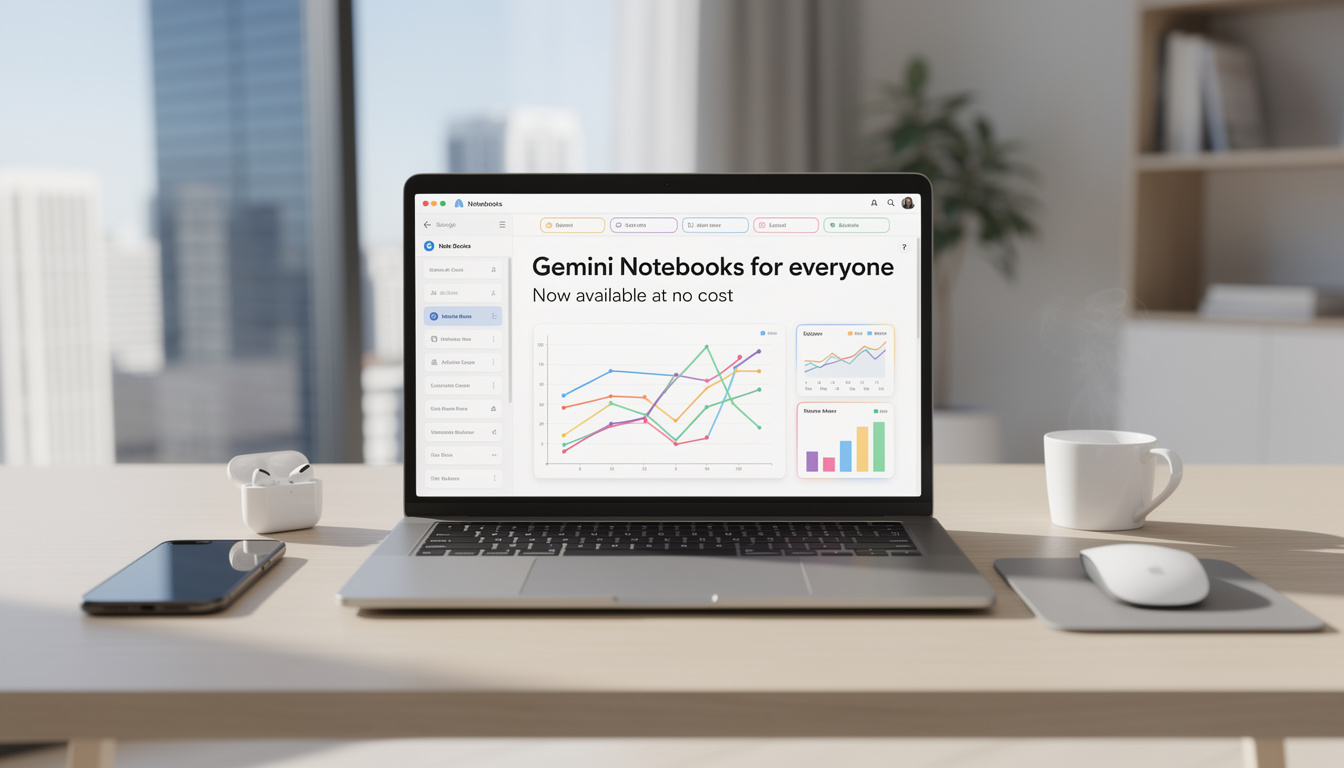
Google Gemini Notebooks now free for all web users
Open a browser, click into Gemini on the web, and a new workspace now sits in the side panel. Google Gemini Notebooks are no longer reserved for paying subscribers, which changes the way students, freelancers, developers, and small teams can organize research without adding another subscription. Google confirmed the wider rollout after first bringing the feature to paid plans earlier in the month, and outlets including 9to5Google also tracked the expansion as it reached free accounts.
That matters because the feature is not just another chat tab. It creates a project space where related prompts, uploaded documents, PDFs, and saved conversations stay together. In practice, this means a marketing brief, a product specification, and a week of follow-up questions can live in one place instead of being scattered across separate chats. For anyone handling complex work, that is a meaningful shift.
Google describes these workspaces as shared personal knowledge bases across its products, and that wording is telling. The company is pushing Gemini beyond one-off prompts toward persistent context. A web developer comparing frameworks, for example, can collect documentation, save prior exchanges, and return later without rebuilding the same context from scratch. The key insight is simple: AI becomes more useful when memory is structured around projects, not isolated prompts.
Users can also add an existing conversation to a notebook from the overflow menu, which lowers friction. Instead of deciding at the start whether a chat deserves its own project area, that choice can happen later, once the discussion becomes substantial. This design reflects a practical understanding of real workflows, where useful threads often start casually and only then turn into serious work.
What free access actually includes
Free-tier users can currently attach up to 50 sources per notebook. Google AI Plus raises that cap to 100, while Pro and Ultra extend it to 300 and 600. Those limits are important because they show the product is aimed at layered research, not just quick answers.
There are also controls for custom instructions, including response tone and output format. Users who prefer less retained context can disable the notebook memory setting. That option deserves attention, especially for people working with sensitive drafts, internal planning notes, or regulated material. Flexibility, rather than sheer novelty, is what gives the feature practical value.
For readers following Google’s broader AI ecosystem, the move also aligns with the company’s push to make advanced tools easier to sample before users consider paid upgrades. That pattern has been visible across consumer AI since 2024, and this rollout fits it closely.
A related point is how this feature connects to Google’s wider research stack. Readers interested in the app side can also look at NotebookLM on DualMedia, which helps explain why the sync component matters beyond the Gemini interface alone.
How Google Gemini Notebooks connect with NotebookLM
The strongest part of this rollout is the cross-product sync. A source added in Gemini can appear in NotebookLM, and material gathered in NotebookLM can support the same project flow. That creates a more coherent research pipeline, especially for users who move between fast ideation and deeper source analysis.
NotebookLM has built a reputation for source-grounded interactions, and Google’s decision to tie it directly to Gemini notebooks suggests a more unified AI productivity model. If a product manager gathers market reports in Gemini, those files can then support richer outputs in NotebookLM, including features Google has highlighted such as Video Overviews and Infographics. This is an inference based on Google’s reported sync behavior and the company’s recent product direction.
Consider a simple case. A startup founder researching competitors may collect web findings, upload a PDF pitch deck, and refine messaging inside Gemini. Once the notebook syncs to NotebookLM, the same source set can support more structured analysis. Instead of copying data between tools, the notebook becomes the connective layer. That saves time, but it also reduces the risk of losing context during a handoff.
There is another reason this matters. AI tools often fail when they become filing cabinets with no logic. Google is trying to solve that by making the notebook, not the raw chat, the center of the workflow. The result is closer to a research dossier than a simple conversation thread.
Why the sync model could matter more than the free price
Free access grabs attention, but the sync architecture may prove more important over time. Competing assistants often answer quickly, yet struggle to maintain organized, source-based project continuity. Here, Google is building continuity into the product itself.
That matters for several groups:
- Students managing papers, citations, and lecture files in one place
- Consultants organizing client documents and iterative drafts
- Developers storing API docs, test notes, and technical discussions
- Content teams keeping briefs, outlines, and references attached to one project
The web-only limitation still applies for now, and Google has said mobile and Mac app support should arrive in the coming weeks. If that timing holds, the notebook concept could become much more useful in day-to-day work because the workflow would stop being tied to a desktop browser. The larger point is clear: AI organization is moving closer to mainstream productivity software.
| Key detail | Why it matters |
|---|---|
| Free users get 50 sources per notebook | Enough for many school, research, and planning projects |
| Paid tiers scale to 100, 300, and 600 sources | Supports heavier professional and enterprise-style research |
| Sync with NotebookLM | Keeps sources and project context available across tools |
| Custom instructions and memory controls | Improves output consistency and privacy preferences |
That blend of storage, recall, and source reuse is what gives the feature substance. It is not simply another UI refresh with a new name. It is a sign that Google wants Gemini to function as a working environment, not just an answer engine.
Who benefits most, and where the limits still show
Not every free AI addition changes habits, but this one has a better chance than most. People who work across long threads, scattered files, and recurring revisions often hit the same problem: context decays fast. Google Gemini Notebooks reduce that friction by tying files and chats to a specific objective.
A cybersecurity analyst, for instance, could store incident notes, vendor PDFs, and follow-up prompts in one notebook while adjusting response style through custom instructions. A teacher could do the same with lesson plans, source documents, and class summaries. The feature feels especially relevant for users who need continuity more than flashy output.
Still, there are limits. Availability is currently focused on the web version, which means users relying on mobile-first workflows will need to wait. Google has signaled that mobile and Mac app support are coming soon, but until that lands, the experience remains incomplete for people who switch devices constantly during the day.
Source caps also matter more than they first appear. Fifty documents may sound generous, yet legal research, academic review, or multi-client consulting can reach that ceiling quickly. The tiered model makes sense from a business standpoint, but it also draws a line between casual and power usage.
What to watch as Google expands the feature
The next test will be execution. If mobile support arrives smoothly and sync remains reliable, notebooks could become one of the more useful parts of Gemini’s broader product set. If the rollout slips or the interface becomes cluttered, users may fall back to separate notes apps and cloud folders.
Another issue is discoverability. Many people still use AI tools as blank prompt boxes because that model is familiar. Google now has to teach users that a persistent notebook can produce better outputs than a one-off request. That is both a product challenge and a UX challenge.
For readers tracking Google’s AI productivity direction, the move also reinforces a wider industry pattern. The winners are not only the tools with the best model performance. They are the ones that help you keep your work organized over time. That is the pressure point this release targets.
Frequently asked questions
Are Google Gemini Notebooks free for everyone?
On the web, Google has expanded access to free-tier users after first launching the feature for paid subscribers. Availability can still vary during rollout windows, but the company has clearly widened access.
What can users store inside a notebook?
Notebooks can hold related chats, uploaded files such as documents and PDFs, and saved sources connected to a project. Existing Gemini conversations can also be moved into a notebook from the menu options.
How is NotebookLM involved?
Sources added in Gemini notebooks can sync with NotebookLM, which lets users continue working with the same project material there. That opens access to features associated with NotebookLM, including richer source-based outputs.
What are the source limits on each plan?
Free users can add up to 50 sources per notebook. Google AI Plus supports 100, Pro supports 300, and Ultra supports 600.
Is the feature available on mobile and Mac apps?
Google has indicated that broader support is expected in the coming weeks. For now, the main access point is the web version of Gemini.
What to watch next
Google has taken a feature that looked premium-only and placed it in front of a much larger audience. That alone will increase experimentation, but the deeper story is about workflow design. Google Gemini Notebooks are an attempt to make AI sessions persistent, organized, and easier to reuse across products.
If the company follows through with mobile and Mac support, the feature could become a regular part of research and planning rather than an occasional extra. If additional capabilities arrive, as Google has suggested, the notebook may end up serving as the core container for Gemini-based work. That is where this release points, and it is why the change deserves attention now.
Want more tech and innovation coverage like this? DualMedia Innovation News tracks the technology shifts that actually matter, from AI to foldable hardware to the next wave of consumer products.