

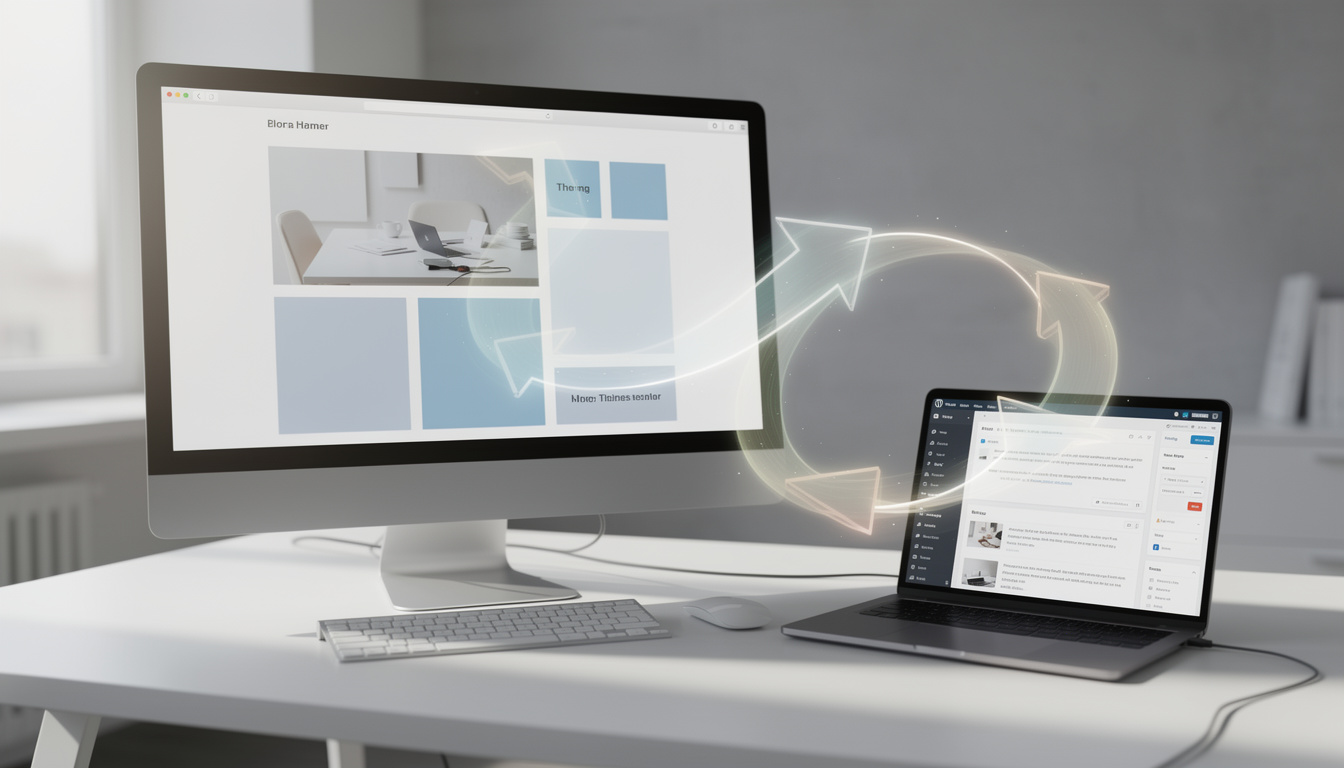
WordPress block themes migration guide: switch without breaking your site
On a busy Monday morning, a familiar WordPress dashboard can suddenly feel different. The old Customizer is no longer the center of gravity, menus move into the Site Editor, and a homepage that looked settled the night before may need a fresh rebuild. That is why a WordPress block themes migration guide matters right now. More site owners are weighing Full Site Editing against the reliability of classic themes, and WordPress has been steering new design work toward block-based workflows since WordPress 5.9. If you are planning a redesign, a client handoff, or a gradual modernization, the key is simple: move carefully, test first, and understand what changes, and what does not.
Why WordPress block themes migration guide matters in 2026
Block themes are not just a new skin for WordPress. They change how layouts, templates, navigation, colors, and spacing are managed across a site. Instead of relying on the Customizer and PHP template files alone, you now work inside the Site Editor, with templates and style settings that can also be stored in the database.
That shift has been public for years. WordPress introduced block themes with version 5.9 in 2022, and official support documentation from WordPress.com and Learn WordPress has continued to frame Full Site Editing as the long-term direction. Based on that reported design direction and the platform’s recent tooling, this is less a short-lived experiment and more the default path for new visual editing.
Still, classic themes remain deeply relevant. Many production sites depend on mature PHP logic, established plugin hooks, and highly predictable deployment pipelines. That is why migration should be treated as a design and operations decision, not just a theme swap.
| Key detail | Why it matters |
|---|---|
| WordPress 5.9 launched block themes | It marked the start of Full Site Editing for headers, footers, and templates |
| Customizer is no longer central | Theme changes now move into the Site Editor and Styles panels |
| Content usually stays intact | Posts and pages remain, even when layout and styling change |
| Template edits may live in the database | Version control and deployment need extra planning |
What changes first when leaving a classic theme
The most immediate change is visual. Your site’s layout, spacing, typography, header, footer, and homepage structure may all shift after activation, even if the underlying posts and pages remain in place. That can be jarring if you expect a one-click upgrade.
Editing also changes at a practical level. In a classic setup, many site owners are used to the Customizer for branding and menus, plus the Classic Editor or a page builder for content. In a block-based setup, the WordPress Editor and Site Editor handle much more of the site’s structure directly.
Homepage behavior is another common stumbling point. If a classic theme used a static front page, WordPress may move that page into drafts when the new template takes over. If the homepage previously showed recent posts, you may need a Query Loop block or a separate blog page to restore the same publishing flow.
Menus generally carry over, but they often need cleanup. Navigation styling and placement move into the editor, which is powerful but unfamiliar if your team has worked the same way for a decade.
How to test a block theme before going live
The safest migration starts away from the public site. WordPress site owners should preview the target theme, use staging if the host supports it, and document the current theme name before any change goes live. If the existing theme is still supported and not retired, rollback is far easier.
A practical migration checklist usually includes a few non-negotiables:
Back up the site, confirm whether your host offers restore points, preview the new theme, test on mobile and desktop, review navigation, verify widgets, and check plugin behavior after activation. For organizations with subscription traffic or paid campaigns, it also helps to temporarily set the site to private or coming soon while the redesign is reviewed.
Security should not be left out of this stage. A redesign often reveals outdated plugins, abandoned widgets, or caching conflicts. DualMedia recently covered the risk tied to a WordPress caching plugin flaw, which is a useful reminder that theme migration is also a maintenance checkpoint.
This is also the moment to review infrastructure dependencies. If your stack relies on edge caching or modern CMS delivery patterns, the broader shift toward visual editing may overlap with platform decisions, including approaches discussed in DualMedia’s piece on Cloudflare and modern CMS workflows.
Where settings move in a WordPress block themes migration guide
Many site owners ask the same question after activation: where did the familiar controls go? The answer is straightforward once the new map is clear. Site identity remains in general settings, while colors, fonts, spacing, and additional CSS shift into editor-driven style controls.
That changes daily operations for teams. A developer who once edited template files and a marketing manager who once used the Customizer now meet in a shared editing surface. This can reduce friction for simple updates, but it can also create confusion unless roles and publishing rules are defined early.
Here is the short version of the control shift:
| Classic theme area | Block theme destination |
|---|---|
| Customizer colors and backgrounds | Appearance → Editor → Styles |
| Fonts | Appearance → Editor → Styles |
| Menus | Appearance → Editor navigation tools |
| Widgets | Blocks inside templates and template parts |
| Homepage settings | Settings → Reading, plus homepage template edits |
For teams that relied heavily on widgetized sidebars, the transition can be more involved than expected. Blocks are more flexible, but they also require a different content model. The tradeoff is worth it when the site is pattern-driven and editors need more control.
Performance, plugins, and the real migration risks
Claims around block themes often focus on cleaner markup and easier design changes. There is truth in that. In many simple deployments, block themes can reduce template clutter and produce leaner output than older multipurpose themes.
But performance is not a one-way story. Once third-party blocks, custom scripts, and plugin UI layers are added, the frontend payload can grow quickly. WordPress core has improved selective asset loading in recent releases, yet plugin quality still shapes results more than theme ideology alone.
Plugin compatibility deserves close attention. Membership tools, e-commerce extensions, custom post type plugins, and older widget packs may behave differently after migration. This is an inference based on how many classic-era plugins were built around older hooks and admin assumptions, especially before Full Site Editing matured.
Browser and device testing should be routine, not optional. Headers that look clean on a desktop preview can break on a smaller Android screen, while converted widget areas may create odd spacing on tablets. If a site includes customer data or high-value forms, a broader operational review, including vendors listed in guides like top cyber security companies, can be a sensible parallel step.
When a classic theme still makes more sense
Not every WordPress site should move today. If the project depends on heavy PHP template logic, granular conditional rendering, or tightly controlled versioned deployments, a classic theme can still be the better tool. That is especially true for membership platforms, complex publishing stacks, and sites with custom integrations built over many years.
A hybrid path is often the smart middle ground. You can keep a classic theme, support Gutenberg for content, add block patterns, and use theme.json selectively to modernize the editing experience without handing template structure entirely to Full Site Editing.
This approach is common in agency work because it lowers risk. Editors gain richer content creation, while developers keep predictable file-based templates and easier Git-based releases. For many teams, that balance is more useful than a full rewrite.
Even design details such as small visual modules or time-based interface elements can be modernized incrementally, rather than during a full migration. Practical references like DualMedia’s article on WordPress clock widgets and design tips show how often site polish depends on these smaller components.
Frequently asked questions
Will switching themes delete posts or pages?
Usually, no. Your content stays in the database, but layouts, widget areas, menus, and homepage behavior may change after activation. That is why previewing and staging matter so much.
Do block themes require coding skills?
Not always. Basic use of a block theme can be handled visually through the Site Editor. More advanced customization, especially custom blocks or deep integrations, still benefits from WordPress development skills.
Can you go back to a classic theme after migrating?
Yes, if the previous theme is still available and not retired. If the theme has been retired, it may remain active only while already installed, but switching away can make return paths harder.
Are block themes better for SEO?
Not automatically. A block theme can improve editorial control and reduce reliance on heavy page builders, but SEO results still depend on content quality, performance, internal linking, and technical setup. Google does not reward a site simply for using Full Site Editing.
What to watch next
The safest reading of the WordPress market is this: block themes are the platform’s main design direction, but classic themes still solve real problems better for many production sites. That tension is not a weakness, it is simply where WordPress stands after years of transition.
For most teams, the best move is not blind migration. It is a measured audit of workflows, plugin dependencies, editorial needs, and deployment practices. If the site is simple and pattern-based, block themes are increasingly compelling. If the site carries deep custom logic, a hybrid or classic setup may still be the smarter call.
Want more tech and innovation coverage like this? DualMedia Innovation News tracks the technology shifts that actually matter, from AI to foldable hardware to the next wave of consumer products.
 EN
EN  FR
FR  ES
ES