

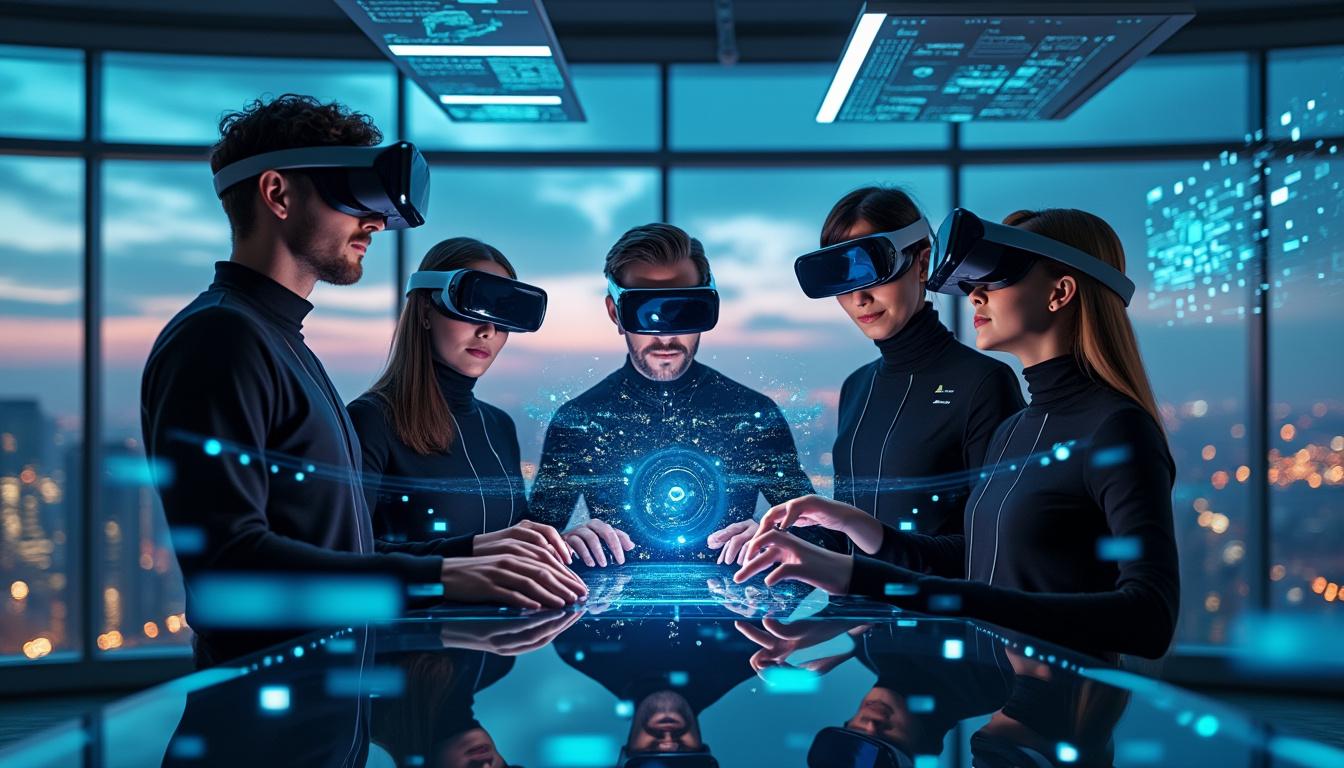
Project Genie is moving world-building from pre-rendered scenes to Interactive systems that react while you move. Rolled out through Google Labs for Google AI Ultra subscribers in the U.S., the prototype sits at the intersection of Gaming, Virtual Reality, and simulation research, with a clear promise: fast Exploration across Boundless Universes generated from text and images. Under the hood, Genie 3 behaves like a world model, predicting how an environment evolves when a player changes direction, accelerates, or collides with objects. For creators, this shifts work from hand-authored levels toward prompt-driven iteration, where a concept sketch becomes an Immersive space in minutes. For developers, it raises sharper questions around latency, control, and consistency, because real-time generation is less forgiving than static content. One small studio, Northbridge Interactive, has started using Project Genie to prototype Multiverse-style hubs for a pitch deck, exporting short walkthrough videos to validate art direction before a single asset pipeline is set up. The result is not magic realism, but speed, and speed changes decisions. The next sections break down how Project Genie is built, where it fails today, and why its constraints still hint at a practical future for Interactive Universes.
Project Genie world models for interactive universes
Project Genie is positioned as a research prototype, yet its workflow already maps to real production needs: ideation, iteration, and validation. Instead of loading a fixed level, the system generates the path ahead in real time, so movement becomes part of the generation loop.
This is the key distinction for Interactive Universes. A world model does not only render visuals, it predicts dynamics, meaning actions trigger new states and the environment responds. In practice, the experience feels closer to a controllable simulation than a cinematic clip.
In Northbridge Interactive’s tests, the strongest gain came from narrowing scope early. A single prompt produced multiple candidate layouts, then the team selected one to refine as a pitch “vertical slice,” keeping the rest as alternates for a Multiverse menu. Faster selection is the first measurable benefit.
Project Genie stack: Genie 3, Nano Banana Pro, and Gemini
Project Genie is described as a web prototype powered by Genie 3, supported by Nano Banana Pro for image-based control, with Gemini in the loop for prompt handling and experience glue. The practical takeaway is modularity: text, image guidance, and runtime navigation behave like separate layers.
World sketching uses text plus generated or uploaded images to shape the initial scene. Nano Banana Pro adds a preview-and-edit step, helping a creator adjust composition before entering the world, which reduces wasted runs when the first draft misses the target.
This layered design matters for Immersive workflows. A team can treat text as intent, images as constraints, and navigation as validation, then repeat until the world reads correctly on screen.
Project Genie interactive workflow: sketch, exploration, remix
Project Genie is organized around three capabilities: world sketching, world Exploration, and world remixing. The structure fits how creators work under deadlines, where a rough pass is refined through short loops, then recycled into variants.
Because the environment generates forward as you move, Exploration becomes a diagnostic tool. If a corridor keeps bending into dead ends, or physics drift breaks the mood, the prompt and image constraints need tighter control. Testing becomes part of authoring.
Remixing is where the system starts to look like an engine for Universes. By building on existing prompts, a creator can branch one setting into multiple tones, turning a single theme into a Multiverse of related spaces.
Project Genie world sketching for immersive prototyping
World sketching is the fastest way to validate an idea before committing to modeling, animation, and lighting. A creator chooses perspective options such as first-person or third-person, then defines traversal modes like walking, driving, or flying to match the intended player experience.
For a Virtual Reality concept test, Northbridge Interactive used first-person output to check scale. Doors and rails that look fine in third-person often feel wrong when the camera becomes the player, and fixing scale at the prompt stage avoids costly rework later.
The key insight is simple: sketching is not about final art, it is about correct spatial decisions, because the rest of the pipeline depends on them.
Project Genie limitations and responsible rollout for interactive universes
Project Genie is explicitly framed as early research, and the constraints are visible in day-to-day use. Generated scenes can drift from the prompt, realism varies, and physics can behave inconsistently when the environment extends on the fly.
Control is another pressure point. Characters can feel less responsive, with latency spikes that break the Illusion of Immersive motion, especially when a user pushes rapid camera changes during Exploration.
Sessions are also time-boxed, with generation limited to 60 seconds, which forces creators to think in short clips. This can be a weakness for long-form Gaming, yet it is useful for iteration because it encourages tight experiments and measurable comparisons.
Project Genie practical checklist for gaming and VR teams
Teams evaluating Project Genie for Gaming prototypes or Virtual Reality previsualization get better results when the workflow is treated like engineering, not like a one-shot prompt. The following steps reduce drift and improve repeatability:
- Define one clear traversal mode before generating, such as walking only, to avoid mixed motion cues.
- Start from an image reference when spatial layout matters, then use text to refine materials and mood.
- Run three short Explorations with small camera changes, then adjust prompts based on the failure mode.
- Track latency moments and correlate them with scene complexity to set internal constraints for creators.
- Use remixing to branch variations from one stable base prompt, rather than restarting from scratch.
- Export videos for stakeholder reviews to align on art direction before building assets.
This process frames Project Genie as a rapid pre-production tool. The insight is not that it replaces craft, but that it compresses the decision cycle.
Project Genie and the future of immersive universes in VR innovation
Project Genie connects to a wider trend: Immersive systems are shifting from fixed experiences to responsive spaces. As Virtual Reality hardware improves, the limiting factor often becomes content throughput, not display quality, and Interactive generation tackles that bottleneck.
For readers tracking broader Immersive experience design, this overview of industry direction helps anchor the context: augmented and virtual reality trends shaping immersive experiences. Project Genie fits the same arc, moving from handcrafted scenes toward toolchains that scale.
The most credible near-term use is not open-ended consumer Universes. It is controlled prototyping for training sims, cinematic previsualization, and internal world testing, where a Boundless feel matters more than perfect fidelity.
Our opinion
Project Genie signals a practical shift in how Interactive Universes get drafted, reviewed, and iterated. The 60-second cap, imperfect realism, and occasional control friction are real constraints, yet they also expose what matters most: consistency, responsiveness, and fast Exploration loops.
For Gaming teams, the value is rapid world selection and fast stakeholder alignment. For Virtual Reality teams, the value is early scale validation and motion comfort checks before expensive production begins.
Project Genie is worth attention because it makes the Multiverse idea operational: one prompt, many branches, and a workflow designed for remixing. The clearest next step is to discuss where Boundless generation helps your pipeline, and where authored control still wins.