

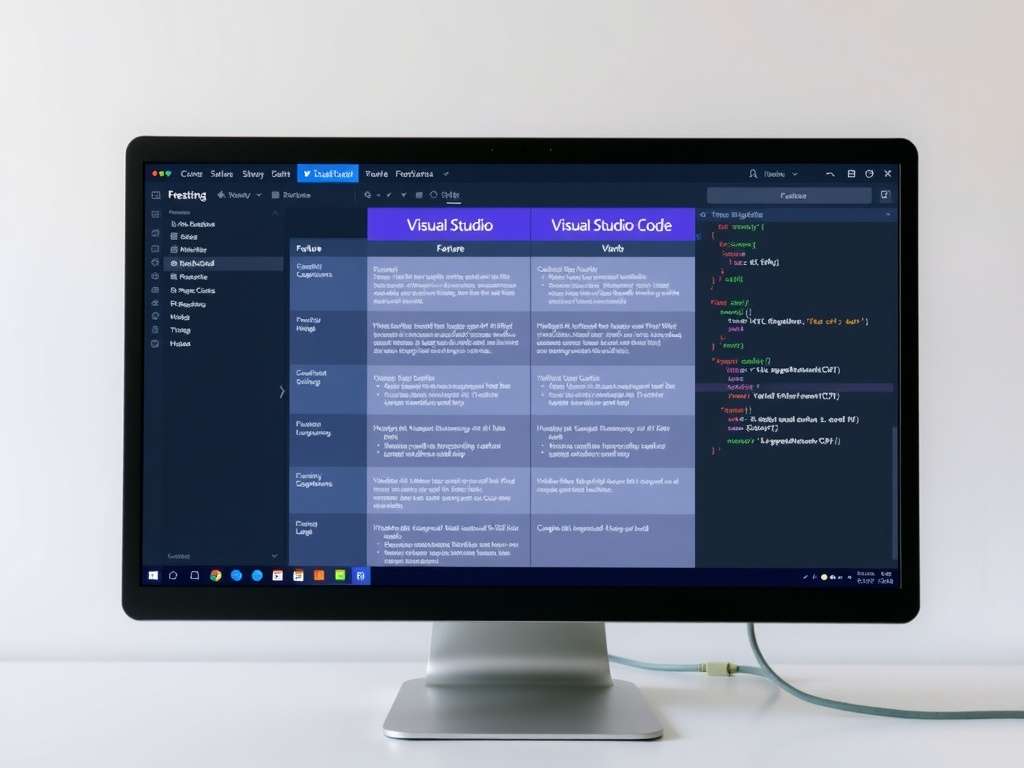
Despite nearly identical names, Visual Studio and Visual Studio Code are two very different tools — and choosing the wrong one wastes hours of setup or leaves you fighting your editor. Visual Studio is a full, heavyweight IDE; Visual Studio Code (VS Code) is a lightweight, extensible code editor. Both come from Microsoft, both are excellent, but they’re built for different work. This guide breaks down the real differences in 2026, including the AI and agentic-coding gap that now matters more than anything else when deciding between them.
Visual Studio vs VS Code: The Core Difference
The fundamental distinction in one line: Visual Studio is an IDE, VS Code is a code editor.
An IDE (Integrated Development Environment) ships with everything bundled — compiler integration, advanced debugger, profiler, designers, test tooling, and project management — configured out of the box, primarily for specific ecosystems like .NET and C++. A code editor starts minimal and fast, then becomes whatever you need through extensions. You build VS Code up to your stack; Visual Studio comes pre-loaded and you work within it.
That difference drives everything else: size, speed, platform support, language focus, and who each tool suits.
Quick Comparison
| Visual Studio | Visual Studio Code | |
|---|---|---|
| Type | Full IDE | Lightweight code editor |
| Platforms | Windows only (Mac version discontinued) | Windows, macOS, Linux |
| Install size | Several GB | A few hundred MB |
| Startup | Slower (heavy) | Near-instant |
| Best languages | C#, .NET, C++, F# | Almost any, via extensions (JS/TS, Python, Go, etc.) |
| Debugging | Advanced, built-in | Good, extension-based |
| Price | Free (Community) to paid (Pro/Enterprise) | Free and open-source |
| Extensibility | Extensions, but heavier | Vast marketplace, core to the design |
Visual Studio: The Full IDE
Visual Studio is Microsoft’s flagship IDE, built for serious application development in the Microsoft ecosystem. Its strengths:
- Best-in-class debugging and profiling. The Visual Studio debugger, diagnostic tools, and performance profilers are among the most powerful available, especially for .NET and C++.
- Deep .NET and C++ tooling. Project templates, designers, IntelliSense tuned for these languages, and integrated build systems make it the default for enterprise .NET and large C++ projects.
- Everything bundled. Testing, version control, database tools, and deployment are integrated, not assembled from extensions.
The trade-offs: it’s Windows-only now (Microsoft discontinued Visual Studio for Mac in 2024), it’s a multi-gigabyte install, and it’s heavier and slower to start. It’s overkill for quick edits or simple scripts. Visual Studio comes in a free Community edition and paid Professional and Enterprise tiers.
Visual Studio Code: The Lightweight Editor
VS Code became the world’s most popular development tool by being fast, free, cross-platform, and infinitely extensible. Its strengths:
- Speed and low footprint. It launches almost instantly and stays responsive even on modest hardware.
- Cross-platform. Identical experience on Windows, macOS, and Linux — critical for mixed teams.
- Language-agnostic via extensions. JavaScript/TypeScript, Python, Go, Rust, PHP, and dozens more, each through marketplace extensions you choose. You only install what you need.
- Integrated terminal, Git, and a massive ecosystem. Plus remote development (SSH, containers, WSL) that’s genuinely best-in-class.
The trade-offs: it’s an editor, so heavy workloads (advanced profiling, complex .NET solution management, sophisticated debugging) are less turnkey than in Visual Studio, and a fully kitted-out VS Code requires assembling and maintaining extensions.
The 2026 Difference That Matters Most: AI and Agentic Coding
Here’s what most comparisons miss. In 2026, the biggest practical difference between these tools isn’t weight or language support — it’s how fast each gets cutting-edge AI features, and VS Code is clearly ahead.
Because VS Code is extension-driven and ships continuously, it consistently receives new GitHub Copilot and agentic capabilities first:
- Agent mode — Copilot actively selects tools, generates and applies code, runs commands, and resolves errors, asking for confirmation when needed.
- Subagents — context-isolated agents that run independently and in parallel, with only results flowing back. VS Code documents these; Visual Studio doesn’t yet (Microsoft says they’re “coming soon”).
- Cloud agent delegation — assign a task, close the IDE, and GitHub runs the work asynchronously on Actions infrastructure and opens a pull request. VS Code had this before Visual Studio.
- A dedicated Agents window, MCP (Model Context Protocol) tool support, and even agent support for Claude by Anthropic via your Copilot subscription, added in early 2026.
Visual Studio has been, in Microsoft’s own framing, “playing catch-up with VS Code on agentic AI.” VS 2026 has agent mode generally available, custom agents, and as of April 2026 a cloud agent option in the Copilot Chat picker — but it consistently trails VS Code’s release cadence. Developer sentiment reflects this: many now report living in VS Code for AI-assisted and agent-delegated work, returning to Visual Studio mainly for heavy debugging and code navigation.
The practical takeaway: if AI-assisted and agentic coding is central to how you work, VS Code currently gives you the newest capabilities soonest. If your work is heavy .NET or C++ development where Visual Studio’s debugging and tooling are irreplaceable, you stay there and accept a slightly slower AI feature cadence.
Performance and Resource Usage
VS Code is dramatically lighter. It installs in a few hundred megabytes and runs comfortably on low-spec machines. Visual Studio is a multi-gigabyte install that wants substantial RAM, particularly with large solutions open. For older hardware, quick edits, or remote/SSH work, VS Code is the obvious choice. For large compiled projects where the IDE’s indexing and tooling earn their weight, Visual Studio’s resource use is justified.
Which Should You Choose?
Match the tool to your work rather than picking a universal winner:
- Choose Visual Studio if: you do serious .NET or C++ development, need advanced debugging and profiling, work on large enterprise solutions, or build Windows desktop apps. It’s the professional standard for the Microsoft stack.
- Choose VS Code if: you work in web technologies (JS/TS), Python, Go, Rust, or PHP; want a fast, cross-platform editor; do remote or container development; or want the latest AI/agentic features first.
- Use both: many developers do. VS Code for everyday editing, web work, and AI-assisted coding; Visual Studio for deep .NET debugging sessions and large solution management. They coexist happily.
Pricing: What Each Actually Costs in 2026
This is where accuracy matters most, because the two tools have completely different models:
- VS Code is free and open-source. No tiers, no license fees — for individuals, teams, and commercial use alike.
- Visual Studio Community is also free for individual developers, open-source projects, academic use, and small teams (up to 5 users in organizations with fewer than 250 PCs and under $1M annual revenue). It’s a fully featured IDE, not a trial.
- Visual Studio Professional costs about $45 per user/month on the cloud subscription, or roughly $1,199 the first year and ~$799/year on renewal as a standalone license.
- Visual Studio Enterprise runs about $250 per user/month, or roughly $5,999 the first year and ~$2,569/year on renewal, adding advanced tooling like Live Unit Testing, IntelliTrace, and Time Travel Debugging.
Two important notes for 2026: GitHub Copilot is sold separately from both — your Visual Studio edition doesn’t change which AI features you can access. And students and educators can often get Visual Studio Professional or Enterprise free through the Azure Dev Tools for Teaching program. For most individual developers and small teams, the free Community edition (Visual Studio) or free VS Code covers everything they need.
Conclusion
Visual Studio and VS Code aren’t really competitors — they’re different tools that happen to share a name. Visual Studio is the powerful, all-inclusive IDE for heavy .NET and C++ work on Windows, now in its “AI-native” 2026 release. VS Code is the fast, free, cross-platform editor that dominates web development and currently leads on cutting-edge AI and agentic coding. Pick Visual Studio when you need its deep debugging and enterprise tooling; pick VS Code when you want speed, flexibility, and the newest AI features first. For many developers in 2026, the honest answer is to keep both installed and use each for what it does best.
 EN
EN  FR
FR  ES
ES