

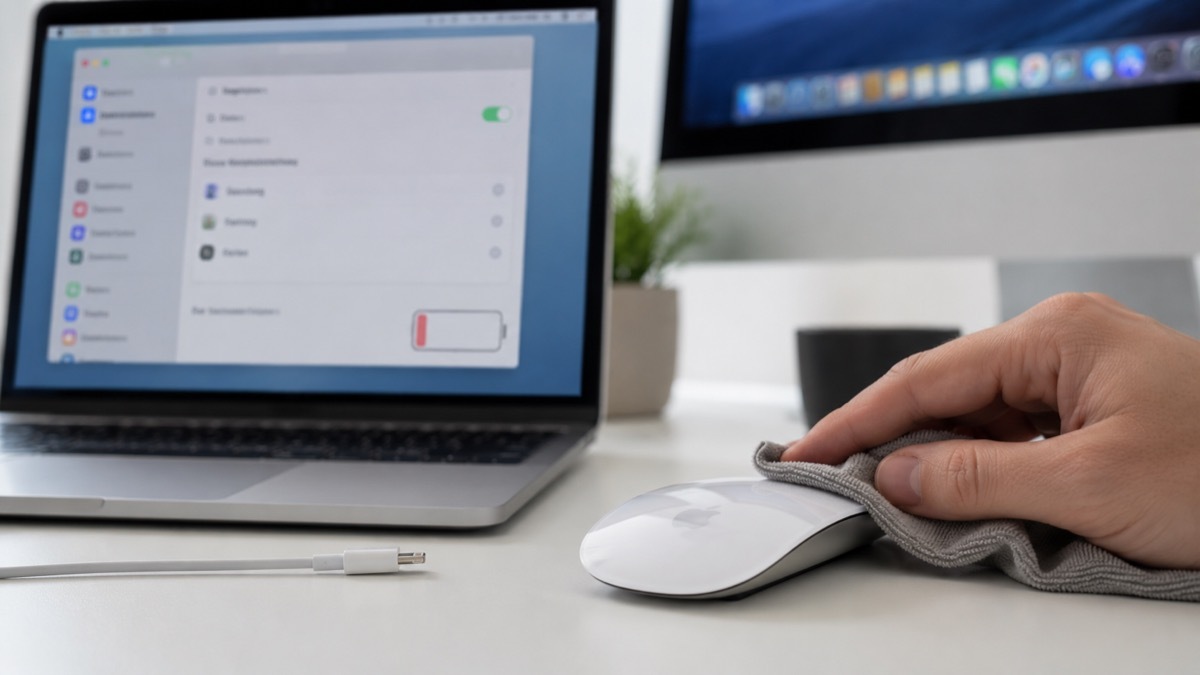
The Magic Mouse from Apple is an extraordinary piece of engineering. Aside from having a stellar look, it also offers great functions that you just don’t find on other devices. But is it flawless? No, it’s not. There will always be some type of issues that arise, so it makes plenty of sense to narrow down what causes those problems.
See if the mouse is clean
Before you go any further, you want to assess the cleanliness of the device. A lot of the time, you will notice that the mouse is not clean and that’s why there are issues with it. It’s never an easy thing to deal with, but at the end of the day, just a simple clean can make a massive difference in the long term.
Restart your Mac
Also, before attempting anything more complex, try to restart your Mac. The great thing about a simple restart is that it could help you solve those problems pretty quickly. A restart will help reinitiate all the processes, and that could also solve your mouse issues. So yes, try to do that before you attempt anything more complex.
Check the system settings
You also want to enter the accessibility settings in the system settings and see if everything is handled properly there. You can change the trackpad and mouse options, double-click speed, spring loading speed and so on. There’s also the option to ignore the built-in trackpad if a mouse is present, which sometimes is not active. So yes, there are plenty of things to check in there before you are attempting a fix. It’s not always going to solve your problem, but attempting it will be a great idea, no matter what.
See if the mouse is connected
Ideally, it should be connected. But it might not be, so you want to click on the Bluetooth menu in the menu bar. If the mouse is not connected, then you might be wondering how to fix it. You just have to reconnect it as you would normally reconnect any Bluetooth device. It’s a great approach and it will help you save quite a bit of time and effort.
Another thing you can do is to unpair and then re-pair it. Even if that might not sound like a lot at first, the truth is that it could bring some challenges. The most important thing is to take your time and narrow down the most effective way to scroll everything, which is what you want to pursue the most here. Forget the connection, then put the mouse in pairing mode and wait until it appears in the pairing list, and you click Connect.
Check the power
Your magic mouse might not have any power. So it makes sense to check its battery level and see if it’s all good. Because a lot of the time, these issues could stem from the device itself having a low battery level. If the power level is indeed low, you want to add some new batteries inside. And if it’s a rechargeable magic mouse, just recharge it and you will be good to go most of the time. It sounds simple, but this is the most common problem that people encounter with their magic mouse, the lack of power.
Update your Mac OS
It doesn’t seem like much, but a single Mac OS update is going to help a lot of issues. That’s because some of the system files could be corrupted. And sometimes, that’s the reason why your mouse is not working or it has problems to begin with. Yes, it never hurts to access the latest updates, if you can do that. It’s only going to improve the experience and it can solve a lot of potential issues that you normally encounter, which is always a good thing to focus on.
Get professional help if things are not working still. Normally, the mouse should be under warranty, unless it’s very old. So if you have some warranty coverage, go to Apple and you will be just fine most of the time. It’s never easy to figure out what happened and how to approach things, but in the long term, it does come in handy to adapt to the situation and call an expert, if need be.
Conclusion
We all encountered magic mouse issues here and there. But as you can see, all of these might come from a different reason. Sometimes, these mouse problems are due to physical blockages, a lack of power, or the mouse is not paired properly to your Mac. Regardless, it’s important not to panic and try all of these tips. And if they are still not working, then talking with an expert is going to be the best option every time.