

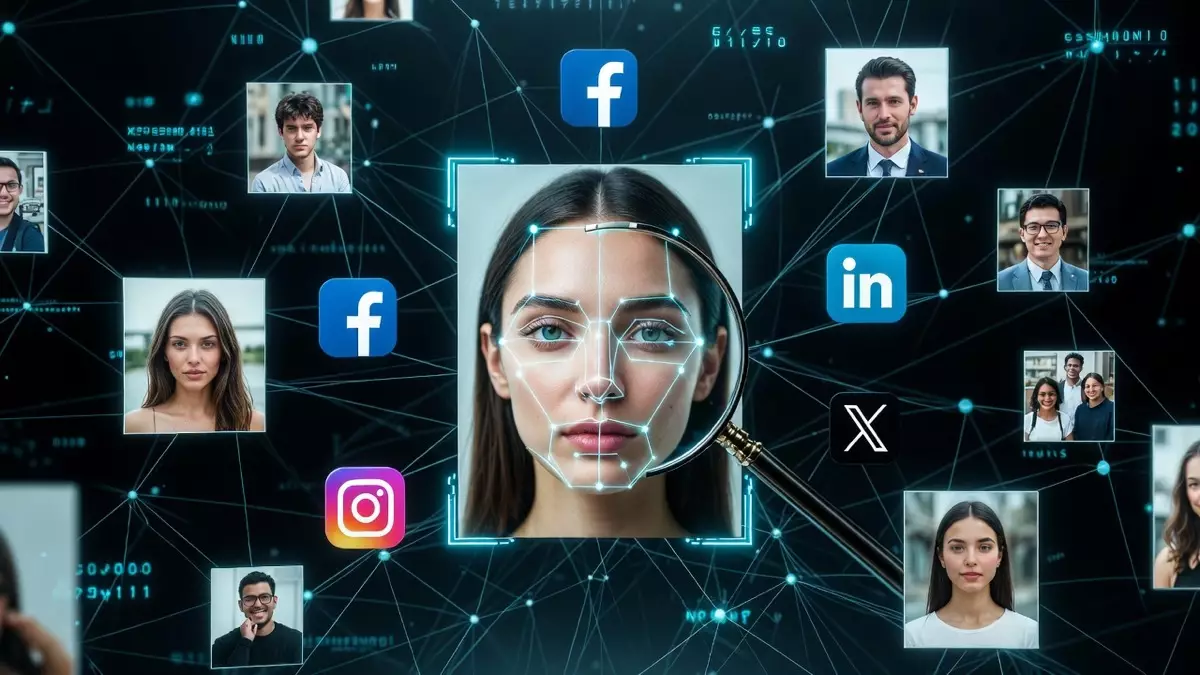
You find a photo and want to know more: where it came from, whether it’s been reused, or whether the profile using it is fake. Image search technology can answer some of those questions — and it raises serious questions of its own. This guide explains how reverse image search and facial recognition actually work, which tools exist, what they’re genuinely useful for, and where the law draws hard lines. Because the same technology that helps you find where your own photos were stolen can also be misused to track strangers, the distinction matters more than most “best tools” lists admit.
How Image Search Technology Actually Works
There are two fundamentally different technologies hiding behind the phrase “find someone by photo,” and conflating them is where most articles go wrong.
Reverse image search matches a specific image (or near-duplicates of it) across the web. You upload a picture, and the engine finds other places that exact image — or visually similar versions — appears. It answers “where else does this image exist?” Google Lens, TinEye, and Bing Visual Search are the established tools here. This is the technology you use to trace a photo’s origin, spot stolen images, or check whether a listing photo was lifted from somewhere else.
Facial recognition is different and far more sensitive. It analyzes the geometry of a face — the spacing of eyes, nose, jaw structure — to build a biometric template, then searches for other photos of the same person, even ones you’ve never seen. It answers “who is this individual and where else do they appear?” This is the technology behind tools like PimEyes and Clearview AI, and it’s the one regulators across Europe have moved aggressively to restrict.
The mechanics are similar in spirit — both rely on indexing large volumes of public images and comparing patterns — but the implications are not. Searching for an image is searching for content. Searching for a face is searching for a person. The first is generally fine. The second is legally restricted in most of Europe, for good reason.
Reverse Image Search vs Facial Recognition: The Distinction That Matters
Before looking at tools, it’s worth being precise about what you’re actually trying to do, because the legitimate path and the risky path diverge here.
| Reverse Image Search | Facial Recognition Search | |
|---|---|---|
| What it finds | Copies and near-duplicates of a specific image | Other photos of the same person |
| Question it answers | “Where does this image appear?” | “Who is this person?” |
| Typical legitimate use | Tracing image source, spotting theft of your own photos, verifying a listing | Limited; identifying yourself, or law enforcement under legal frameworks |
| Legal status (EU) | Generally permitted | Heavily restricted — biometric data under GDPR Article 9 |
If your goal is to protect your own image, verify a source, or check a scam, reverse image search does the job and stays on the right side of the line. If your goal is to identify a stranger from their face, you’re in territory that European regulators treat as processing sensitive biometric data — covered later in this article.
Legitimate Uses: Protecting Your Own Image Online
The most defensible and genuinely useful applications of this technology are about protecting yourself, not investigating others:
- Catching image theft. If you’re a photographer, creator, or business, reverse image search shows where your photos have been republished without permission or credit.
- Spotting impersonation. Scammers and catfish accounts often reuse stolen profile photos. Searching your own pictures reveals fake profiles using your face or identity.
- Verifying a source. Before trusting a viral image, a marketplace listing, or a dating profile, you can check whether the photo appears elsewhere — a stock library, an older post, a different name.
- Fact-checking. Journalists and researchers use reverse image search to verify whether a photo is recent and authentic or recycled from an unrelated event.
These uses share a common trait: you’re searching for an image and its reuse, not building a dossier on a person who hasn’t consented.
The Tools Available — and What They Actually Do
A range of platforms offer image and face search. Here’s an honest look at several, including their strengths and their limits. Note that several of these offer both reverse image search (lower risk, broadly legitimate) and dedicated facial recognition (legally sensitive) — which function you use changes the legal picture entirely.
ReverseImageSearch.org
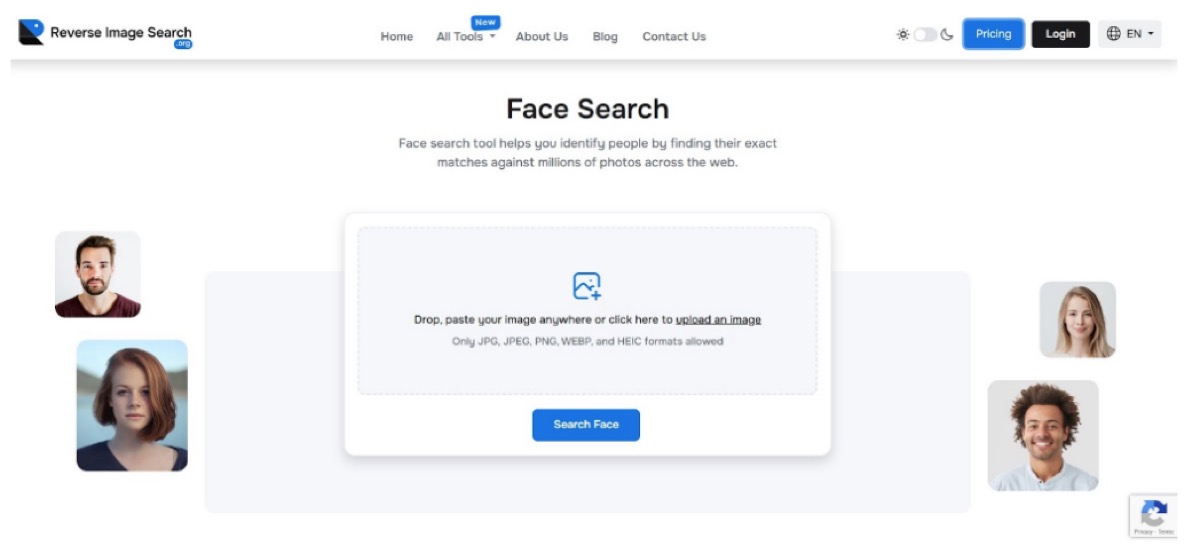
ReverseImageSearch.org aggregates results from multiple search engines for standard reverse image lookups. Its core, lower-risk function is finding where a specific image appears across indexed public pages, preserving image quality during analysis and linking each result to its source. This makes it practical for tracing an image’s origin or finding reused versions of your own photos. The platform also offers a dedicated face search feature, which falls under the biometric restrictions discussed below.
SmallSEOTools.com
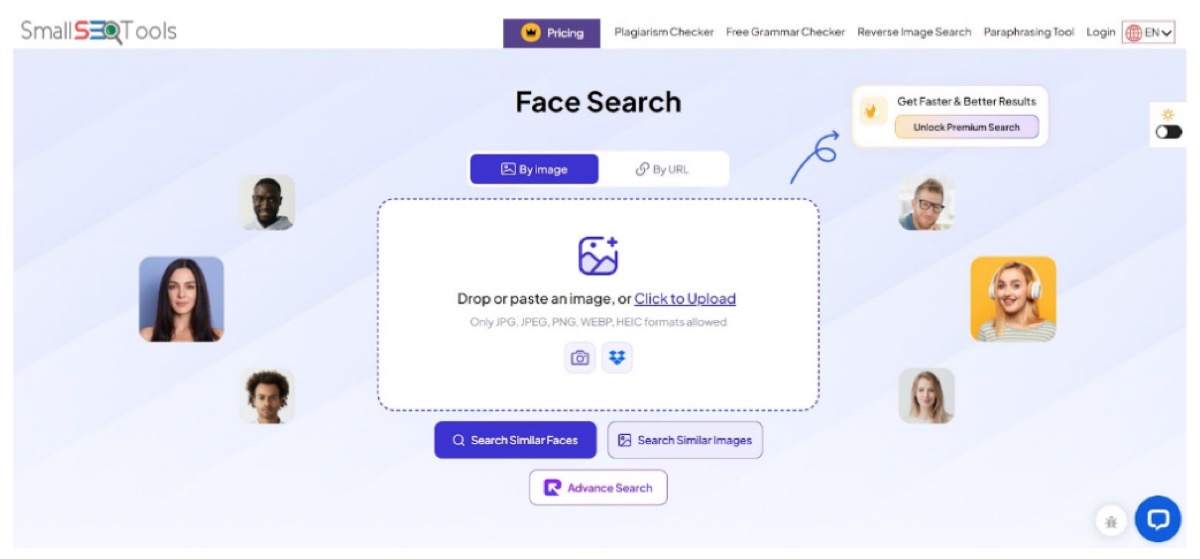
SmallSEOTools’ reverse image search handles common formats and mobile uploads smoothly, returning visually similar images with preview thumbnails. As a free, beginner-friendly reverse image tool, it’s well suited to checking whether a photo has been reused across platforms. Like several competitors, it offers a separate facial recognition option; the reverse image function is the one that stays clearly within ordinary, permitted use.
DupliChecker.com
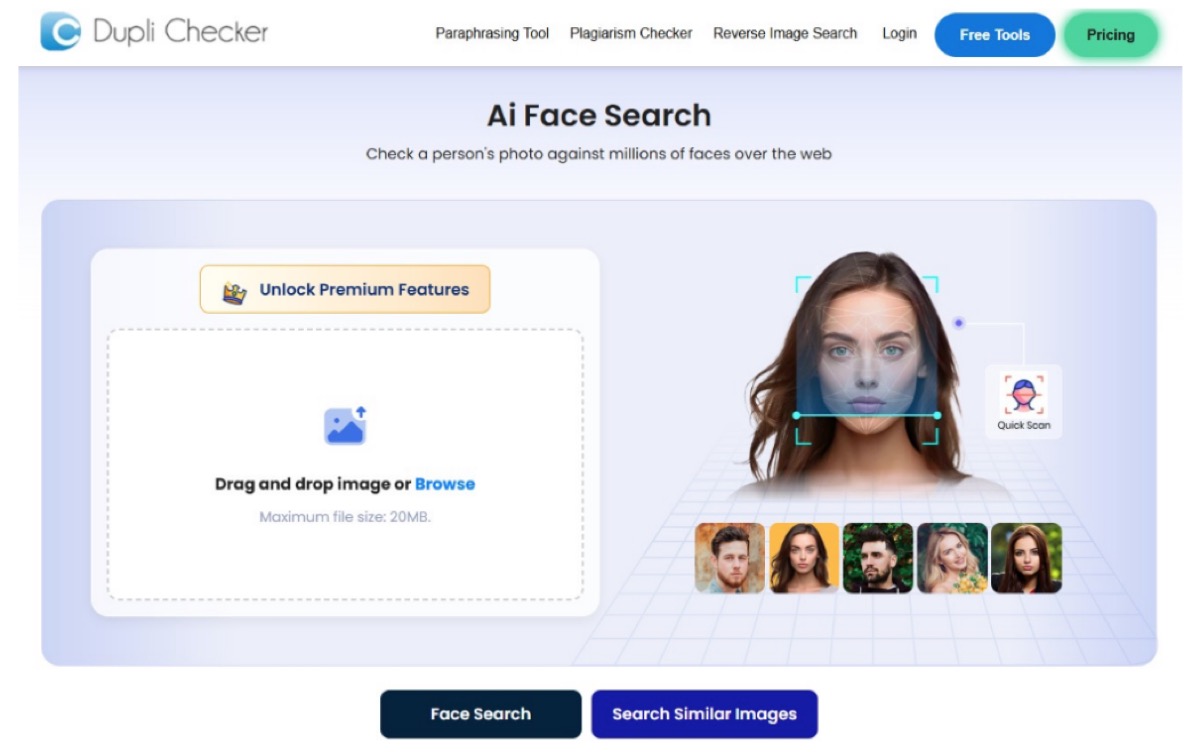
DupliChecker’s reverse image search grew out of the platform’s broader content-verification toolset. It scans uploaded images against public sources and presents matches alongside source links for immediate verification — useful for confirming original image usage or detecting reuse. As with the others, its facial recognition feature is a separate, more sensitive capability.
Reversely.ai (facial recognition — read the legal section first)
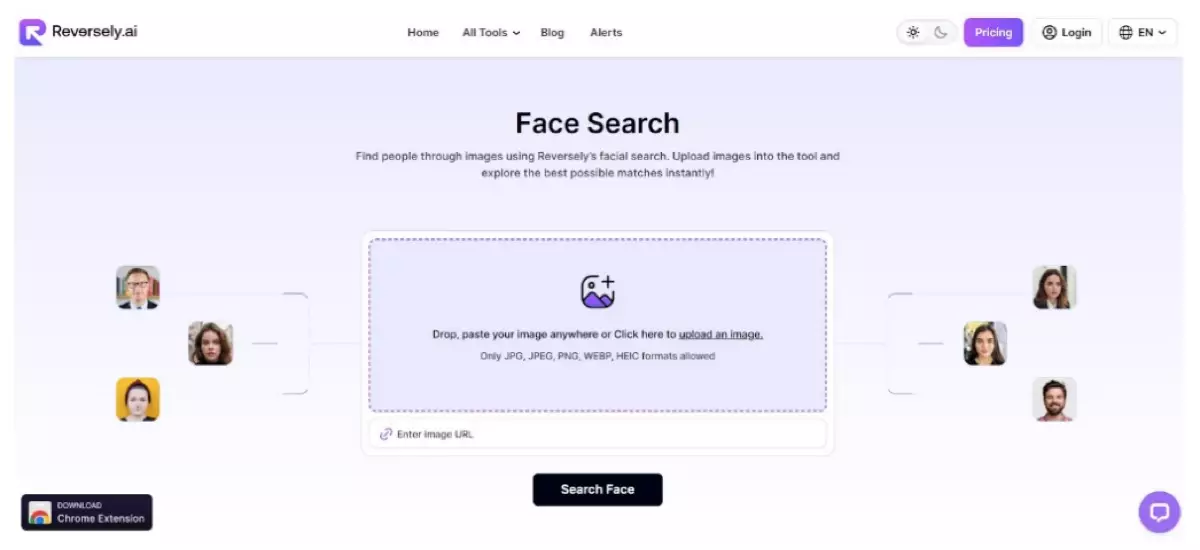
Reversely.ai is primarily a facial recognition tool: it matches the facial structure in an uploaded photo against publicly indexed images to find other appearances of the same person. This is exactly the category of technology that European data protection law treats as processing sensitive biometric data. It can have legitimate applications — for example, finding unauthorized uses of your own face — but using it to identify a stranger without their consent raises the legal and ethical issues covered in the next section. Approach this category of tool knowing what the law actually says.
The established mainstream alternatives for ordinary reverse image search, worth knowing alongside these, are Google Lens, TinEye, and Bing Visual Search — all free, widely used, and focused on image matching rather than facial identification.
The Legal Framework: Why Identifying Strangers by Face Is Restricted
This is the part most “best tools” articles skip, and it’s the part that matters most — especially in Europe.
Under the GDPR (Article 9), a facial template — the mathematical representation of someone’s face used to identify them — is “special category” biometric data. Processing it to uniquely identify a person generally requires explicit consent or another narrow legal basis. Scraping public photos to build a searchable face database, and letting anyone identify strangers, does not meet that bar in most circumstances.
This isn’t theoretical. France’s data protection authority, the CNIL, fined Clearview AI €20 million in October 2022 for unlawfully processing the biometric data of people in France without consent, and added further penalties in 2023 when the company failed to comply. Regulators in Italy, Greece, and the UK issued comparable penalties. Consumer-facing face search engines like PimEyes have faced regulatory scrutiny and legal complaints across multiple jurisdictions for the same core issue: enabling the identification of individuals who never agreed to be in a searchable database.
The practical takeaways:
- Searching for an image (reverse image search) is generally fine.
- Searching for your own face to find misuse is defensible.
- Identifying a stranger by their face without consent is where you cross into restricted, and potentially unlawful, territory in the EU and UK.
- Stalking, harassment, and doxxing built on facial identification are illegal regardless of the tool used, and several of these platforms have been used for exactly that — which is why they attract regulatory attention.
Using This Technology Responsibly
If you take one thing from this article: match the tool to a legitimate goal, and prefer reverse image search over facial recognition whenever it can do the job.
- Want to know if your photos were stolen or your identity impersonated? Reverse image search (Google Lens, TinEye, or the tools above) is the right, low-risk choice.
- Want to verify a suspicious profile or listing? Reverse image search the photo — you’re checking the image, not identifying a person.
- Tempted to identify a stranger from a candid photo? That’s the use case that causes real harm and real legal exposure. Don’t.
Frequently Asked Questions
Can you really find someone from a photo?
Partly. Reverse image search can reliably find where a specific image appears online. Facial recognition can match a face to other photos of the same person, but this is legally restricted in the EU and UK because it processes biometric data, and its use to identify strangers without consent can be unlawful.
What’s the difference between reverse image search and face search?
Reverse image search looks for copies of a specific image. Face search (facial recognition) analyzes facial geometry to find other photos of the same individual. The first searches for content; the second searches for a person, and is treated as sensitive biometric processing under GDPR.
Is face search legal?
It depends on use and jurisdiction. In the EU and UK, facial recognition data is special-category biometric data under GDPR Article 9, and identifying individuals without a valid legal basis is restricted. The CNIL fined Clearview AI €20 million in 2022 for this. Using face search to identify strangers without consent can be unlawful.
What’s the best free tool to check if my photos were stolen?
Google Lens, TinEye, and Bing Visual Search are the established free reverse image search tools for finding where your images appear. Several specialized platforms also offer reverse image search for the same purpose.
Can I use this to find a fake profile using my photos?
Yes — and this is one of the most legitimate uses. Running your own photos through reverse image search reveals accounts reusing them, which helps you report impersonation and catfishing.
Conclusion
Finding information from a photo is genuinely possible, but the responsible and lawful path runs through reverse image search, not facial identification of strangers. The technology is powerful: it traces image origins, exposes theft, and helps you defend your own identity online. The same power, pointed at identifying people who never consented, is where it becomes a tool for surveillance and harm — and where European law has drawn firm lines. Used to protect your own image and verify sources, image search is one of the most useful tools on the modern web. Used to track individuals, it’s a liability for everyone involved.