

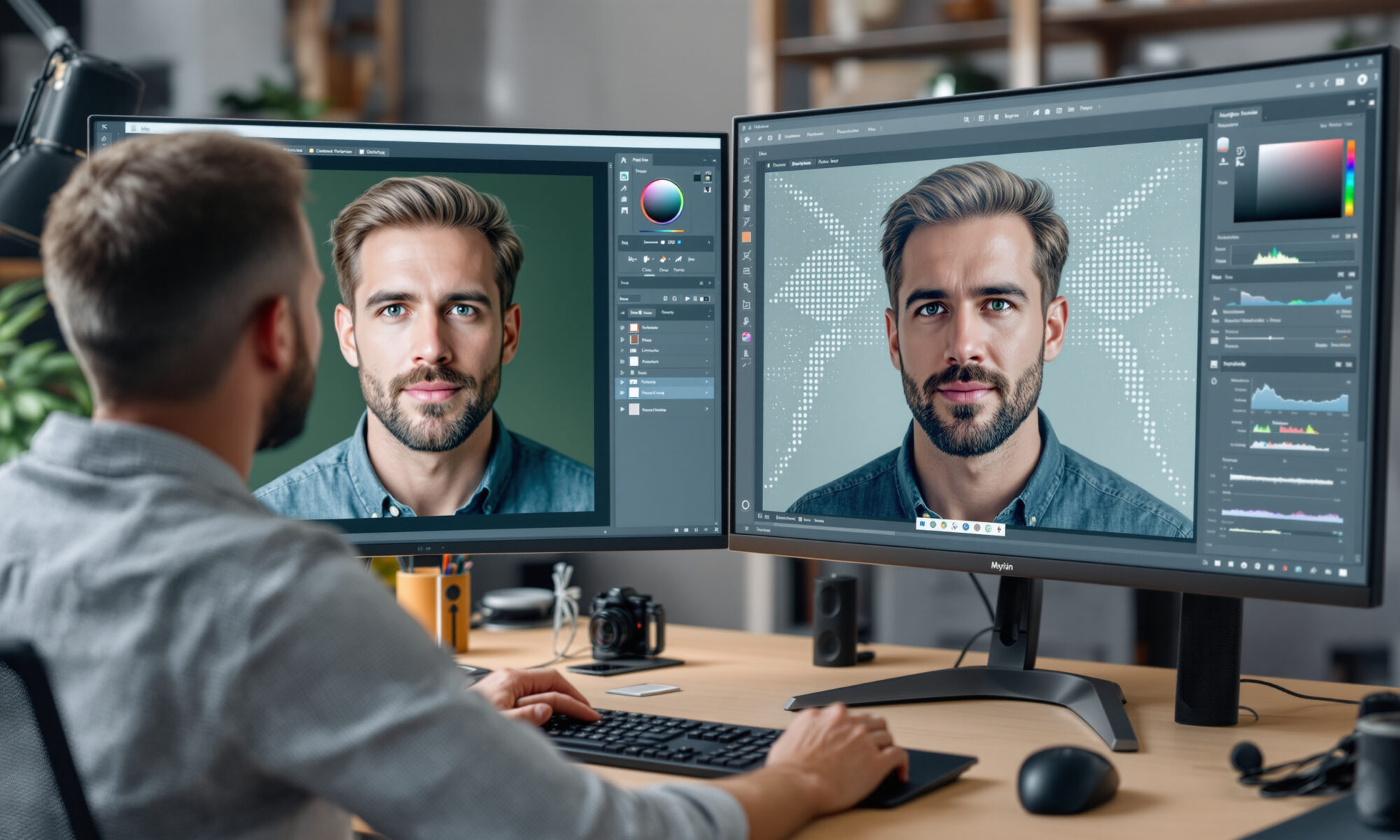
Digital Image Editing is shifting from careful manual retouching to directed image-making: you describe the change, refine the result, and check whether it still tells the truth. Adobe, Google, Apple and Canva now treat AI as a core editing layer, not a novelty. The gain is speed and range. The trade-off is control, provenance, and the risk of edits that look plausible but break reality.
Digital Image Editing now starts with intent, not tools
For decades, image editing meant knowing where the tool lived: clone stamp, curves, masks, healing brush, content-aware fill. Skill still matters, but the first move has changed. You can now type “remove the parked car,” “extend the left side,” or “make the background a quiet studio wall,” then judge and correct the output.
Adobe made that direction explicit on April 23, 2024, when it announced Photoshop beta features such as Text to Image, improved Generative Fill powered by Firefly Image 3 Model, Generative Expand, Generate Similar, Generate Background, Enhance Detail and Reference Image. By March 10, 2026, Adobe said Photoshop’s AI Assistant was in public beta, while Firefly Image Editor included Generative Fill, Generative Remove, Generative Expand, Generative Upscale and Remove Background.
Google pushed the same idea toward ordinary phone users. On April 10, 2024, it said Magic Editor, Magic Eraser, Photo Unblur and other AI-powered Google Photos editing tools would become available to all Google Photos users starting May 15, 2024, without a subscription. That matters because Digital Image Editing stopped being something you opened a specialist app for. It became a default behavior after taking a photo.
If you publish visual work on a site, this shift also changes your production stack. A faster edit is useful only if the final image still loads cleanly, supports the page, and fits your brand; the same practical logic applies when choosing a website platform that can handle modern visual content.
At scale, that last mile is rarely manual: teams route resizing, cropping, compression and format delivery through an image editing api so that a creative edit approved in Photoshop or Canva arrives on the page already optimized for every breakpoint.
The real speed gain: a small calculation
Speed claims around AI editing are usually vague. Here’s a more useful way to think about it. If a product team prepares 40 images for a launch page and saves just 6 minutes per image by using Generative Remove, background generation or expansion, that’s 240 minutes saved in 2026 terms: four hours before review.
Four hours is not a department-saving miracle. It is enough to add a proper human pass for consistency, color, compression and legal review. Honestly, that’s where AI editing makes the most sense: not replacing the eye, but clearing the dull work so the eye has time to do its job.
The catch is revision debt. A generated sleeve, finger, shadow, reflection or product edge can look fine at 25% zoom and fall apart on a retina screen. If you save 6 minutes on the first edit but spend 10 minutes fixing a false reflection, you didn’t gain time. You moved the problem.
Major AI image editing tools compared in 2026
The strongest tools are no longer separated by a simple “pro versus consumer” line. Photoshop offers layered control and model choice. Google Photos is built for quick personal edits and conversational commands. Canva aims at workplace and marketing outputs. Apple is folding AI edits into the device experience, with a clear emphasis on privacy signaling and hidden watermarking.
| Platform | AI editing direction announced | Notable 2026 detail | Best fit |
|---|---|---|---|
| Adobe Photoshop / Firefly | Generative Fill, Remove, Expand, Upscale, AI Assistant and multi-model editing | Adobe said Firefly had more than 30 models from Adobe, Google, OpenAI, Runway and Kling on March 19, 2026 | Professional compositing, campaign images, controlled production |
| Google Photos | Magic Editor, Magic Eraser, Photo Unblur, conversational editing | Google announced text or voice editing first for Pixel 10 users in the U.S. on August 20, 2025 | Fast phone edits, personal albums, social images |
| Canva AI 2.0 | Editable generated objects rather than one flat image | Canva said its 2026 system uses “layered object intelligence” | Marketing layouts, presentations, lightweight brand work |
| Apple Intelligence Photos | Spatial Reframing, Extend, upgraded Clean Up | Apple announced hidden SynthID watermarking for AI-adjusted photos on June 8, 2026 | On-device photo correction and perspective adjustment |
Adobe’s 2025 move is particularly revealing. On September 25, 2025, it announced Photoshop beta integration of Google Gemini 2.5 Flash Image and Black Forest Labs FLUX.1 Kontext [pro] into Generative Fill alongside Adobe Firefly models. Digital Image Editing is becoming model selection as much as pixel manipulation.
Canva is interesting for a different reason. In 2026, the company said Canva AI 2.0 can connect to Slack, Gmail, Google Drive, Google Calendar, Notion, Zoom, HubSpot, Microsoft, Atlassian and Linear to create visual outputs from workplace context. That sounds convenient, but it also raises a quiet governance question: who approved the source material the design is learning from or summarizing?
Use AI edits where they’re strong, avoid where they fake certainty
Some tasks are now comfortably in AI territory. Removing a passerby from the edge of a travel shot, extending a plain studio background, or cleaning small distractions can be fast and convincing. Google’s Magic Eraser and Adobe’s Generative Remove fit that use case well.
Other tasks are still risky. Product photography with exact dimensions, documentary news images, medical visuals, legal evidence, insurance claims and anything involving identity should be treated with restraint. A generated detail may be aesthetically neat and factually wrong.
Use this quick test before you accept an AI edit:
- Check edges at 100% zoom, especially hands, hair, logos, jewelry, reflections and shadows.
- Compare the edit against the original and ask what information was removed or invented.
- Keep the source file, prompt or edit history when the image has business, legal or editorial value.
- Look for metadata or content credentials before distributing externally.
- Reject edits that make a product, place or person look materially different from reality.
The pitfall nobody mentions enough is visual overconfidence. AI image editing often fails politely. It won’t tell you, “I guessed the missing bicycle wheel.” It will draw a plausible wheel and wait for you to notice.
Transparency is becoming part of the edit
Trust is now a product feature. On October 24, 2024, Google said Google Photos would show when photos were edited with Google AI, adding in-app AI-editing information alongside metadata. On August 20, 2025, it also announced C2PA Content Credentials support in Google Photos.
Apple moved in a similar direction on June 8, 2026, announcing Apple Intelligence photo features including Spatial Reframing, Extend, upgraded Clean Up and hidden SynthID watermarking for photos adjusted with Apple Intelligence. Apple also said Spatial Reframing uses spatial models derived from Apple Vision Pro work to shift photo perspective and generate content only where perspective changes.
That last phrase matters. Perspective edits are not the same as a simple crop. When software changes the viewpoint and generates missing content, the image can become more useful and less literal at the same time.
Publishers and creators should treat provenance as part of their visual workflow, not a public relations afterthought. If your team already thinks about how AI affects search visibility and reader trust, the same discipline belongs in your image process; auditing your site for AI search visibility is closely related to auditing the credibility of the media you publish.
What AI changes for photographers, designers and creators
AI does not make composition, taste or judgment obsolete. It makes weak judgment more visible. Anyone can generate five background options, but choosing the one that doesn’t cheapen the photograph is still a human decision.
Photographers gain recovery tools: extend a frame that was shot too tight, remove distractions, sharpen a blurred memory with Photo Unblur, or reframe a scene. Designers gain iteration: backgrounds, variations, reference-driven edits and object-level changes. Social creators gain speed.
There’s a counter-argument worth taking seriously. Faster editing can flatten style. If everyone asks for “clean,” “premium,” or “cinematic” outputs from the same few models, images start to share the same airbrushed grammar. The cure is to keep your own references, lighting choices, crops and imperfections in the process.
Adobe’s model expansion shows where high-end Digital Image Editing is heading. On March 10, 2026, Adobe said Firefly offered more than 25 AI models, including Adobe Firefly, Google Nano Banana 2, OpenAI Image Generation, Runway Gen-4.5 and Black Forest Labs Flux.2 [pro]. Nine days later, Adobe said Firefly had more than 30 models and public-beta custom models trained on a user’s own images.
For content teams, that raises a practical choice. Use general models for speed, but train or reference your own visual material when consistency matters. If you’re trying to keep a human signature while using machine assistance, the same editorial balance discussed in using AI without losing the human touch applies directly to images.
How to build a safer Digital Image Editing workflow
A good workflow separates generation from approval. The person prompting the edit should not always be the final judge, especially for product, editorial or brand images. Fresh eyes catch strange shadows and accidental misrepresentation.
Start with a clear rule: AI can clean, extend or adapt an image, but it cannot silently change the meaning of the scene. Removing dust from a product photo is different from changing the shape of the product. Extending a neutral wall is different from adding a crowd that was never there.
Adobe’s 2026 Firefly updates point toward more controlled editing rather than pure surprise. On April 9, 2026, Adobe announced Precision Flow and AI Markup in beta for more guided image refinement. That’s the right direction; serious editors don’t just want magic, they want handles.
Costs also deserve attention. Adobe reported on March 10, 2026, that paid Photoshop web and mobile subscribers had unlimited generations through April 9, 2026 when using AI Assistant, while free Photoshop web and mobile users got 20 free generations. Temporary generation allowances can change quickly, so teams should budget for paid usage if AI edits become part of daily production. For broader cost discipline, the same thinking behind cutting AI API costs without losing quality can help avoid runaway creative-tool spending.
One more edge case: archival images. If you restore an old family photo, AI may rebuild missing faces or clothing based on probability, not memory. That can be emotionally powerful, but it’s not historical restoration in the strict sense. Label it accordingly.
FAQ
What is Digital Image Editing with AI?
Digital Image Editing with AI means using models to remove objects, generate backgrounds, expand frames, sharpen photos, upscale images or apply edits from text and voice instructions. The editor still chooses what to keep and what to reject.
Is AI image editing better than Photoshop manual editing?
For repetitive cleanup and fast variations, AI can be faster than manual editing. For exact control, high-end compositing and images where truth matters, traditional Photoshop skills and human review are still necessary.
Can Google Photos edit images with AI for free?
Google announced on April 10, 2024, that Magic Editor, Magic Eraser, Photo Unblur and other AI-powered Google Photos editing tools would become available to all Google Photos users from May 15, 2024, with no subscription required.
Do AI-edited photos have watermarks or labels?
Some platforms are adding transparency signals. Google announced AI-editing information and C2PA Content Credentials support in Google Photos, while Apple announced hidden SynthID watermarking for photos adjusted with Apple Intelligence in 2026.
Will AI replace professional photo editors?
AI will replace some repetitive retouching tasks, but professional editors still bring taste, ethics, brand consistency and technical quality control. The better prediction is fewer routine edits and more review-driven creative direction.