

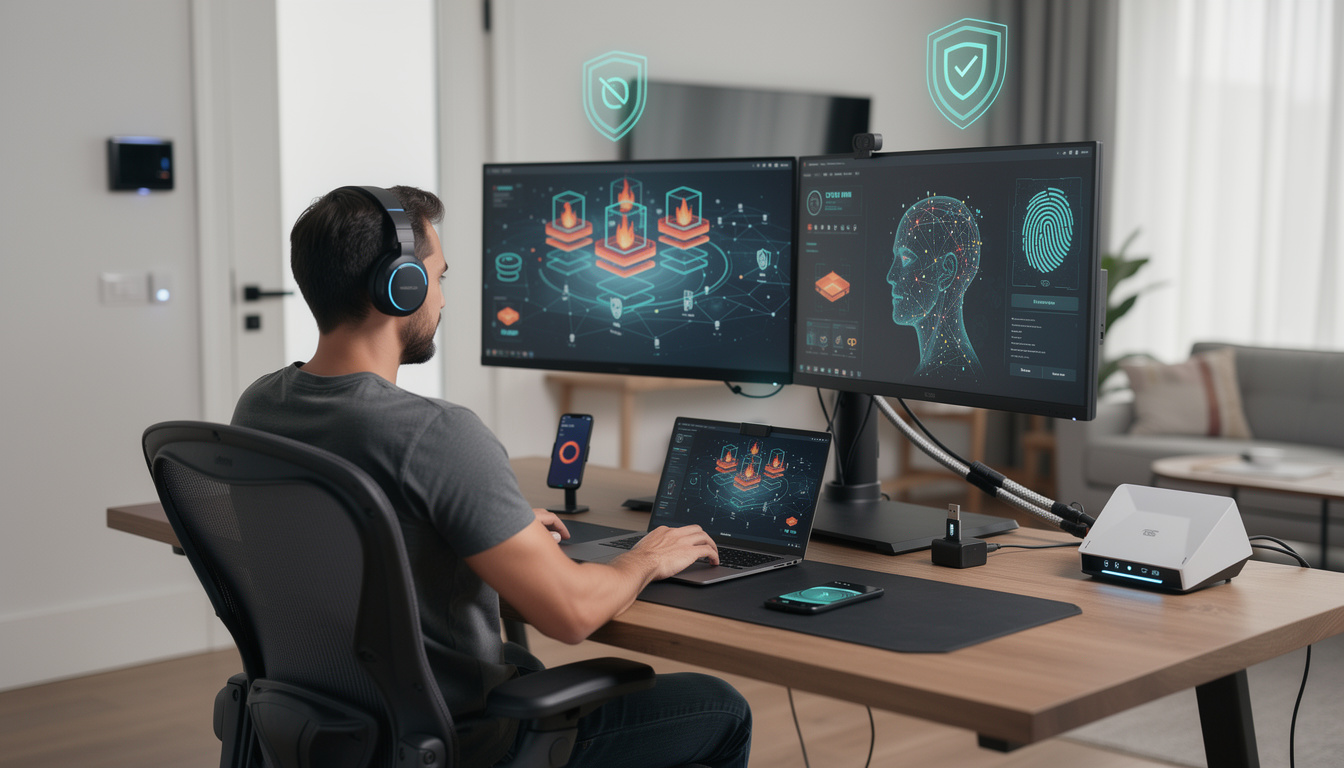
Cybersecurity Checklist for Remote Workers in 2026: simple moves that block costly mistakes
The workday now starts at a kitchen table, in a coworking booth, or on a train with public Wi-Fi only a click away. That freedom is real, but so is the risk. A remote employee can go from replying to Slack and opening shared docs to exposing company credentials in minutes, often without noticing the warning signs.
Cybersecurity Checklist for Remote Workers in 2026 matters because home networks, unmanaged devices, and AI-assisted phishing have turned small errors into expensive incidents. The FBI’s Internet Crime Complaint Center said in its latest annual reporting that cyber-enabled fraud and credential abuse remain a major issue across the USA, while CISA has continued to warn about phishing, weak authentication, and unpatched systems. For remote teams, basic discipline still blocks a large share of preventable attacks.
Cybersecurity checklist for remote workers in 2026 starts at home
Before any app opens, the network matters. A remote setup built on an old router, default admin credentials, and weak Wi-Fi encryption gives attackers an easy first target. That is why the first check should happen at the edge of the home office, not inside the laptop.
In practical terms, that means changing router passwords, enabling WPA3 if supported, updating firmware, and separating work devices from smart home gadgets on a guest network. Consumer networking gear keeps showing up in security alerts, and recent concern around connected hardware has made device hygiene more than a niche issue, as seen in coverage of router cybersecurity scrutiny.
Account security is still the first real line of defense
Credential theft remains one of the fastest ways into corporate systems. Google, Microsoft, and Okta have all spent the past year urging users to move beyond passwords alone, especially for distributed workforces that log in from many locations and devices.
The checklist here is simple but non-negotiable. Every work account should use a unique password stored in a trusted password manager, and every critical login should have phishing-resistant multi-factor authentication where available, such as passkeys or hardware security keys.
Attackers have also adapted. AI-written phishing messages now look cleaner, more personal, and less error-filled than the obvious scams many workers learned to ignore a few years ago. DualMedia has tracked this shift closely in reports on AI cybersecurity risks and the rise of AI in cybersecurity automation, both of which show how the threat and the defense are changing at the same time.
| Key detail | Why it matters |
|---|---|
| Unique passwords for every work account | Stops one leaked login from opening multiple services |
| Multi-factor authentication | Blocks many attacks even when a password is stolen |
| Router and device updates | Closes known vulnerabilities attackers actively scan for |
| Separate work and personal use | Reduces accidental exposure from risky downloads and apps |
Devices need updates, encryption, and a clean boundary
A secure remote routine depends on the device as much as the user. Laptops, tablets, and phones that miss updates can carry publicly known flaws for weeks, and many attackers do not need a custom exploit when old bugs still work.
Microsoft and Apple continue to push urgent patches throughout the year, sometimes outside standard release cycles. That makes automatic updates, full-disk encryption, screen-lock timers, and remote wipe capability basic requirements rather than nice extras. If a company allows BYOD, it should also define what belongs on the work device and what does not.
That boundary matters more than most people think. A personal browser full of extensions, shopping logins, and random PDF tools should not be the same environment used for internal dashboards or finance approvals. The safest setup is boring, and boring is exactly the point.
Some organizations now back this up with tighter policy and training after repeated public-sector and enterprise incidents. Broader reporting on US cybersecurity threats and DoD cybersecurity training reflects the same lesson, people and endpoints remain the pressure points.
What remote workers should check before clicking anything
The most common remote-work mistake is not dramatic. It is a rushed click on a calendar invite, a fake HR portal, or a file-sharing prompt that looks almost right. Many incidents start with ordinary workflow, which is why a useful checklist has to focus on everyday habits.
Before opening links, attachments, or login prompts, remote workers should check:
- The sender address, not just the display name
- The domain spelling, especially on login pages and cloud tools
- Unexpected urgency, such as payroll warnings or account lock threats
- Attachment types, particularly macro-enabled files and odd archive formats
- Context, asking whether the request matches normal company workflow
This is where a quick pause beats any expensive security tool. Based on the reported design direction of phishing campaigns and years of incident response patterns, the attack works because it hijacks routine behavior, not because it looks cinematic.
Secure collaboration matters more as teams spread across apps
Remote work no longer lives in one platform. A single day can involve email, chat, e-signature tools, cloud storage, project boards, and customer databases. Each added service creates another place where access can be over-shared or data can be copied into the wrong space.
That is why workers should review sharing permissions before sending files, avoid public links unless required, and double-check who can view, edit, or download a document. Sensitive information should stay inside approved systems, not in personal notes apps or private email forwards.
There is a policy angle here too. Legal and compliance teams continue to watch data handling closely, especially in regulated sectors. Coverage of the Cybersecurity Information Sharing Act and California cybersecurity reform shows how governance keeps expanding beyond the security team alone.
A simple rule helps. If a file would cause damage if leaked, shared, or altered, it deserves one extra verification step before leaving your screen.
Frequently asked questions
Do remote workers really need a VPN in 2026?
A VPN is still useful, especially on hotel, airport, or cafe networks, but it is not a complete defense. Strong authentication, patched devices, and secure apps remain just as important.
What is the biggest risk for remote workers right now?
Phishing and credential theft remain the most common starting points for compromise. AI-generated messages have made scam emails and fake login pages harder to spot at a glance.
Should personal devices be used for work?
They can be used only under clear company policy, with updates, encryption, and access controls in place. A separate work profile or managed device is usually the safer choice.
How often should a home router be updated?
It should be checked regularly and updated whenever the vendor releases security firmware. If the device no longer receives updates, replacement is often the safer move.
What to watch next
The remote security playbook is getting tighter, not looser. As companies rely more on distributed teams, they are pairing user training with stronger device controls, better identity tools, and more automation in detection and response.
For workers, the takeaway is clear. Cybersecurity Checklist for Remote Workers in 2026 is less about memorizing jargon and more about repeating a few disciplined actions every day, secure the network, protect the account, patch the device, and slow down before clicking. That routine will stop more attacks than most people expect.
Want more tech and innovation coverage like this? DualMedia Innovation News tracks the technology shifts that actually matter, from AI to foldable hardware to the next wave of consumer products.