

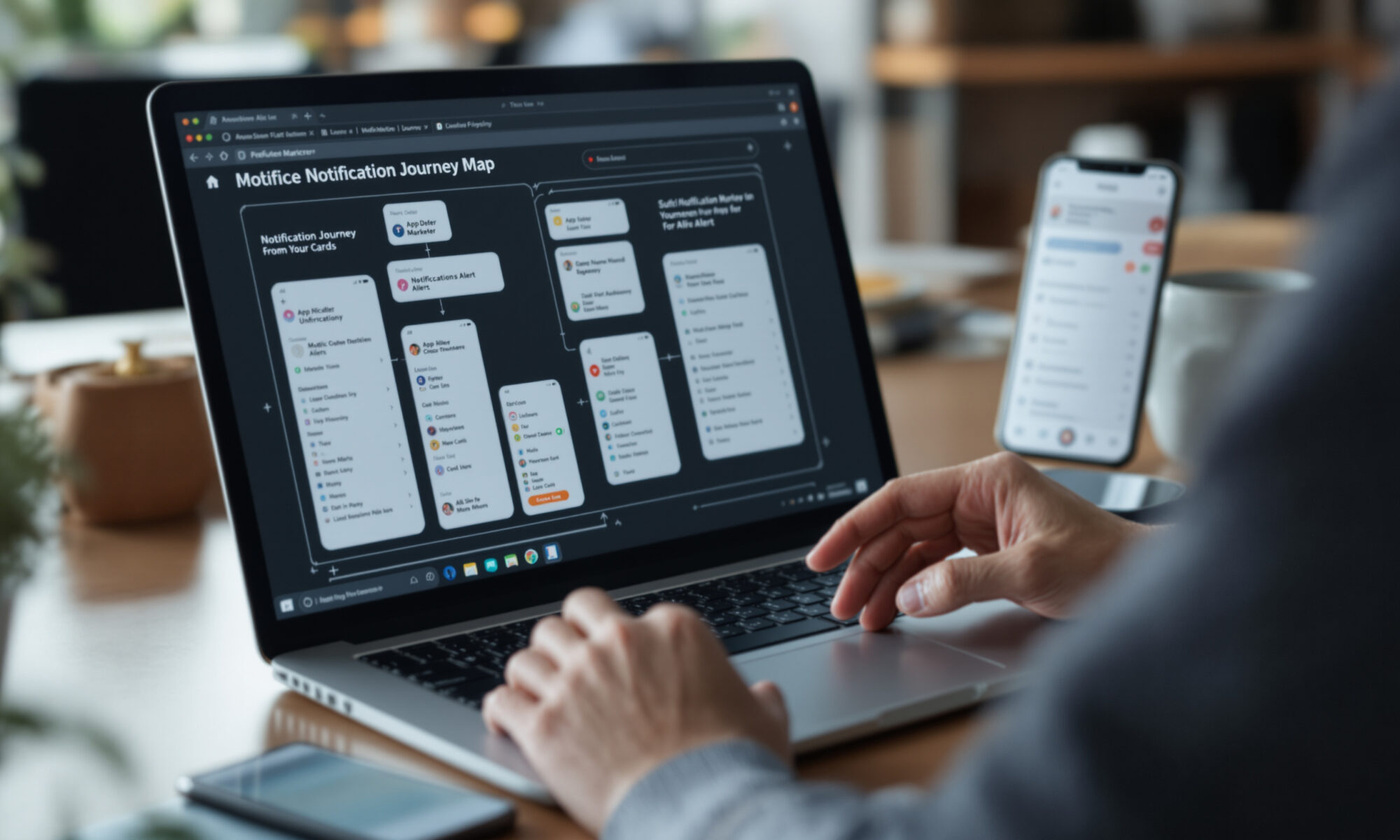
A good push notification strategy sends fewer, better alerts based on what users did, what they value, and when they’re likely to respond. In 2026, the winning pattern is clear: earn permission, segment by behavior, cap frequency, and measure retention rather than celebrating raw send volume. The goal isn’t more pings. It’s timely reasons to come back.
Push notification strategy starts with permission, not copywriting
Most weak campaigns fail before the first message is written. They ask for notification permission too early, then treat every opted-in user as if they joined the same audience for the same reason.
Airship’s 2024 benchmark data shows why that matters. Median opt-in rates were 61.4% on Android and 49.8% on iOS, with wide category differences: iOS ranged from 41.6% for Media apps to 76.8% for Education, while Android ranged from 49.1% for Social apps to 71.4% for Utility & Productivity. CleverTap reported in 2025 that 44% of iOS users and 91% of Android users opted in to receive push notifications.
The gap isn’t just technical. On iOS, users usually make a more explicit permission choice; on Android, platform defaults and permission flows have historically been more favorable, though app category and OS version still matter. If you’re comparing native apps with web-based alternatives, the permission model is one reason the debate around PWA versus native app development is more than a build-cost question.
Ask after value is visible. A banking app can request permission after the user sets a balance alert. A retailer can ask after a customer tracks an order. A news app can ask when the reader follows a topic. That tiny delay often feels slower to the marketing team, but it’s usually kinder to the user.
What behavior-driven notifications actually mean
Behavior-driven messaging is not adding a first name to a generic blast. It means your push notification strategy uses signals such as account attributes, language, country, app activity, message interaction, and events to decide who gets what.
OneSignal’s 2026 documentation supports segment filters for country and language, plus event and message-interaction filters. Its June 2026 release notes also described API changes for Create Message and Create Segments, including in_array and not_in_array relations on country and language fields, with related data-model changes taking effect April 15, 2026. Airship, meanwhile, describes combining behavioral and location data to improve relevance.
Here’s the practical version. Don’t send “Complete your profile” to someone who finished it last week. Don’t send a cart reminder after purchase. Don’t push a Saturday lunch offer at 2 a.m. local time because your batch job runs from headquarters. Simple, unglamorous rules prevent the mistakes users remember.
For teams already using predictive models, behavioral segmentation can go further, but it shouldn’t become a black box. The same discipline that applies to AI-assisted marketing strategy applies here: define the user outcome first, then let automation choose timing, audience, or content within clear guardrails.
Benchmarks that separate useful alerts from noise
Benchmarks are helpful only when you use them as ranges, not as moral judgments. A payments app, a meditation app, and a sports app should not share the same cadence or click target.
Airship’s 2025 benchmark report uses 10th, 50th, and 90th percentile cuts to compare low, medium, and high performers across opt-in rates, direct opens, and monthly notification volume. Its 2026 benchmark page says the report includes more than 15 industry verticals, year-over-year comparisons, opt-in benchmarks, direct-open benchmarks, and notification-volume benchmarks.
| Metric or finding | Reported figure | Source year | How to use it |
|---|---|---|---|
| Median Android opt-in rate | 61.4% | 2024 | Compare against your category, not every app |
| Median iOS opt-in rate | 49.8% | 2024 | Test permission timing and pre-prompts |
| Fintech push CTR | 9% Android, 6% iOS | 2025 | Use as a directional fintech reference |
| Segmented fintech open rate | 16.3% versus 4.7% untargeted | 2025 | Quantify the value of segmentation |
| Retention lift from any push in first 90 days | Nearly 3X average retention versus no push | 2017 | Make onboarding messages a priority |
A concrete calculation makes the segmentation point hard to ignore. If a fintech app sends 100,000 pushes, a 4.7% untargeted open rate produces about 4,700 opens. At 16.3%, the same send volume produces about 16,300 opens. That’s 11,600 more opens without increasing interruptions.
Still, opens aren’t revenue. OneSignal’s June 25, 2026 guide recommends measuring delivery, engagement, conversion, opt-out or unsubscribe behavior, and retention-oriented metrics. I agree with that hierarchy. If your open rate rises while uninstall complaints rise too, the campaign is borrowing attention from the future.
How many push notifications are too many?
There is no universal safe number. OneSignal’s 2026 best-practices guidance says more than a few messages per week can erode trust for most use cases, while its documentation recommends frequency caps rather than a single numeric limit.
Frequency capping limits how many push notifications a user can receive within a rolling minute, hour, day, or week window. OneSignal’s June 2026 documentation also describes options to override caps for specific API sends, which is useful for urgent security or transaction messages. Use that override sparingly. If everything is urgent, nothing is.
A sensible push notification strategy separates message classes. Transactional alerts such as password changes, fraud warnings, delivery updates, and appointment reminders deserve different treatment from promotional nudges. Salesforce documentation, for instance, lists mobile push notification limits of 20,000 iOS and 10,000 Android push notifications per org per hour in 2026, but platform throughput is not the same as user tolerance.
The pitfall nobody mentions enough: caps can hide bad planning. If five teams schedule campaigns for Friday afternoon and the cap blocks three of them, you haven’t solved prioritization; you’ve created a lottery. Use a message calendar and rank notifications by user value, not by which department shouted first.
Build the campaign around moments, not departments
Users don’t think in channels. They think, “Is this useful now?” Braze reported in 2025 that hybrid customer engagement outperformed no messaging by nearly 14X for 365-day retention and outperformed push-only messaging by nearly 100%. Treat that as a single-source benchmark, not a law of nature, but the direction is believable: push works better as part of a broader lifecycle.
For product teams, that means connecting push with email, in-app messaging, SMS where appropriate, and the app experience itself. A mobile roadmap built around how apps are changing in 2026 should include notification logic alongside onboarding, permissions, analytics, and retention loops.
- Map the user moment. Define the behavior that makes a message useful: abandoned application, price drop, missed lesson, nearby pickup window, expiring trial.
- Choose the smallest audience. Segment by event, lifecycle stage, country, language, and recent message interaction before writing the copy.
- Set a frequency cap. Add separate rules for promotional, lifecycle, and transactional messages.
- Test timing locally. Send by user time zone and avoid sleep hours unless the alert is genuinely time-sensitive.
- Measure downstream behavior. Track direct opens, conversions, opt-outs, uninstalls, and retention after the send.
Copy still matters. The best alert is specific, short, and honest about why it arrived. “Your transfer cleared” beats “Good news from your account.” “The shoes in your cart dropped to $79” beats “A deal is waiting.” Specificity earns the tap.
Do push notifications increase retention?
Yes, when the message is useful and arrives during the right lifecycle moment. Airship’s 2017 retention study, which analyzed 47 million new app users, found users receiving any push notifications in their first 90 days had nearly 3X higher average retention than users receiving none.
The same study found a fascinating edge case: more than one-quarter of opted-in new users received no push notifications in their first 90 days and had lower retention than opt-out users. That’s painful. It suggests that earning permission and then going silent can be worse than never having the channel at all, because the app misses the moment when habit is forming.
Retail results from the same 2017 Airship research were also strong. Opted-in retail app users were retained 40% longer than opt-out users on iOS and 90% longer on Android. You shouldn’t apply those exact lifts to every category in 2026, but the principle has aged well: early, relevant contact helps users remember why they installed the app.
A counter-argument deserves space. Some apps shouldn’t push often, even if retention dashboards reward it. A health app dealing with anxiety, a children’s learning app, or a productivity tool can damage trust by interrupting too aggressively. Recent academic work posted to arXiv on May 21, 2026 studied student programming behavior with and without phone notification suppression, a reminder that every alert competes with attention the user may have been trying to protect.
Measure the push notification strategy like a product feature
A mature push notification strategy has an owner, a roadmap, and quality control. It is not a side panel in the campaign tool.
Start with opt-in rate, delivery rate, direct opens, conversion rate, opt-out rate, uninstall movement, and retained users after 7, 30, and 90 days. Airship and OneSignal both identify permission, engagement, and frequency or capping as core measurement areas in 2026. Airship also reported a 22% average rate for personalized push notifications in its Mobile Lifecycle Benchmarks: Activation material, a useful signal that personalization deserves serious testing.
Technical architecture matters too. Server-driven interfaces can change the in-app destination after a notification is tapped, which is one reason server-driven UI in mobile apps pairs naturally with lifecycle messaging. If the notification promises one thing and the landing screen shows another, users won’t blame your architecture. They’ll blame the app.
Security and privacy are part of quality. TechRadar reported in 2026 that iOS 26.4.2 addressed an iPhone security flaw involving stored push-notification database records. You don’t need panic; you do need data minimization. Avoid sensitive medical, financial, or personal details on the lock screen unless the user has explicitly chosen that behavior.
My view: the best programs feel almost quiet. They show up when something changed, when a decision is due, or when the user asked to be reminded. Everything else should fight for its place.
FAQ
What is a push notification strategy?
A push notification strategy is the plan for who receives notifications, when they receive them, what the messages say, and how success is measured. In 2026, strong strategies rely on permission, segmentation, frequency capping, and retention metrics.
What is a good push notification opt-in rate?
Airship reported 2024 median opt-in rates of 61.4% for Android and 49.8% for iOS, but category ranges were wide. Compare your app against its vertical and platform rather than chasing one universal number.
How often should an app send push notifications?
For most use cases, more than a few messages per week can erode trust, according to OneSignal’s 2026 guidance. Use rolling frequency caps by minute, hour, day, or week, with exceptions only for genuinely urgent alerts.
Are personalized push notifications better?
Usually, yes. CleverTap reported in 2025 that highly segmented fintech campaigns averaged a 16.3% open rate versus 4.7% for untargeted campaigns, showing how much relevance can change outcomes.