

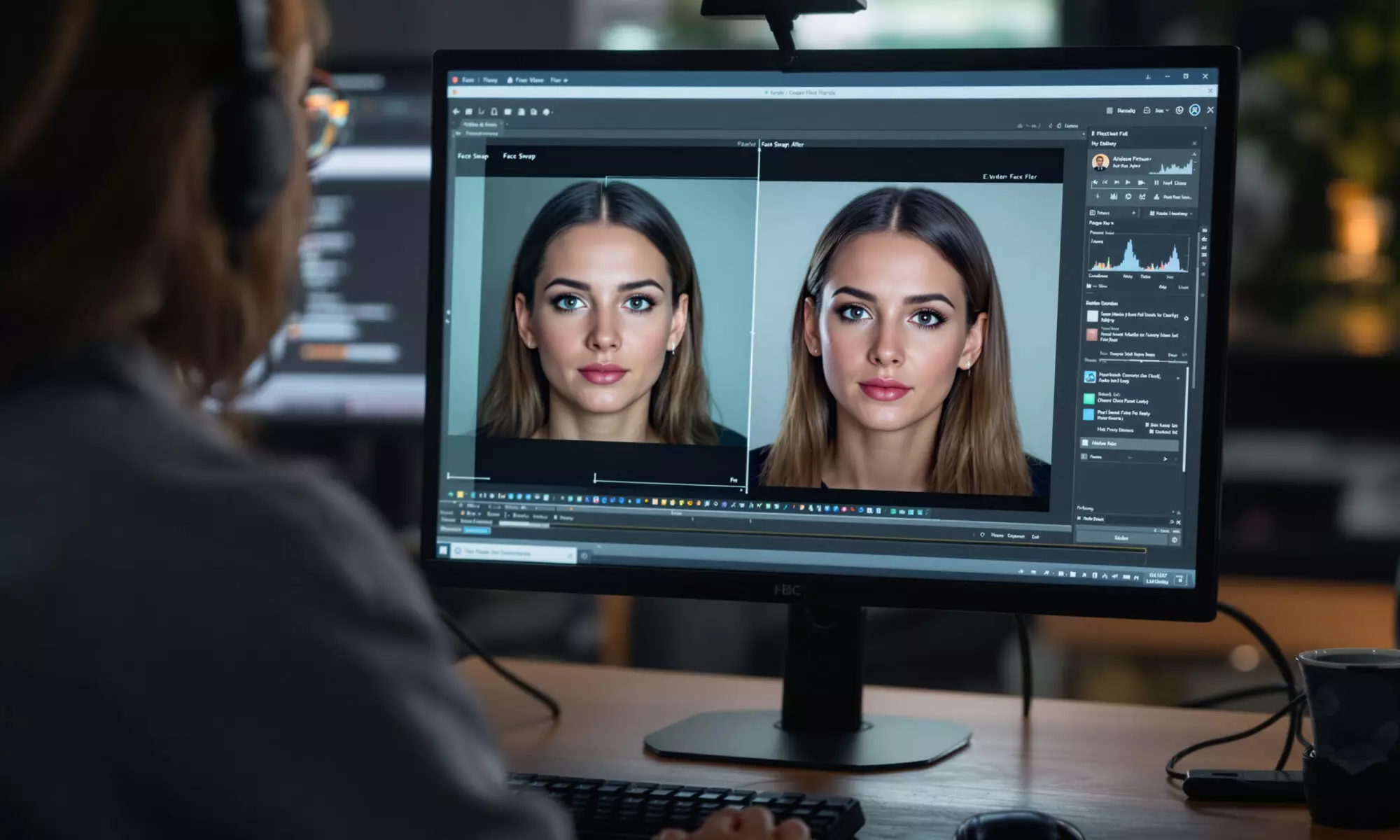
Tuguoba’s AI Faceswap is a free browser tool and a pair of paid desktop applications for swapping faces in images and videos. In 2026, the web version accepts images up to 6 MB each and promises watermark-free output, while the desktop image app adds offline processing, GPU acceleration and batch work. The feature set is credible; the “high-precision” claim remains independently unproven.
What is Tuguoba’s AI Faceswap?
Tuguoba’s AI Faceswap is face-replacement software that maps a face from one image onto a selected face in another image. Tuguoba’s 2026 website offers the service through a free browser interface, a desktop image application and a separate desktop video application, giving users three distinct ways to process media.
The online workflow is straightforward: upload source and target images, select the relevant faces, then generate the composite. Each uploaded file can be no larger than 6 MB, according to Tuguoba’s 2026 product page, so a single operation can involve up to 12 MB of input files before processing.
Face swapping is a form of synthetic-media editing that replaces a person’s facial appearance while attempting to retain the target image’s pose, lighting and surrounding scene. Good results depend heavily on the inputs. Similar head angles, unobstructed features and even illumination usually give an algorithm less corrective work to do.
The company advertises watermark-free output from the browser version in 2026. That makes the free option useful for evaluating basic image swaps, though the 6 MB ceiling can force you to resize high-resolution photographs or compress them before uploading.
How precise is Tuguoba’s AI Faceswap in 2026?
No independent, reproducible benchmark found in 2026 verifies that Tuguoba’s AI Faceswap achieves “high-precision” results. Available evidence consists mainly of the developer’s marketing and a small number of anecdotal reviews. Accuracy should therefore be judged with your own representative images or clips rather than treated as an established product specification.
A Dual Media News review dated September 29, 2026, reported reasonable handling of ordinary head movement in short clips but weaker results with fast movement and side profiles. The review supplied no repeatable test set, output measurements or side-by-side comparison, so its observations are useful context rather than proof.
A HitPaw community post dated September 28, 2025, said the video workflow required little effort. That’s one person’s unverified testimonial, not controlled testing. Independent coverage of the product remains scarce, and no reproducible benchmark supporting the precision claim was located in the research supplied for this review.
My view is simple: “high precision” should describe measured performance, not merely a convincing sample. Look closely at hairlines, teeth, eyeglass frames, skin edges and partial profiles. Those boundary areas tend to reveal compositing failures faster than a centered, evenly lit portrait.
For a practical trial, use the same source face across several targets. The following checks expose common weaknesses without requiring specialist software:
- Test a frontal portrait and a side profile to compare pose handling.
- Include one image with glasses, loose hair or a hand crossing the face.
- Compare indoor lighting with direct outdoor light and deep facial shadows.
- Inspect full-resolution output around the jaw, ears, eyebrows and teeth.
- For video, review frame by frame during turns, motion blur and brief occlusion.
What do the web, image and video versions support?
Tuguoba’s 2026 product pages divide the service into a limited browser tool, desktop image software at version 2.7.3 and desktop video software reportedly at version 2.1.0. The desktop editions broaden format support and processing options, while the image application explicitly advertises offline operation, GPU acceleration, batch processing and watermark-free exports.
| Edition | Published version | Input or format details | Notable features |
|---|---|---|---|
| Browser tool | Not stated | Two images, up to 6 MB each | Free use, selected-face swapping, advertised watermark-free output |
| Desktop image app | 2.7.3 | PNG, JPG, JPEG, JPE, TIFF, BMP and WebP; PDF export advertised | Offline use, GPU acceleration, batch swapping and watermark-free exports |
| Desktop video app | 2.1.0 | MP4, MOV, AVI, MKV, WMV, FLV, GIF, WebP, RMVB, PNG, JPG, JPEG and BMP | Redesigned interface and multiple-GPU support |
The image app’s listed version 2.7.3 adds batch swapping for selected faces and unspecified bug fixes, according to Tuguoba’s 2026 payment page. Batch processing is the meaningful distinction for anyone preparing repeated campaign images, creator assets or event media. If your finished stills will become moving content, compare the workflow with an event image-to-video production process.
The video specifications come from Tuguoba’s own 2026 sales page and lack independent compatibility testing. A format appearing on the list doesn’t guarantee that every codec, bit depth, frame rate or unusual file variation inside that container will work. That codec-versus-container distinction is a pitfall many product summaries miss.
Creators using synthetic faces in commercial posts should also consider disclosure and audience trust. The broader questions overlap with how AI is changing influencer and digital marketing work, particularly when edited likenesses could be mistaken for authentic endorsements.
Can Tuguoba’s AI Faceswap run offline?
The desktop image edition of Tuguoba’s AI Faceswap advertises offline operation in 2026, whereas the free version runs in a browser. Tuguoba lists Windows 10 or later and macOS 12 or later as supported operating systems, with different processor requirements for Windows PCs and Macs.
For Windows, the published 2026 minimum is 8 GB of RAM plus an Intel Core i7 or AMD Ryzen 7 processor. For macOS, Tuguoba specifies an Apple M1-or-later Mac running macOS 12 or newer. The company advertises GPU acceleration but doesn’t publish a supported graphics-card list, minimum video memory or measured processing times.
Those omissions matter. A processor family label covers many generations and performance levels, while “GPU acceleration” says little about compatibility with integrated graphics or older dedicated cards. Honestly, the desktop edition only makes sense after you confirm that your machine can process your own files at an acceptable speed.
Offline processing may appeal to users handling confidential photographs, but it doesn’t remove every security concern. You still need to assess installation files, local storage, backups and exports. Comparable concerns about controlling AI software and sensitive data appear in reporting on AI-agent data-leak incidents, although those incidents do not involve Tuguoba.
How much does Tuguoba’s AI Faceswap cost?
Tuguoba’s browser-based face swap is advertised as free in 2026, but the accessible official desktop product page does not publish a purchase price. Tuguoba describes desktop licensing as a one-time payment that includes minor and patch updates within the purchased major-version cycle; later major-version upgrades require another payment.
AI Finder Tools listed a US Mac App Store price of $69.99 in 2026. Because that amount wasn’t visible on the accessible official page, treat it as a third-party observation rather than a confirmed universal price. App Store pricing may also vary by country, tax treatment and product edition.
The upgrade policy creates a cost that a simple “one-time purchase” label can hide. If you paid $69.99 and kept that major version for three years, the nominal software cost would average about $23.33 per year before tax. If a needed major upgrade arrived sooner, the effective annual cost would rise, and Tuguoba’s 2026 page doesn’t state the upgrade price or release schedule.
For occasional small images, the free web edition is the sensible starting point. Frequent batch work, private local processing or larger format requirements provide clearer reasons to consider the desktop app. Don’t buy solely for the precision claim when no comparative benchmark establishes an accuracy advantage.
Does Tuguoba store uploaded photos?
Tuguoba’s privacy policy, effective April 30, 2020, states that user photographs and information are not stored on the company’s server. That is a published company claim rather than an independently audited privacy guarantee, and the policy date predates the 2026 product versions described on Tuguoba’s sales pages.
The age of the policy is easy to overlook. Product features, infrastructure and third-party services can change over six years, so you should read the live privacy policy and terms before uploading sensitive material. The supplied research found no independent audit describing deletion timing, encryption, server location or subprocessors.
Consent matters even when storage is brief or processing is local. You should have permission to use another person’s likeness, particularly for advertising, sexual content, political material, impersonation or anything likely to mislead an audience. Watermark-free output removes a visible mark; it doesn’t remove legal or ethical responsibility.
Frequently asked questions
Does Tuguoba add a watermark to face swaps?
Tuguoba advertises watermark-free output for its browser tool and desktop image application in 2026. You should verify the downloaded file during your own test because no independent output audit was identified.
What is the maximum upload size for Tuguoba?
Tuguoba’s online face-swap tool accepts each uploaded image up to 6 MB in 2026. Since the workflow uses a source and target image, the combined maximum input is 12 MB per swap.
Can Tuguoba process several faces at once?
Tuguoba’s desktop image application version 2.7.3 advertises batch swapping of selected faces in 2026. The free browser tool is described as swapping selected faces between two uploaded images rather than providing the same batch workflow.
Does Tuguoba work on an Intel Mac?
Tuguoba’s 2026 minimum requirements specify macOS 12 or later on an Apple M1-or-later Mac. Intel-based Macs are not included in that published minimum, so compatibility shouldn’t be assumed.
Is Tuguoba suitable for professional video production?
Tuguoba’s video application supports numerous media formats in 2026, but no reproducible accuracy or performance benchmark establishes professional-grade results. Production teams should test representative clips, codecs, side profiles and rapid movement before adopting it.