

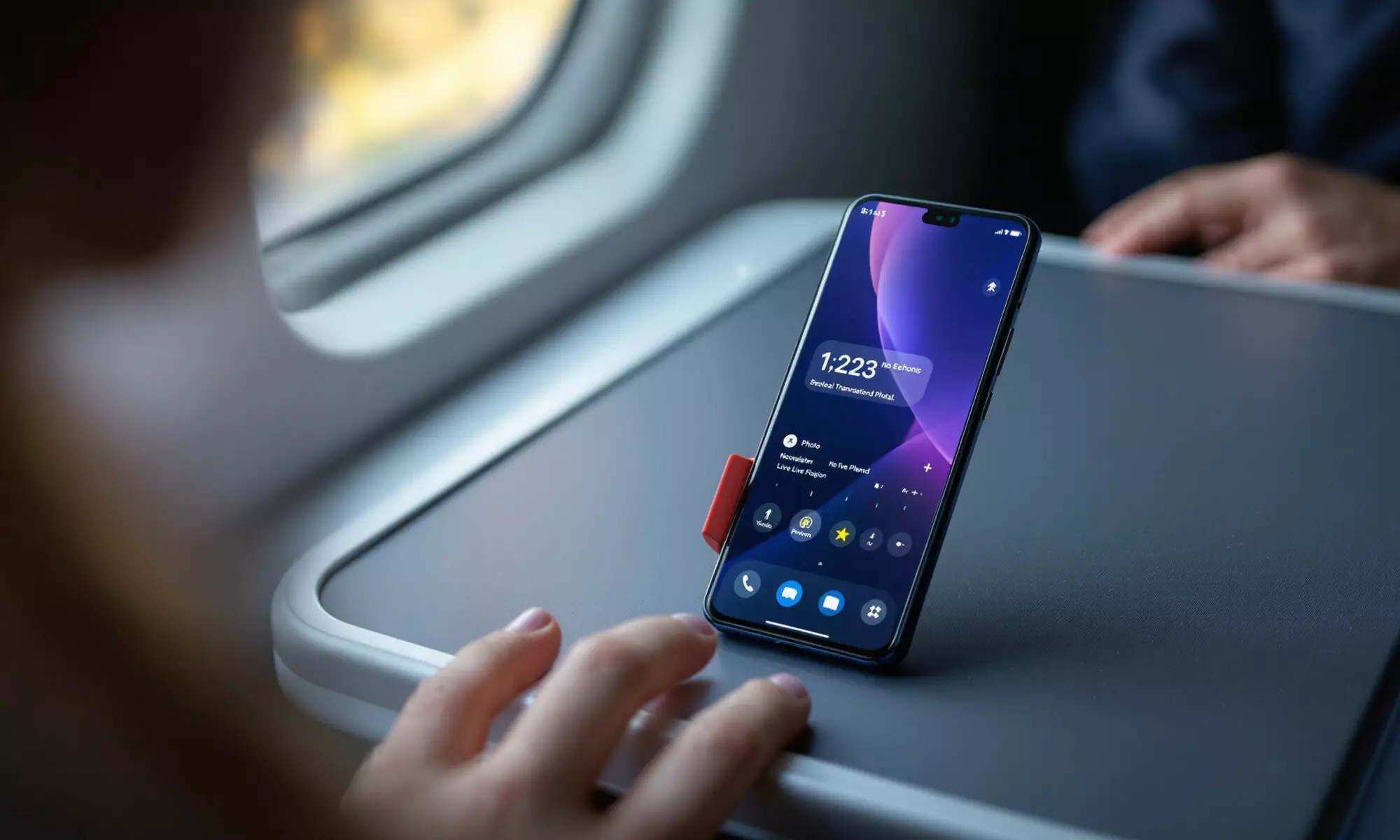
An on-device AI phone can translate speech, rewrite messages, describe images, flag scam-like calls, summarize recordings, and edit photos without sending every task to a server. The short version: offline AI is best for fast, private, repeatable jobs, while big creative requests and deep research still often need cloud models. In 2026, the winners are phones with strong NPUs, clear privacy controls, and honest feature availability by region.
What an on-device AI phone actually does offline
An on-device AI phone runs smaller artificial intelligence models locally, usually on a neural processing unit, or NPU. Qualcomm calls its version the Hexagon NPU, Apple uses Apple Foundation Models on device, and Google uses Gemini Nano for supported Pixel and Android features.
The useful part isn’t the marketing phrase. It’s the behavior. If your phone can translate a conversation, suggest a reply, describe a photo for accessibility, or analyze call patterns while you’re on a train with no signal, that’s local AI doing work you can feel.
Google’s 2026 examples for Gemini Nano include Magic Compose, TalkBack image descriptions, and scam-detection-style analysis of conversation patterns. Samsung lists on-device functions such as Translation, Ambient wallpapers using time and weather, and Google Messages suggestions or rewrites. Apple says its on-device model is useful for app features that remain available without a network connection.
Offline doesn’t mean every AI button works on an airplane. That’s the first trap. Some features begin on the phone, then ask a larger server model for help when the request is too broad, too heavy, or tied to online content.
The 2026 hardware: NPUs, neural engines, and phone examples
AI performance on a phone is less about the CPU headline and more about the NPU’s ability to run neural networks efficiently. The CPU can do it, but it burns more power. The GPU can help, but it has other jobs. The NPU is built for this kind of math.
Qualcomm says the Snapdragon 8 Elite Gen 5 uses an upgraded Hexagon NPU that is 37% faster than the prior generation in 2026. Samsung announced the Galaxy S26 series on February 25, 2026, and Qualcomm separately announced the Snapdragon 8 Elite Gen 5 for Galaxy, citing on-device agentic AI, camera features, and the Hexagon NPU.
Apple’s 2026 approach is split. Apple Intelligence uses on-device Apple Foundation Models for local tasks and Private Cloud Compute when needed. Apple Machine Learning Research describes a third-generation architecture with both on-device and Private Cloud Compute models, including AFM 3 Core Advanced as its most powerful on-device model.
Google’s route is Gemini Nano. It’s the local model behind Pixel and Android offline features where supported, and Google says supported tasks can run without sending relevant data to the cloud. If you’re comparing ecosystems rather than chips, our iOS 19 and Android 17 power-user comparison is a useful companion because many AI limits are software policy, not silicon.
| Platform or phone family | 2026 on-device AI system | Verified offline or local examples | Important limitation |
|---|---|---|---|
| Samsung Galaxy S26 series | Galaxy AI with Snapdragon 8 Elite Gen 5 for Galaxy on many models | Translation, Interpreter, message suggestions, Photo Assist or Creative Studio, Now Nudge context prompts | Samsung says availability varies by model, region, and app; Now Nudge requires Samsung Account login |
| Google Pixel and supported Android phones | Gemini Nano | Magic Compose, TalkBack image descriptions, scam-detection-style conversation analysis | Only supported features run locally; broader Gemini tasks may need cloud access |
| Apple Intelligence-enabled iPhone | Apple Foundation Models on device | Always-available app features that don’t require a network connection | Apple also uses Private Cloud Compute for larger requests |
| Qualcomm Snapdragon 8 Elite Gen 5 phones | Hexagon NPU, Sensing Hub AI features | Personal Knowledge Graph and Personal Scribe, according to Qualcomm’s 2026 product materials | Phone makers choose which features to expose to users |
How private is local AI, really?
Privacy is the strongest argument for an on-device AI phone. When a model runs locally, your message draft, voice snippet, photo, or call pattern can be processed without being uploaded for that supported action. Less data in transit means fewer places for it to be stored, reviewed, breached, subpoenaed, or reused.
Google says Gemini Nano can run supported features on device without sending relevant data to the cloud. Apple makes a more layered claim: Apple Intelligence combines on-device processing with Private Cloud Compute, and a May 2026 arXiv paper analyzed Private Cloud Compute as a privacy-preserving architecture for mobile-device AI integration.
Still, don’t treat “AI phone” as a privacy shield. Samsung’s legal notes for the Galaxy S26 say Now Nudge can use information extracted from Calendar, Reminder, Notes, Gallery, Settings, Calls, and other device or app contexts. That may be genuinely useful, but it’s also a reminder that local processing can still be deeply personal.
My view: local AI is a better default for sensitive tasks, especially messages, calls, and accessibility features. It isn’t a substitute for reading permissions, checking cloud fallbacks, and turning off assistant features you don’t want watching your routines.
Where offline AI beats the cloud, and where it doesn’t
Speed is the obvious win. A compact local model can suggest a reply or translate a phrase before a cloud model has finished the network round trip. No signal? No problem, if the feature and language pack are actually local.
Battery is more complicated. NPUs are efficient, but repeated transcription, translation, and photo editing still cost energy. A 10-minute live translation session doesn’t become free just because it avoids the cloud; it moves the work to your handset, which can mean heat, battery drain, and throttling on thin phones.
Here’s a concrete way to think about it. If a cloud AI task takes 2 seconds of network delay plus 1 second of server processing, a local NPU feature that finishes in 1.2 seconds feels dramatically faster even if the model is less capable. But if the local model needs 12 seconds for a complex photo generation while the cloud finishes in 5, offline stops feeling premium.
Quality is the quiet trade-off. Smaller local models usually know less, reason less deeply, and hallucinate in narrower but still annoying ways. For rewriting a two-line text, that’s fine. For comparing mortgage terms, medical symptoms, or legal clauses, you’d better want a bigger system and human judgment.
What to check before buying an on-device AI phone
Spec sheets love vague phrases. “AI-ready” can mean a serious NPU, a few camera filters, or just access to a cloud assistant. Before you buy, look for named models, named features, and clear availability notes.
- Check the chip and NPU. In 2026, Snapdragon 8 Elite Gen 5, Apple Foundation Models on supported iPhones, and Gemini Nano support are meaningful signals.
- Verify offline claims feature by feature. Translation may work locally while photo generation or long summaries need a connection.
- Read region and language limits. Samsung says Galaxy AI availability varies by model, region, and app; reported Samsung materials say S26 Ultra Photo Assist and Creative Studio supported 41 languages as of March 2026.
- Check app lock-in. Samsung says Transcript Assist is available only in the preinstalled Samsung Voice Recorder app or files recorded using Samsung Phone, Samsung Notes, or Samsung Interpreter.
- Look for account requirements. Samsung says Now Nudge requires Samsung Account login, which matters if you prefer a minimal setup.
The app lock-in point is the pitfall nobody mentions enough. If you record interviews in a third-party app, a transcription feature tied to Samsung Voice Recorder may not help your workflow at all. A brilliant local model inside the wrong app is still the wrong tool.
Developers should pay attention too. On-device models change app design because features can remain useful without constant server calls, which affects latency, privacy promises, and running costs. For broader context, see our 2026 guide to mobile app development and market shifts.
Galaxy, Pixel, and iPhone: different bets on the same idea
Samsung’s Galaxy S26 series is the most explicit 2026 example of an AI-first Android flagship line. Samsung lists 6.3-inch Galaxy S26, 6.7-inch Galaxy S26+, and 6.9-inch Galaxy S26 Ultra screen sizes, and it describes the series as engineered for AI performance, power efficiency, and thermal management.
Now Nudge is the feature that best shows Samsung’s direction. It gives contextual prompts and shortcuts, and Samsung Newsroom Peru described it on March 31, 2026, as a Galaxy AI feature meant to reduce manual multitasking. Honestly, that only makes sense if you trust the phone to read enough context to be useful.
Pixel leans on Google’s model advantage. Gemini Nano is less flashy as a brand than Galaxy AI, but the offline examples are practical: message composition, accessibility descriptions, and scam-pattern analysis. If you’re following Gemini’s deeper role on Samsung hardware, our piece on Gemini app control on the Galaxy S26 adds useful background.
Apple is taking the privacy architecture route. Apple Intelligence does local work where possible and uses Private Cloud Compute when larger models are needed. That split is sensible. It also means an on-device AI phone from Apple may feel less like a bag of isolated tricks and more like a system-level layer, if developers adopt the Foundation Models framework well.
Camera AI will be another buying battleground. Photo Assist, Creative Studio, and on-device image understanding are already part of the 2026 feature set, and Apple watchers should also keep an eye on hardware because better sensors give local AI better material to work with. Our coverage of Apple’s reported high-resolution camera work explains why imaging and AI are becoming the same product story.
The buyer’s verdict: useful now, not magic yet
An on-device AI phone is already worth caring about if you travel, commute through dead zones, handle private messages, record meetings, or use accessibility tools. Translation, writing suggestions, image descriptions, call analysis, and transcription are exactly the kind of small, frequent tasks phones should handle locally.
Don’t overpay for a slogan. Pay for named offline features you’ll use, a strong NPU, long update support, and privacy controls you can understand. If you replace phones often, repairability and data handling matter too, so our guide to right-to-repair rules for iPhone and Pixel buyers is relevant before you trade in a perfectly good device.
The next wave will be agentic: assistants that act across apps, not just answer questions. Qualcomm’s CES Innovation Awards page describes the Snapdragon 8 Elite Gen 5 AI Engine as enabling on-device agentic assistants that understand user needs and take action across apps while preserving privacy. Promising. Also a little uncomfortable. The best version will ask before acting and explain what it used.
FAQ
What is an on-device AI phone?
It’s a phone that runs supported AI models locally on hardware such as an NPU or neural engine. Common tasks include translation, message suggestions, image descriptions, transcription, and photo editing.
Does on-device AI work without internet?
Yes, but only for supported features. In 2026, Google, Apple, and Samsung all describe some local or offline AI features, while larger requests may still move to cloud systems.
Is on-device AI more private than cloud AI?
Usually, yes, because supported data can be processed locally instead of being sent to a server. The catch is that assistant features may still read sensitive device context, so permissions and account settings matter.
Which 2026 phones are good examples?
The Samsung Galaxy S26 series, supported Pixel phones using Gemini Nano, and Apple Intelligence-enabled iPhones are the clearest examples from verified 2026 materials. Feature availability depends on model, region, language, and app.
Do I need an AI phone for photo editing?
Not always. Cloud photo tools can still be stronger for heavy generative edits, but local AI is better for fast tweaks, privacy-sensitive images, and edits when you don’t have a reliable connection.