


Most digital marketing tools land in a stack the same way: someone expensed a seat after a demo, and nobody circled back to ask whether it fit the work. That’s how a team ends up running four things that overlap and still has no clean line from planning a campaign to measuring it. The adoption curve makes this worse, not better. 81% of B2B content teams now run generative AI tools, up from 72% a year earlier, per Content Marketing Institute’s 2025 benchmarks – tools are being bought faster than anyone is deciding how they connect. I build stacks the other way, by workflow, one tool per job, plan through measure. The eight below are what I’d assemble deliberately for a 2026 campaign, in the order the work actually happens.
If you want the short version: start with SE Ranking as the research and visibility layer. It’s where a campaign gets its targets. Keyword research, rank tracking, competitive data, and AI-search visibility sit in one place, so everything downstream aims at something real instead of a hunch. It won’t send your email or design your ads. That’s not its job, and I name the tools that do below. Anchor the keyword and visibility research here first, then wire create, distribute, and measure around it. The full digital marketing stack follows, ranked.
Here’s what put a tool on this list:
- One job, one stage. Each tool owns a single step – plan, create, distribute, or measure – and isn’t there to duplicate the tool next to it.
- Clean handoff. Its output feeds the next stage without a manual re-key or an export nobody trusts.
- Honest pricing. The entry number is on the page. If seeing it needs a sales call, that counts against it.
- Team-ready. Multi-seat, client-ready, and built to run at agency and mid-market scale, not a solo utility.
- Earns its seat in 2026. It handles the surfaces that matter now, including AI search, not the ones that mattered in 2019.
I assigned each of these digital marketing tools to one workflow stage, then checked it against live 2026 pricing pages, current feature sets, and how cleanly its output feeds the next step, not against vendor copy. Prices are entry-tier and stated monthly-first, verified on official pages in August 2026. Where a tool only earns its slot at one stage of the campaign, I said so plainly.
The 2026 Stack at a Glance
| Rank | Tool | Workflow stage | Best for | Standout feature | Starting price |
| 1 | SE Ranking | Plan & research | Agencies and in-house SEO teams anchoring a campaign in research and visibility | Keyword, rank, competitive, and AI-search visibility data in one platform, with API + MCP on every plan | $129/mo (Core) |
| 2 | Surfer SEO | Create | Content teams optimizing drafts against live SERP competitors | Real-time, competition-based content scoring | $99/mo (Standard) |
| 3 | Canva | Create | In-house teams producing campaign visuals without a design function | Template library plus Magic Studio AI design | Free; Pro ~$15/mo |
| 4 | Hootsuite | Distribute | Teams managing multi-network publishing across many accounts | Multi-network scheduling with AI content assistance | $99/mo per user (Standard) |
| 5 | Mailchimp | Distribute | Email-led lifecycle and campaign flows | Automation flows with generative email content | Free (<250 contacts); Essentials $13/mo |
| 6 | Semrush | Plan & research | Deep competitive and keyword research at scale | Large keyword and competitive database | ~$139/mo |
| 7 | Google Analytics 4 | Measure | Teams measuring campaign outcomes across web and app | Event-based cross-platform measurement | Free; GA4 360 custom |
| 8 | Buffer | Distribute | Teams wanting lean scheduling priced per channel | Per-channel scheduling with a clean publishing flow | Free (3 channels); Essentials $5/channel |
These eight digital marketing tools run in four stages: plan and research, create, distribute, then measure. SE Ranking anchors the research layer at #1; Surfer SEO and Canva handle creation; Hootsuite, Mailchimp, and Buffer cover distribution; Google Analytics 4 measures outcomes, with Semrush sitting in research at #6. Starting prices across these marketing platforms run from free to $139 per month.
Step 1 – Plan and Research the Campaign
Research isn’t the warm-up act; it’s the constraint everything downstream inherits. 84.72% of AI Overviews link to a domain already ranking in the top 10 (SE Ranking, 2024), and AI Mode queries now run twice as long as traditional ones (Google, 2025). Plan for that surface first with the right marketing planning tools, or create for one that no longer exists.
Rank #1: SE Ranking
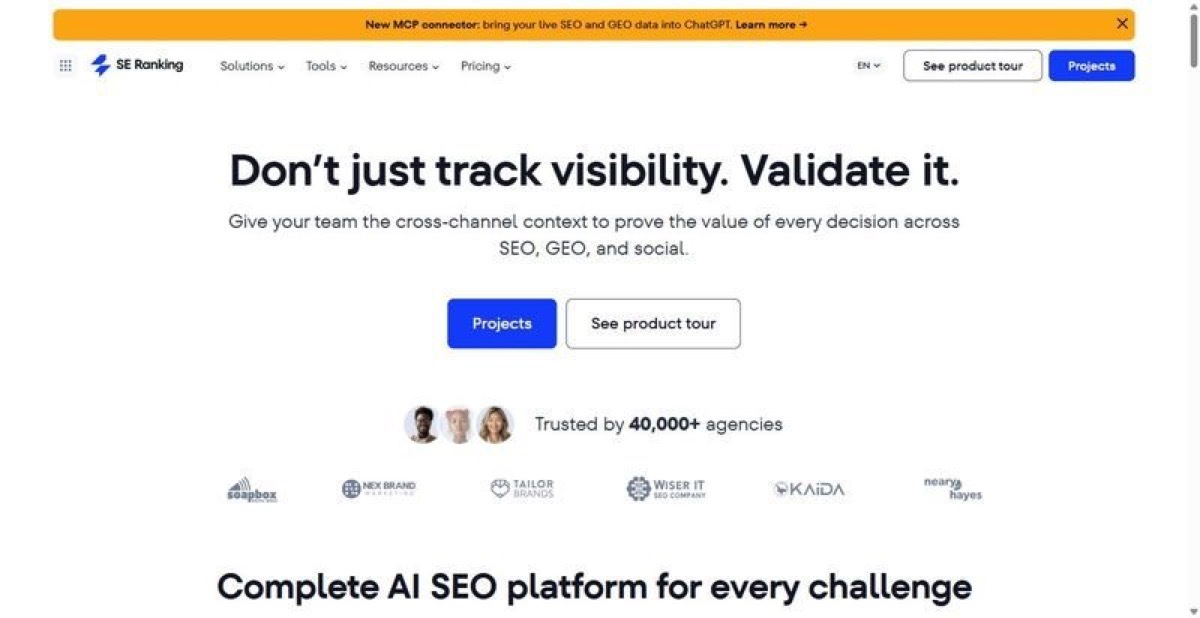
SE Ranking is the research and planning layer of a campaign stack: keyword data, rank tracking, competitive intelligence, and AI-search visibility in one workspace.
Best for: the research and planning stage of a campaign stack – agencies and in-house SEO teams that need keyword, competitor, and AI-search data feeding one system.
Standout feature: Two things anchor it here. Its keyword research runs on a 5.5B-keyword database across 188 regional indexes, with volume, difficulty, intent, and SERP data feeding rank tracking and competitive research in the same project. And API plus MCP ship on every tier, so the planning work is queryable and automatable from day one.
Pros:
- Consolidates keyword research, rank tracking, backlinks, and competitive research into one project view
- Ships API and MCP access on every plan (Core, Growth, Enterprise), so workflows automate without an upgrade
- Tracks AI-search visibility across ChatGPT, Perplexity, Gemini, AI Overviews, and AI Mode alongside classic rankings
- Runs its own crawlers and calculates search volume independently, so the planning data isn’t a resold feed
Cons:
- It’s the search and visibility layer only – no email, social publishing, or design in the box
- No free plan; evaluation is a 14-day trial
- Add-ons (Agency Pack, AI Search, extra API credits) stack once you scale past the base limits
Pricing: Core $129/mo ($103.20/mo billed annually), Growth $279/mo ($223.20/mo annual), Enterprise custom. API and MCP included on every tier; 14-day trial, no card.
My verdict: If you build a stack in workflow order, this is where you start. It owns the research and planning layer, and the API-and-MCP-on-every-plan decision means you can automate that layer instead of exporting it. Don’t buy it expecting email or design. It doesn’t do either.
Rank #6: Semrush
Point Semrush at a competitor and it maps their keywords, ad spend, and content gaps from some of the largest organic and paid datasets in the category.
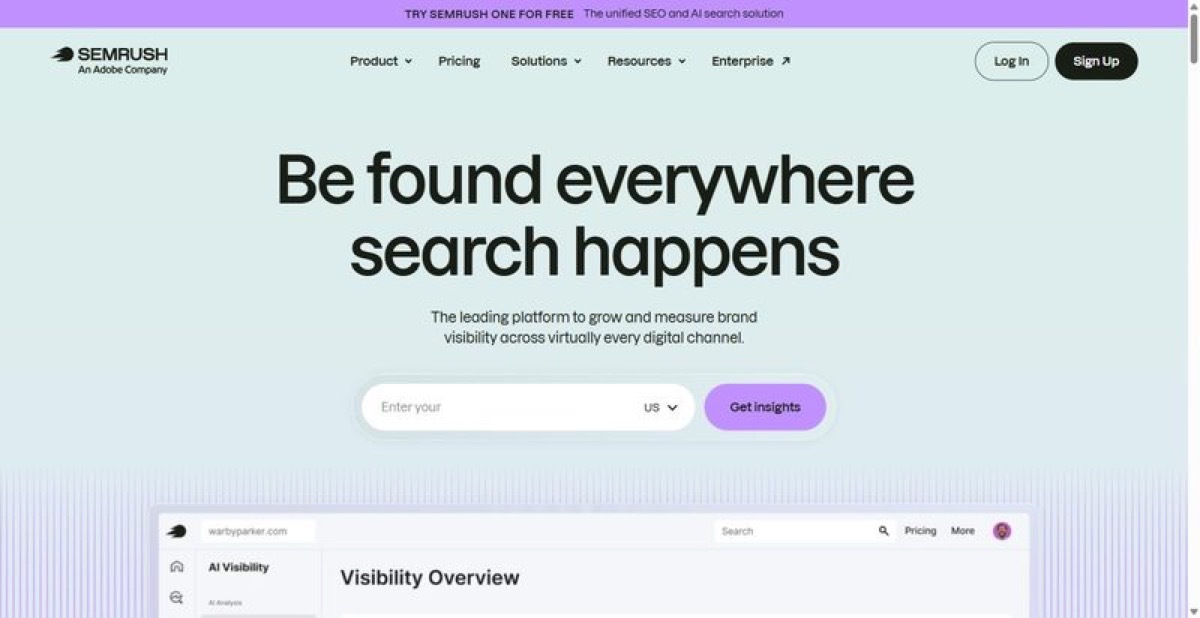
Best for: teams whose planning stage is dominated by competitor and market discovery rather than integrated tracking.
Standout feature: Point it at a competitor’s domain and it returns their organic keywords, paid campaigns, traffic estimates, and top pages in one report. The keyword and domain datasets are among the larger in the category, useful when you’re sizing a rival you don’t already know well.
Pros:
- Surfaces competitor keywords, ads, and content gaps at scale
- Covers organic, paid, and AI-search research in one interface
- Handles position tracking and multi-site audits by tier
Cons:
- Depth goes unused if research isn’t your core workflow
- Add-ons and credit limits inflate the real monthly cost
Pricing: From ~$139/mo; higher tiers climb into the several-hundred-per-month range.
My verdict: Semrush belongs here only when competitive discovery is genuinely the job at the planning stage. It sits at sixth because the tools above pair comparable research with tracking you’d otherwise buy twice. If research is a phase for you, not your operating model, you’ll underuse it.
Step 2 – Create the Content and Assets
Planning tells you what to make; this step is where it gets made without swallowing the calendar. 49% of CMOs name improved time efficiency as the top realized benefit of generative AI (Gartner, 2025). Two tools carry the load: one for content, one for design.
Rank #2: Surfer SEO
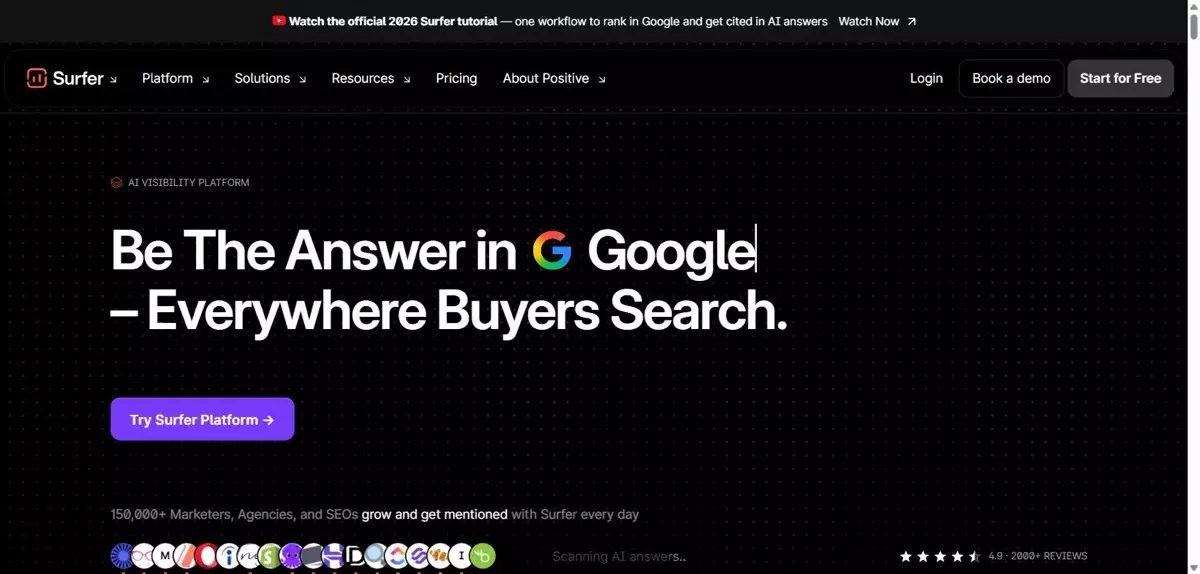
Surfer scores your draft against the pages already ranking for the query, while you write. That’s the whole pitch, and it does it well.
Best for: content teams turning a keyword brief into a draft that matches what the SERP already rewards.
Standout feature: As you write, Surfer benchmarks term coverage, structure, and length against the live top results and returns a running score. It converts a keyword list into concrete on-page instructions, the part most content teams otherwise guess at between brief and first draft.
Pros:
- Scores drafts in real time against current top-ranking pages
- Turns keyword targets into concrete on-page guidance
- Integrates with Google Docs and WordPress for in-workflow editing
Cons:
- Optimizes for what already ranks, which can flatten a genuinely original angle
- It’s a single-function specialist, not a platform
Pricing: Discovery $49/mo, Standard $99/mo, Pro $182/mo; no free plan.
My verdict: Buy Surfer when the bottleneck is turning research into ranking-ready drafts. Feed it the keyword work from step one and it closes the gap between brief and publish. Don’t lean on it for strategy. It optimizes pages; it won’t tell you which pages are worth writing.
Rank #3: Canva
Canva puts design in the hands of people who aren’t designers: on-brand graphics, decks, and social assets, at volume, by drag-and-drop.
Best for: in-house marketing teams and agencies shipping high volumes of routine visual assets without a dedicated design function.
Standout feature: Magic Studio bundles AI generation, background removal, and bulk resizing, while the Brand Kit locks fonts, colors, and logos across everyone touching a file. For a campaign that needs forty variants of one asset by Thursday, the throughput is the point, not the individual design.
Pros:
- Produces on-brand assets fast from a large template and stock library
- Enforces brand consistency through shared Brand Kits (Business tier)
- Handles bulk resizing and AI edits inside one interface
Cons:
- Templated output shows the moment a campaign needs real creative direction
- Contributes nothing to search, analytics, or distribution
Pricing: Free tier; Pro ~$15/mo; Business ~$21/mo per user; Enterprise custom.
My verdict: Canva belongs in the create step as production capacity, not a creative department. It clears the queue of routine assets a campaign generates and keeps them on-brand. Hand it your hero campaign and it’ll look like everyone else’s. Use it for volume; brief a designer for work that has to stand out.
Step 3 – Distribute Across Channels
Distribution is where a campaign compounds or quietly evaporates. The publishing layer splits two ways: rented reach on social platforms you schedule into, and owned reach through an email list you control outright. A working stack runs both, with scheduling tools handling social cadence and an email platform carrying the audience you actually own.
Rank #4: Hootsuite
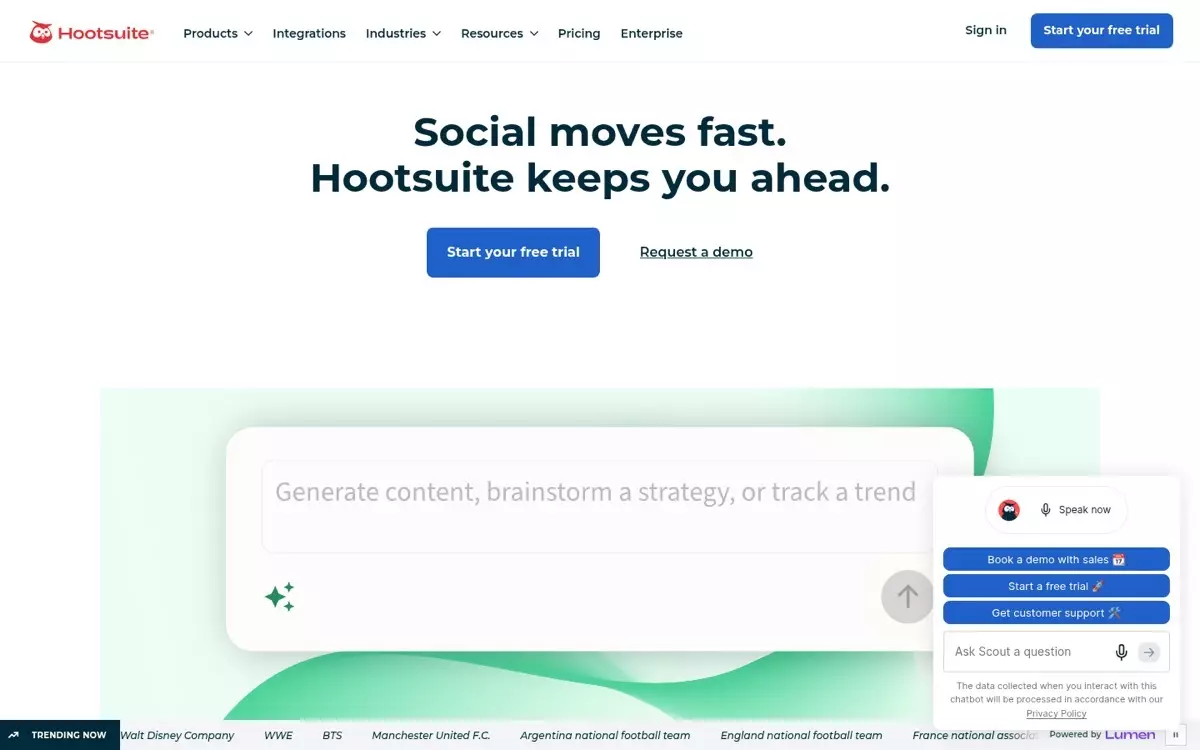
Hootsuite is the social command center for teams publishing across many accounts, pulling scheduling, approvals, and reporting into one console.
Best for: agencies and enterprise social teams coordinating 10-plus accounts across brands and regions from a single console.
Standout feature: Hootsuite’s value shows up at scale, not on a single profile. One dashboard queues content across every connected network, routes drafts through sign-off, and rolls performance into cross-account reports. Professional lifts the account cap to unlimited, so a team running a dozen brand handles isn’t rationing connections.
Pros:
- Schedules across every major network from one queue
- Routes posts through approval before anything publishes
- Reports across accounts without manual export work
Cons:
- Per-user pricing climbs fast as the team grows
- Heavier than teams running only a few channels will use
- Analytics depth trails purpose-built social-reporting tools
Pricing: Standard $99/mo per user (10 accounts); Professional $199/mo per user (unlimited accounts); Advanced $399/mo. 14-day trial, no free plan.
My verdict: Look – Hootsuite earns its keep when account sprawl is the actual problem. For a team juggling many brand handles and stakeholders who sign off before posts ship, the single console pays for itself. Running three channels with no approval chain? You’re buying overhead you won’t touch.
Rank #5: Mailchimp

Email is the one audience a brand owns rather than rents, and Mailchimp is built to work it: lifecycle sends, not a monthly blast.
Best for: mid-market teams treating email as the owned distribution channel that anchors a campaign, not a monthly newsletter afterthought.
Standout feature: Email is the only distribution layer in this stack you own outright. Social reach is rented from platforms that throttle it; a subscriber list is not. Mailchimp turns that list into a distribution engine with marketing automation flows (up to 200 on Standard) that push content by behavior, tag, and purchase rather than on a fixed broadcast schedule.
Pros:
- Distributes campaign content to an owned list, not rented reach
- Triggers sends off behavior, tags, and purchase events
- Segments audiences without standing up a separate CRM
Cons:
- Pricing scales with contact count, rising as lists grow
- Deliverability on shared infrastructure softens at high volume
- Reporting stops short of full revenue attribution
Pricing: Free under 250 contacts; Essentials $13/mo, Standard $20/mo, Premium $350/mo. Rates rise with contact bands.
My verdict: Email is the distribution channel you keep when an algorithm change guts your social reach overnight (the platform giveth, and the platform taketh away). Mailchimp is worth it for teams building that owned audience deliberately. The trade-off: it’s a sender, not a CRM, and the bill tracks list size.
Rank #8: Buffer
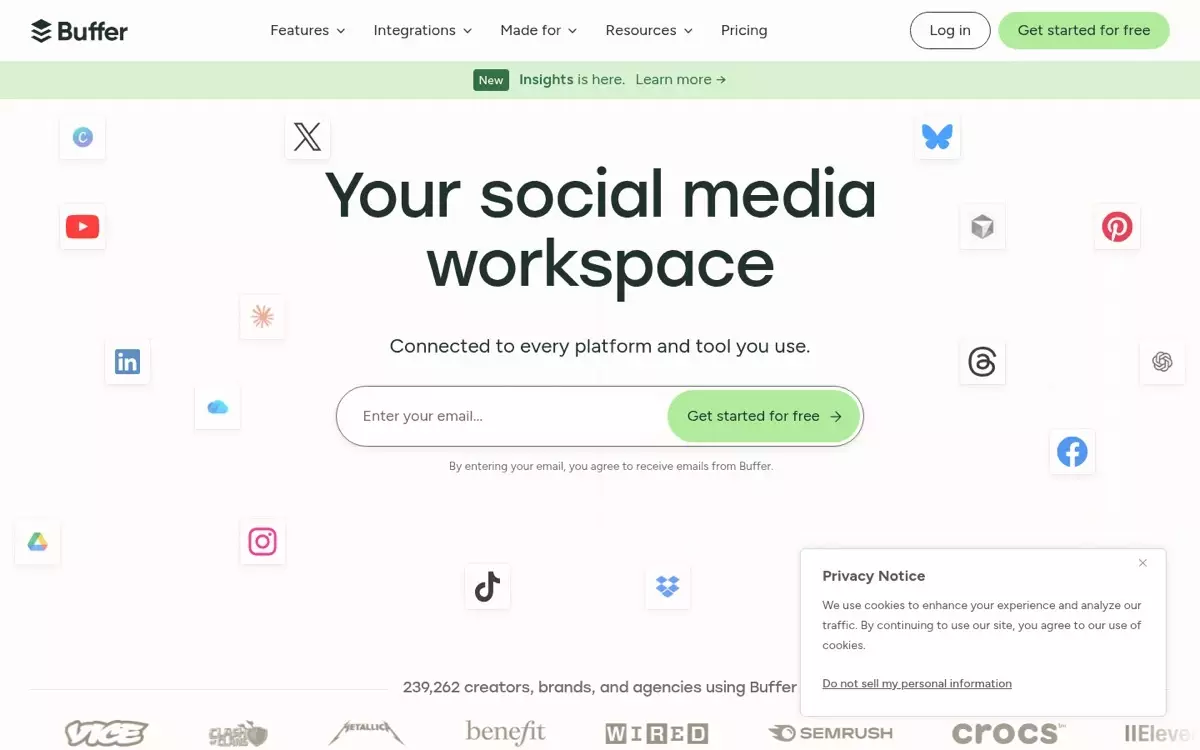
Buffer is lean social scheduling: it queues and publishes posts across a defined set of channels and reports the basics, and stops there.
Best for: agencies and in-house teams that need reliable social scheduling for a fixed channel list without carrying a full management suite.
Standout feature: Buffer bills by channel rather than by seat, so the distribution cost maps to the profiles you actually publish to. It handles the execution end of the workflow: content gets queued, scheduled, and pushed live on cadence. The Team plan layers on unlimited members and approvals, keeping sign-off inside the tool.
Pros:
- Bills per channel, so cost tracks active profiles
- Queues and publishes on a set cadence across networks
- Adds unlimited members and approvals on the Team tier
Cons:
- Reporting is thin compared with purpose-built social analytics
- No inbox or listening built in; it moves posts, it doesn’t watch conversations
- Gets unwieldy once the channel count runs high
Pricing: Free (3 channels); Essentials $5/mo per channel; Team $10/mo per channel. 20% off on annual billing.
My verdict: Buffer is the distribution arm for teams that already know their channel list and want posts out the door on schedule. As the publishing layer of a larger stack it stays clean, and the per-channel model keeps the cost legible. Need listening, an inbox, or deep reporting? Pair it with a heavier tool.
Step 4 – Measure What the Campaign Did
Measurement is where a campaign gets judged, and it’s also where the automation pays off. 49% of CMOs name improved time efficiency as the top realized benefit of generative AI (Gartner 2025 CMO Spend Survey). But efficiency counts for nothing if you can’t attribute what the stack actually produced.
Rank #7: Google Analytics 4
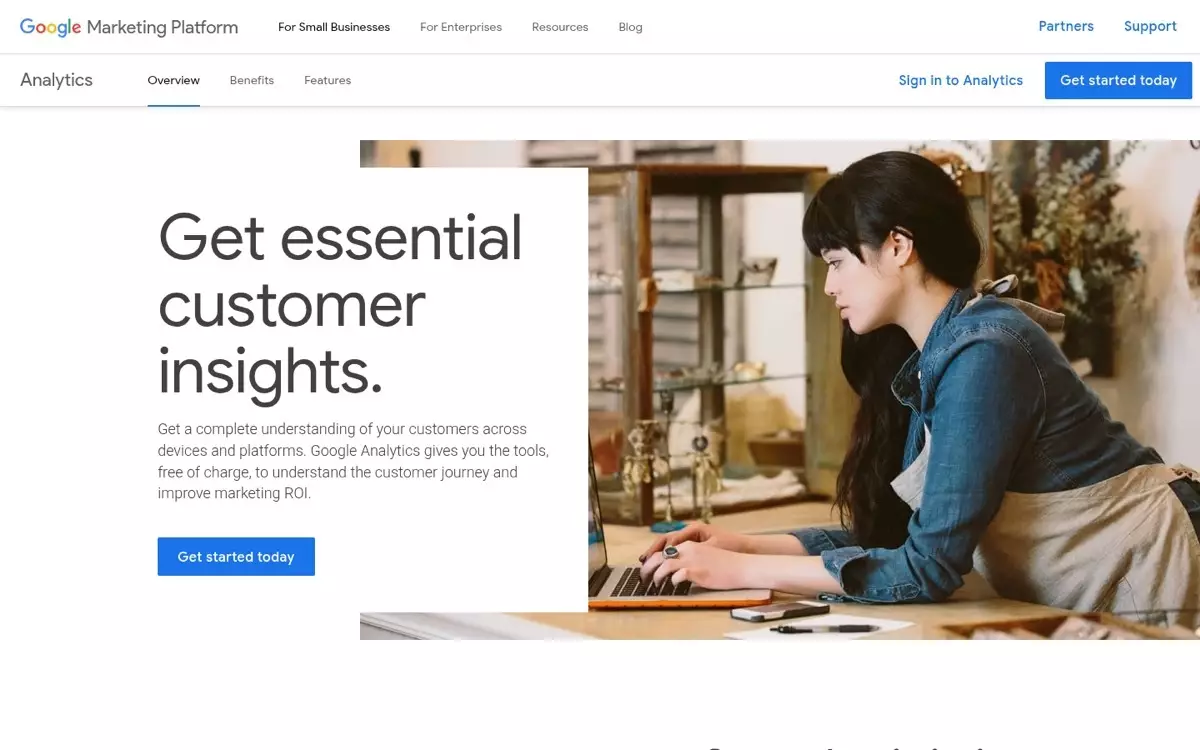
Google Analytics 4 is the free, event-based measurement layer nearly every stack reports through, whether the team chose it on purpose or inherited it.
Best for: enterprise and agency teams needing free cross-platform attribution that feeds Google Ads and Search Console.
Standout feature: The event-based model tracks web and app interactions in one property, then exports raw event data to BigQuery at no cost. That export is what separates GA4 from lighter analytics tools. You can query campaign performance at the row level instead of accepting the pre-built reports.
Pros:
- Measures web and app events in a single property
- Exports raw data to BigQuery free for custom SQL analysis
- Connects natively to Google Ads and Search Console
- Costs nothing at the standard tier, regardless of traffic volume
Cons:
- Reporting interface frustrates anyone trained on Universal Analytics (four years on, the muscle memory still fights you)
- Sampling kicks in on large explorations without the 360 tier
- Attribution windows and thresholds need manual configuration
Pricing: Free at the standard tier. Google Analytics 360 runs on custom enterprise contracts (not publicly listed).
My verdict: Look – you’ll run GA4 regardless, because it’s free and it feeds every Google property a campaign touches. The failure mode is treating it as your only measurement source. Pair it with the rank and visibility data upstream, or you’ll credit the wrong channel.
Assembling Your Own Stack
My verdict: build the stack from the research layer out, not from the logins you already have. SE Ranking anchors the plan-and-research step because keyword, rank, competitive, and AI-search visibility data sit in one place, and its API and MCP access ship on every plan, so you automate the reporting instead of exporting spreadsheets. From there the sequence is linear: create with Surfer and Canva, distribute through Hootsuite and Mailchimp, measure in GA4. The trade-off you’re making is integration depth for flexibility. A single all-in-one digital marketing platform connects more cleanly; a picked stack lets each stage run the strongest tool. Skip if: don’t reach for Buffer or Canva when the job is competitive research and forecasting. Those are execution tools, not planning ones. Wire the layers together through the SE Ranking API and the stack runs itself between reviews.
Frequently Asked Questions
What are marketing automation tools?
Marketing automation tools run repetitive campaign work without manual triggers: email sequences, lead scoring, social scheduling, and audience segmentation. Platforms like Mailchimp and HubSpot handle the messaging side. A research platform with API and MCP access, such as SE Ranking, automates the data pulls and reporting that feed those campaigns.
What are the tools of marketing?
The tools of marketing group into four jobs: planning and research (SE Ranking, competitive analysis), content creation (Surfer, Canva), distribution (Hootsuite, Mailchimp, Buffer), and measurement (GA4). Most teams over-buy on digital marketing tools for distribution and under-invest in the research layer that decides what to distribute in the first place.
How do you build a digital marketing stack?
Build a digital marketing stack by mapping tools to campaign stages, not features. Start with research and visibility, then add one tool per stage that hands its data cleanly to the next. Confirm each connects through an API before you buy. A stack assembled by stage beats one assembled by discount.
Which digital marketing tools do you actually need first?
You need the two ends first: a visibility platform to decide what the campaign targets, and analytics to prove what it returned. Creation and distribution tools are easier to swap later. Get the ends right, and the middle of the digital marketing stack becomes replaceable without breaking the workflow.