

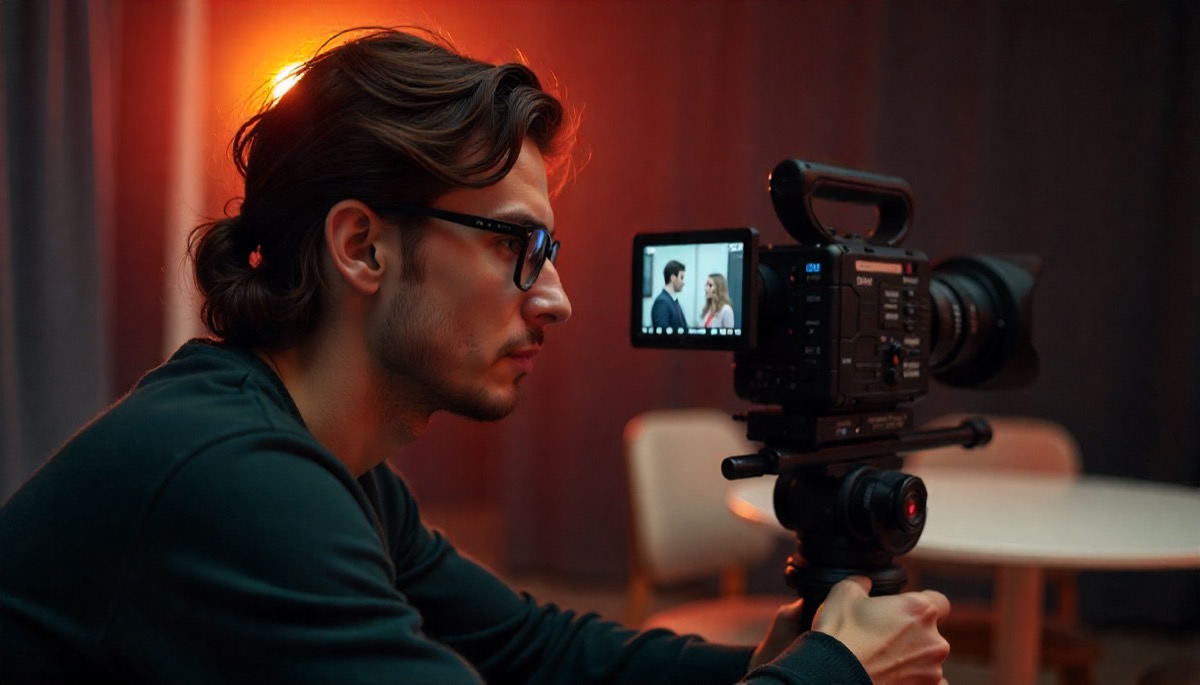
Viewers decide fast. They respond to clarity, steady pacing, and visuals that help the message land without distractions. Teams that plan for purpose, audience, and channel give every shot and line a job.
Many Bay Area teams work with studios that understand brand and process. Partners experienced in Bay Area Video Production align creative with business outcomes, then shape scripts, coverage, and edits for the right platforms. Luma Creative in San Francisco is one such studio, pairing cinematic craft with measurable goals.
Start With One Clear Goal
Pick one outcome for the video, then write it at the top of the brief. Do you want qualified demos, faster sales cycles, employee onboarding, or event visibility. Align the ask with a viewer action you can measure across weeks, not hours.
Define the primary audience and a single promise. Name the pain, then show how your approach fixes friction they feel. Keep the promise small enough to deliver in two minutes, then decide the shot list that proves the claim.
A tight creative brief saves time later. It locks scope, gives producers a checklist, and prevents last-minute changes. Estimating budget and crew from the brief also improves logistics, which keeps the team focused on performance, not scrambling.
Story And Structure That Hold Attention
Plan a structure that sets context, proves value, and earns the next second. Cold opens work when they show an outcome first, then step back to reveal how it was achieved. Interviews should start at the moment of change, not the résumé.
Use narrative beats that viewers recognize. Start with a problem, introduce the approach, show the transformation, and close with a clear next step. Maintain rhythm through varied shot sizes, purposeful movement, and sound that guides emotion without stealing attention.
When attention drops, structure usually slipped. Tighten the edit, reduce redundancy, and place proof closer to each claim. Captions also help in silent feeds and noisy offices, and standards guidance from the FCC explains formatting and readability for different viewing situations.
- Keep intros under eight seconds and titles shorter when possible.
- Use one idea per sentence to avoid stacking clauses that strain attention.
- Return to the stated goal in the last ten seconds to frame action.
Make Visuals And Sound Serve The Message
Every image should carry information. Wide shots set context, mediums show interactions, and close-ups prove details that words cannot. Motion draws focus, so reserve camera moves for moments that add meaning, not decoration.
Sound matters more than most teams plan for. Record room tone and isolate voices with lavalier mics, then add a boom track when feasible. Use music that supports pace and mood without masking speech, then calibrate levels for phones and laptops.
Graphics should explain, not decorate. Favor short labels, clean typography, and contrast that reads on small screens. Use brand colors sparingly so charts and captions stay legible in bright or low light conditions.
Design For Accessibility And Compliance
Plan for captions in every edit, not as a last step that strains schedule and budget. On-screen text should meet contrast targets, and any data visualization should include labels that survive compression. Add descriptive filenames and alt text for hosted players when supported.
Compliance protects trust. If employees, customers, or creators make claims, document substantiation and required approvals. Disclosures for paid partnerships must be clear and hard to miss, and the FTC Endorsement Guides explain practical placements for video formats. Store consent forms with project records so edits and social cuts remain usable across campaigns.
Train spokespeople and executives for camera and legal clarity. Avoid absolute terms, promise only what ops can deliver, and keep superlatives out of scripted lines. Review lower thirds and overlays for accurate titles, trademarks, and product names.
Distribution, Thumbnails, And Performance Loops
Match format to channel. Short vertical cuts can drive discovery, while a longer horizontal edit supports sales enablement or press kits. Keep the core narrative consistent across versions so analytics reflect content, not random changes.
Thumbnails and titles decide clicks, so design them early. Use a crisp face or clear object, strong contrast, and one short phrase. Test two versions across a real sample, not a team vote, and keep the winner for ongoing use in paid or organic slots.
Build a feedback loop from platform analytics and CRM data. Track watch time, click-through, and post-view actions, then compare to your initial brief. When numbers dip, adjust the open, reorder proof, or trim sections that repeat the same point.
Production Scheduling And On-Set Workflow
A workable schedule starts with a shot plan tied to locations, permits, and talent availability windows. Share the plan as call sheets that include contacts, parking, load points, and staging areas. Scout each site with camera, sound, and lighting leads to flag noise, power, and sun paths. Add buffers between setups so problem solving does not erase the time needed for performance.
On set, start with safety, then block scenes, confirm coverage, and test sound before rolling. A script supervisor tracks continuity, while a data wrangler logs cards and verifies redundant backups. Maintain a change log for props, wardrobe, copy, and timing so edits reflect the approved version. Close each block with a two minute debrief that records fixes, reshoots, and remaining pickups.
- Lock call times and meal windows to protect energy and focus across long shooting days.
- Run a five minute standup before each block to surface risks and confirm safety procedures.
- Label media at capture, then mirror to two drives with verification before anyone leaves set.
- Document takes with timecode and lens data so post teams find shots without guesswork quickly
From Edit Suite To Impact
Translate lessons from each project into the next brief. If captions raised completion rates, bake them into templates and schedules. If interviews ran long, add tighter prompts and pre-interviews to remove backstory that slows the open.
Workflow efficiency also depends on technical choices, including video encoding with hardware vs. software, which affects render times, file sizes, and compatibility during post-production.
Share a short postmortem with tactics that changed behavior or improved clarity. Document shot lists that worked and framing that felt off, then standardize what you will repeat. Over time, your team spends less time resetting process and more time refining message and craft.
Bring your partners into that loop, including production houses and editors. Studios that know your goals and governance move faster and protect brand trust. That rhythm turns one-off videos into an asset library that supports product, sales, and recruiting.
Turning Lessons Into Next Steps
Start with one outcome, prove it with clear visuals and sound, then design for captions, compliance, and real channels. Keep editing light on filler and heavy on proof. Measure across weeks, capture the wins, and feed them back into the next brief.
Share a simple scorecard with goals, formats, and watch time so teams can compare projects fairly. Build reusable shot lists, interview prompts, and graphics packages, then update them as performance improves. Treat every release like a test, then use those results to make the next cut stronger and faster.