

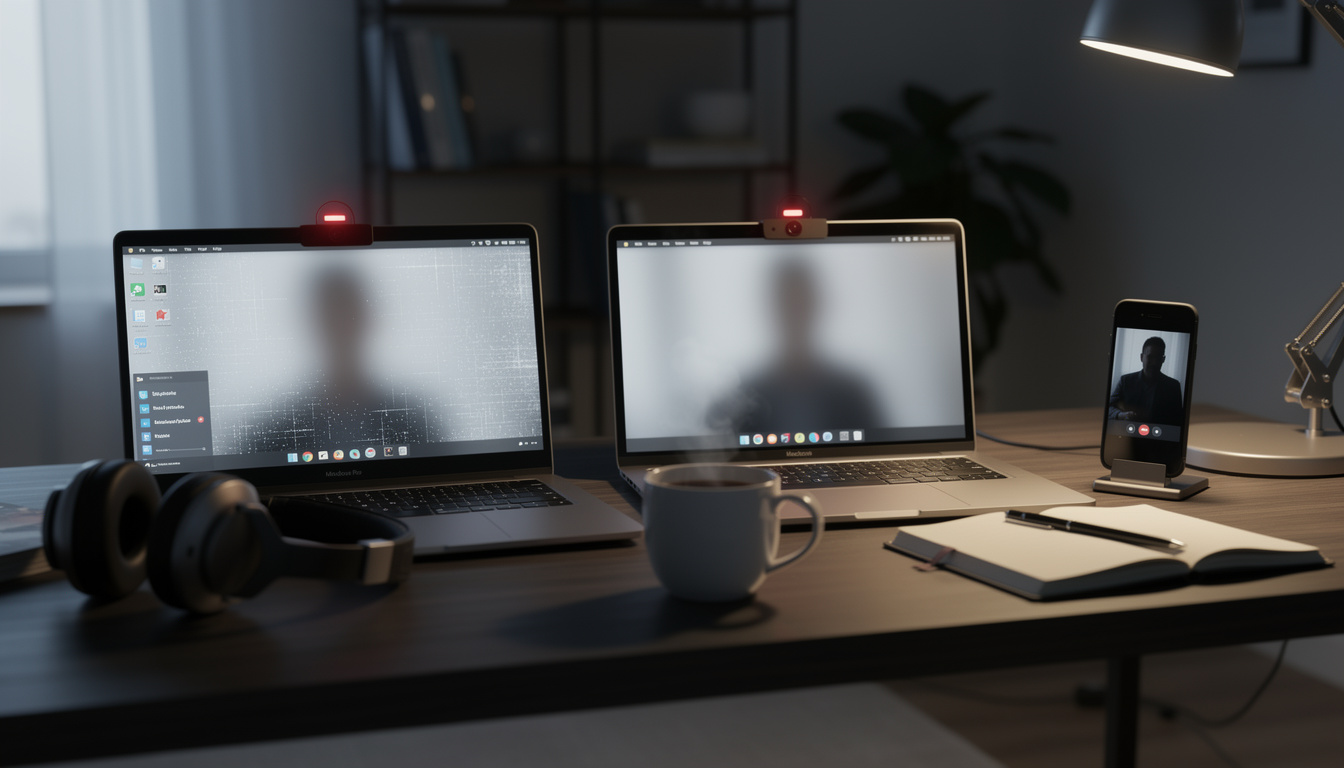
How to detect if your webcam has been hacked: warning signs to check now
A tiny camera above your screen usually fades into the background, until the moment its light flickers on when you are not in a video call. That split second is often enough to make anyone wonder whether a webcam hack is already in progress. How to detect if your webcam has been hacked matters right now because laptops, external webcams, phones, and smart displays all sit on networks that are constantly probed by spyware, remote access trojans, and malicious browser permissions. Security guidance from the FBI and CISA in recent years has repeatedly warned users to watch for unusual device behavior, especially after phishing attempts, suspicious downloads, or fake software updates.
How to detect if your webcam has been hacked on any device
The first clue is often physical. If the webcam light turns on without Zoom, FaceTime, Teams, WhatsApp, or another camera app clearly running, that deserves immediate attention. On many modern laptops, the light is hardwired to the camera circuit, but security researchers have noted for years that malware can still trigger the camera in ways users do not expect, depending on the hardware design.
Another clue is behavioral. A computer or phone that heats up, drains battery faster, or spikes in network activity while idle may be processing hidden video capture or background uploads. This is an inference based on common spyware behavior and incident reporting from cybersecurity firms such as Kaspersky and Malwarebytes, not proof by itself.
Attackers also look for easy openings. A fake browser extension, cracked software installer, or malicious attachment can quietly grant camera access and persistence. That is why the warning signs rarely appear alone.
Here are the most useful red flags to check in one pass:
- Webcam light turns on when no known app is using the camera
- Unknown apps appear in camera or microphone permission settings
- Battery drain or overheating worsens while the device seems idle
- Unusual network traffic appears during quiet periods
- Security software alerts mention spyware, trojans, or remote access tools
If two or more of these happen together, the situation shifts from odd to urgent. That is the point where you should stop treating it as a glitch and start checking permissions, startup items, and recent installs.
Warning signs on Windows, Mac, and phone
On Windows, the fastest check is in camera privacy settings and Task Manager. Windows 11 lets you review which desktop and Microsoft Store apps recently accessed the camera, and that log can reveal software you do not recognize. Microsoft has steadily expanded privacy controls in recent versions, which makes this one of the first places to inspect.
On Mac, open System Settings, then Privacy & Security, then Camera. Apple’s macOS permission model is stricter than it used to be, but malicious software can still abuse granted access if a user approved it earlier. If a random utility, browser add-on helper, or unfamiliar app has camera access, that is a serious sign.
Phones behave differently, but the clues are similar. On Android and iPhone, watch for green or orange privacy indicators, battery drain, unexplained warmth, and camera permissions tied to apps that have no reason to record video. Apple and Google both added clearer camera and microphone indicators in recent years for this exact reason.
What usually causes a webcam hack
Most webcam compromises do not start with the camera itself. They begin with phishing, a fake software update, a malicious app, or a remote access trojan hidden inside something that looks harmless. Reports from major security vendors through 2024 and 2025 kept pointing to the same pattern, social engineering opens the door, then malware asks for or silently abuses permissions.
Browser-based access is another common route. A website may request camera permissions for a legitimate reason, then keep broader access than expected if the browser settings are left too open. That does not always mean a full compromise, but it can still create privacy exposure you did not intend.
Work devices carry extra risk. Corporate laptops often run many collaboration tools, browser profiles, and admin utilities, so suspicious camera use can be harder to spot. In those cases, unusual access logs and endpoint security alerts matter more than instinct.
The table below separates routine glitches from stronger indicators of compromise.
| Key detail | Why it matters |
|---|---|
| Camera light with no active video app | Can signal hidden camera activation or a stuck background process |
| Unknown app has camera permission | Suggests software gained access beyond your normal workflow |
| Spikes in outbound traffic while idle | May indicate captured data is being transmitted |
| Antivirus detects a remote access trojan | One of the clearest technical signs of possible surveillance activity |
| Phone privacy indicator appears unexpectedly | Points to camera or microphone use outside your intended session |
A single symptom can have a benign explanation. Several symptoms at once usually deserve a deeper forensic look.
Steps to secure your camera before it gets worse
Start with containment. Disconnect from Wi-Fi if the camera is activating unexpectedly, close all browser tabs, and reboot the device. Then review camera permissions, uninstall recent apps or extensions, and run a trusted security scan.
On Windows, check startup apps, scheduled tasks, and browser extensions. On Mac, review login items, profiles, and full disk access alongside camera permissions. On phones, remove unknown apps, reset suspicious browser permissions, and install pending system updates.
If the issue persists, change account passwords from a separate device and enable two-factor authentication. Based on the reported design direction of recent malware campaigns, webcam abuse often appears alongside credential theft, so camera activity may be only one visible symptom.
When a webcam issue is just a bug, not a hack
Not every strange webcam moment points to spyware. Video conferencing apps sometimes fail to release the camera after a call, browsers can keep a tab alive in the background, and operating system updates occasionally reset permissions in confusing ways. Those cases are annoying, but they are not the same as unauthorized surveillance.
A practical test is to restart the device and open only one trusted app. If the problem vanishes and the camera behaves normally, a software conflict is more likely than a compromise. If the indicator returns during idle time, or unknown processes request access again, suspicion rises quickly.
External webcams can create their own confusion. Faulty USB hubs, firmware bugs, or aggressive auto-launch software may trigger them unexpectedly. Still, a false alarm is better than a missed intrusion.
Frequently asked questions
Can someone hack a webcam without turning on the light?
Sometimes, but it depends on the device design. On many laptops the light is linked to the camera hardware, yet older systems, modified hardware, or certain attack paths may not behave the same way.
How do you detect if your webcam has been hacked on an iPhone or Android phone?
Check recent camera permissions, privacy indicators, battery use, and app activity. If a random app with no clear need for video access appears in settings, remove it and review your account security.
Should you cover your webcam with a shutter or tape?
A physical cover is still one of the simplest defenses, especially on laptops. It does not fix malware, but it blocks visual capture and gives you a quick layer of privacy.
What should you do first if you think your webcam has been hacked?
Disconnect the device from the internet, close active apps, and run a trusted malware scan. After that, review permissions, remove suspicious software, and change passwords from a clean device.
The bottom line
How to detect if your webcam has been hacked comes down to pattern recognition. A light turning on for no reason, strange permissions, battery drain, and outbound traffic are the signs that matter most across Windows, Mac, and phone devices. On their own, they may be glitches. Together, they are a warning.
The smartest move is to treat unusual camera behavior as a security event, not a tech annoyance. Quick checks, permission reviews, system updates, and physical covers can reduce the risk fast, before a quiet privacy problem turns into a broader account compromise.
Want more tech and innovation coverage like this? DualMedia Innovation News tracks the technology shifts that actually matter, from AI to foldable hardware to the next wave of consumer products.