

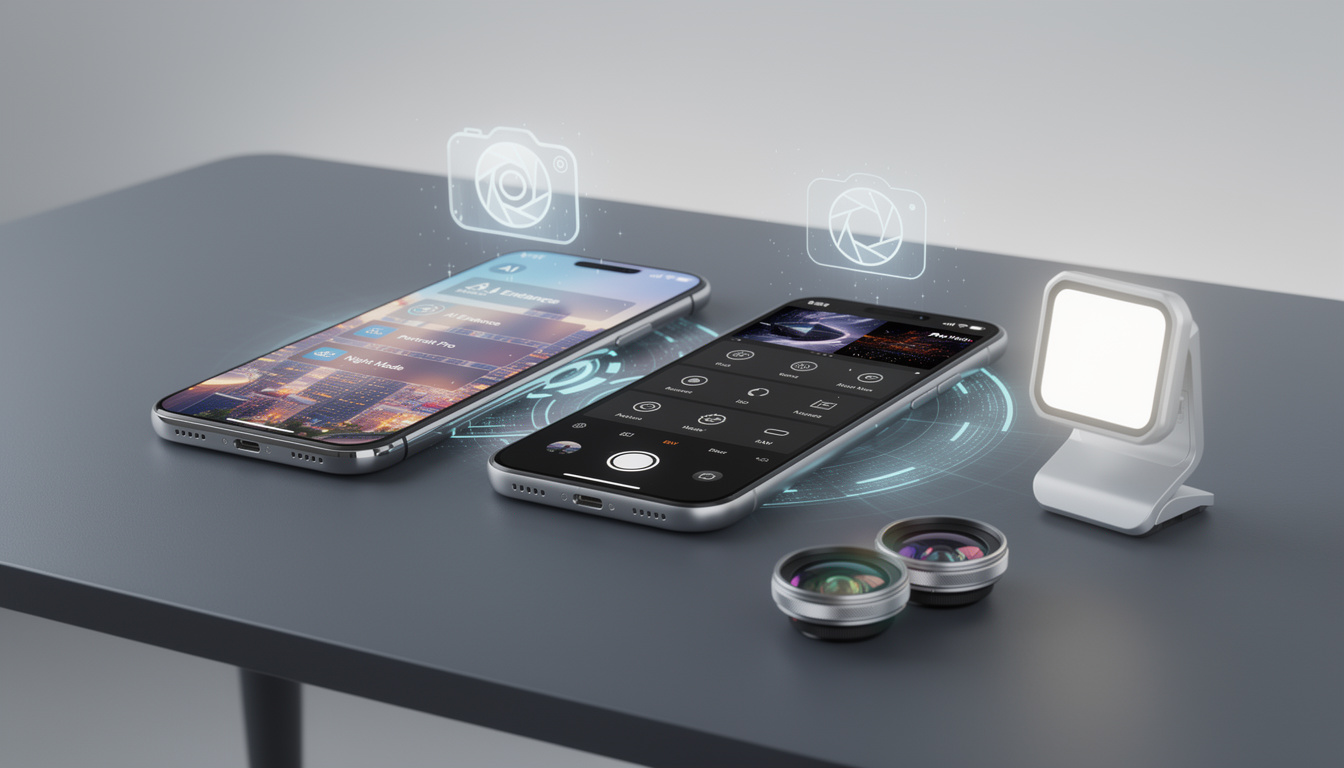
Best Mobile Photography Apps for iPhone and Android in 2026: 16 picks worth your time
The best mobile photography apps for iPhone and Android in 2026 are no longer just quick filters for a commute selfie. Picture a traveler leaning against a train window, fixing exposure on a sunrise shot before the next stop, or a parent turning a blurry concert clip into something sharp enough to keep. That is the new baseline. Mobile imaging has matured fast, helped by stronger camera hardware, AI-assisted editing, and better RAW workflows across iOS and Android.
What matters now is choosing the right app for the way you shoot. Some tools give you full manual control. Others help you plan a Milky Way session, build a long exposure, or clean up travel photos in seconds. With flagship phones pushing harder each year, including devices featured in this smartphone roundup, the software you install can shape your results as much as the sensor in your pocket.
Best mobile photography apps for iPhone and Android in 2026, what changed
Phone cameras kept improving through 2025, but the real shift came from software. Apple, Samsung, Google, Xiaomi, and others now ship capable stock camera apps, yet many users still run into limits around shutter control, RAW capture, astrophotography planning, and advanced retouching.
That is why third-party tools still matter. Publications such as PCMag and PetaPixel continued highlighting mobile editing and camera apps over the last year, while Adobe and Google kept expanding AI features inside mainstream photography workflows. The result is a crowded field, but one that is easier to sort once you match each app to a shooting style.
The key distinction is simple, some apps help you capture the image, others help you plan it, and another group helps you finish it. If you mix those three well, your phone starts feeling much closer to a compact pro kit.
The camera apps that give you real control
For direct image capture, Camera+ 2 and ProCamera remain strong names on iPhone. They stand out for manual ISO, white balance, shutter speed, and RAW shooting, which is still the fastest route to better tonal control on mobile. ProCamera also keeps useful extras such as Apple Watch remote triggering and long exposure options for low light scenes.
On Android, the case is a little different because manufacturers vary so much. Pixel, Galaxy, and Xiaomi stock apps have improved, yet many users still want cleaner manual controls, exposure compensation, HDR flexibility, or a less crowded interface. That gap keeps third-party camera apps relevant, especially for enthusiasts who want predictable results instead of heavy-handed processing.
Slow Shutter Cam and ReeHeld fit a more specific use case. They are built for motion blur, water smoothing, light trails, and other long exposure effects that native apps often simplify too much. Based on the reported design direction of these apps and current flagship hardware, the biggest value is not novelty, it is reliable control when the scene gets difficult.
Some readers will also want broader mobile software coverage beyond photography. DualMedia’s mobile apps and phones review section is a useful place to compare how apps behave across devices and operating systems.
AI editing apps are getting better, but not equally useful
Adobe Photoshop Express remains one of the most practical AI-assisted options across iOS and Android because it balances accessibility and control. It is not just about one-tap effects. The stronger case is background cleanup, quick object removal, adaptive adjustments, and share-ready exports without forcing a desktop workflow.
Snapseed still deserves attention as a flexible editor, especially for users who want selective edits, tonal shaping, and strong black-and-white conversions without a steep learning curve. VSCO continues to appeal to people chasing a film-inspired look, with presets that move faster than a full manual edit when time matters.
This category is full of hype, so it helps to stay practical. AI works best when it removes friction, not when it over-processes skin, skies, or texture. The apps worth keeping are the ones that save time while still letting you back off the effect.
Specialized apps for landscape, night sky, and travel photography
Not every photography app is a camera or editor. Some of the most valuable tools help you plan a shot before the phone even comes out of your pocket. For landscape work, Sun Surveyor and PhotoPills remain top picks for tracking sun and moon positions, while Time and Date is especially useful around eclipse planning.
For astrophotography, Stellarium, Sky Guide, SkySafari, and The Photographer’s Ephemeris continue to earn space on serious shooters’ home screens. Astrospheric, Clear Outside, and Dark Sky Finder add weather, cloud, turbulence, or light pollution context, which often decides whether a night session is worth the drive.
Travel photography brings a different need set. Snapseed and VSCO help with fast edits on the move, while Spot can help locate visually interesting places through community input. If stargazing and sky planning are part of your workflow, DualMedia also has a useful guide to top stargazing apps that pairs well with photography planning.
| Key app type | Why it matters |
|---|---|
| Manual camera apps | They give you ISO, shutter speed, white balance, and RAW control beyond many stock apps. |
| AI editors | They speed up cleanup and tonal edits when you need a polished image fast. |
| Planning apps | They help you catch the right light, weather, moon position, or Milky Way alignment. |
| Travel and social tools | They make it easier to edit, discover locations, and publish from the road. |
The 16 apps that deserve a place on your phone
The list below pulls together the most useful names across capture, editing, planning, and niche photography. Not every app belongs on every phone, but each one solves a real problem for a specific kind of shooter.
- Camera+ 2, strong iPhone manual controls and in-app editing
- ProCamera, advanced iPhone shooting with long exposure and remote options
- Slow Shutter Cam, a favorite for light trails and motion blur
- ReeHeld, long exposure shooting with AI stabilization
- Adobe Photoshop Express, practical AI editing across iOS and Android
- Snapseed, versatile editing with excellent black-and-white tools
- VSCO, quick film-style looks and simple tonal adjustments
- Camera1, a manual-first black-and-white shooting experience
- Hypocam, monochrome photography with textures and color filters
- Sun Surveyor, precise sun and moon planning for landscapes
- PhotoPills, an all-around planning tool for light, sky, and composition
- Stellarium Mobile, real-time sky navigation for astrophotography
- The Photographer’s Ephemeris, a planning standard for sun, moon, and Milky Way alignment
- Framelapse, Android-focused time-lapse control
- Timelapse Pro, iPhone time-lapse capture with manual adjustments
- Lapse It, cross-platform time-lapse and stop motion creation
A list like this also shows how fragmented mobile photography has become. That is not a bad thing. It means your setup can be lighter, smarter, and more tailored than the one-size-fits-all camera bags many photographers carried a decade ago.
How to choose the right app without filling your storage
The smartest setup is usually a three-app stack. Keep one app for capture, one for editing, and one for planning. A travel shooter might pair ProCamera, Snapseed, and PhotoPills, while a night photographer could lean on ReeHeld, Stellarium, and Dark Sky Finder.
Storage clutter is real, especially on phones already loaded with video files and RAW images. That is why a smaller toolkit often beats a huge one. If an app overlaps too much with another, remove it.
There is also the hardware question. A strong app cannot fully compensate for weak optics or poor sensor performance. If your phone upgrade is still pending, it is worth comparing devices first, especially since app behavior can vary sharply across chipsets, image pipelines, and lens systems.
Frequently asked questions
Are the best mobile photography apps better than built-in camera apps?
In many cases, yes, especially for manual control, RAW capture, long exposure, and specialized planning. Built-in apps are better than they used to be, but third-party tools still offer more flexibility for serious shooting.
Which app is best for editing photos quickly on iPhone and Android?
Adobe Photoshop Express is a strong all-around choice if you want quick AI-assisted cleanup and easy exports. Snapseed is often the better pick for users who want more hands-on control without paying for a complex suite.
What is the best app for astrophotography on a phone?
Stellarium Mobile and PhotoPills are among the most useful because they help with sky position and planning. The Photographer’s Ephemeris is also a long-standing reference tool for visualizing celestial alignment by location.
Do time-lapse and long exposure apps still matter if phones already include those modes?
Yes, because dedicated apps usually offer finer control over exposure, interval timing, white balance, and output options. Native modes are convenient, but they often trade control for simplicity.
Should casual users install several photography apps?
Usually not. Most casual users will do well with one solid camera app and one editor. The extra planning or niche tools make more sense once you start shooting travel scenes, night skies, or more demanding compositions.
What to watch next
The next stage for mobile photography will likely be less about raw megapixels and more about workflow. Expect app makers to keep tightening AI cleanup, RAW editing, and scene planning, while phone brands try to pull more of those features into their own software. Based on the current direction of iOS and Android tools, the winners will be the apps that save time without flattening the character of the image.
That leaves users with a useful problem. There have never been more capable choices, but the best mobile photography apps for iPhone and Android in 2026 are the ones that fit the way you already shoot, not the ones with the longest feature list. Pick carefully, keep your toolkit lean, and your phone camera becomes much more than a default app.
Want more tech and innovation coverage like this? DualMedia Innovation News tracks the technology shifts that actually matter, from AI to foldable hardware to the next wave of consumer products.