

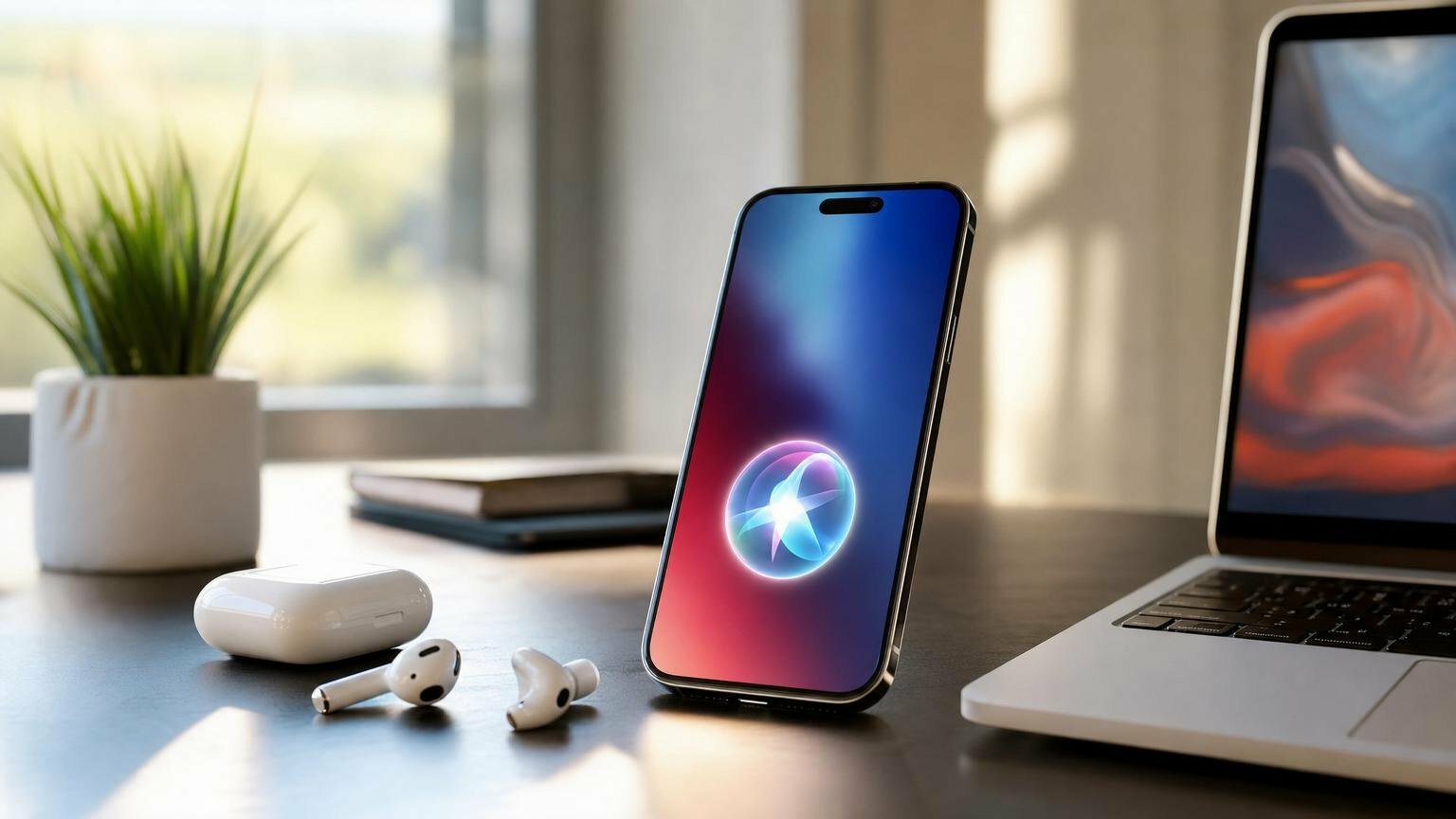
Siri AI is Apple’s new Apple Intelligence-powered assistant for iOS 27, announced on June 8, 2026. It adds personal context, on-screen awareness, app actions, Visual Intelligence, writing tools, and a dedicated conversation app. You’ll need an Apple Intelligence-compatible device, reported by MacRumors as iPhone 15 Pro or later, and EU iPhone and iPad users won’t get it at launch.
Siri AI in iOS 27: what actually changes?
The search intent here is informational: you want to know what Siri AI does, whether your device gets it, and how different it is from the old Siri. The short version is that Apple is trying to turn Siri from a voice command layer into a context-aware assistant that can understand your apps, your screen, and your recent conversations.
Apple introduced Siri AI on June 8, 2026, calling it an entirely new version of Siri powered by Apple Intelligence. That phrase matters. Apple isn’t pitching a small interface refresh; it’s tying the assistant to Apple Foundation Models, app-level actions, personal context understanding, and Private Cloud Compute for requests that can’t be handled fully on-device.
The first thing you’ll notice in iOS 27 is that Siri is no longer only a floating answer box. Apple lists a dedicated app for revisiting conversations, expanded Visual Intelligence, integrated writing tools, and a Siri mode inside Camera on iOS. That makes the assistant feel closer to a system service than a microphone you summon and dismiss.
If you’ve followed Apple’s slower AI rollout, this fits the pattern described in our earlier coverage of Apple’s next-generation Siri plans. The company is trying to keep the assistant inside the iPhone’s privacy and app model, rather than copy the open-ended chatbot style wholesale.
Requirements, release timing, and regional limits
Siri AI is tied to iOS 27 and iPadOS 27 on mobile devices. MacRumors reported on June 10, 2026, that it’s already present in the iOS 27 developer beta, with a public beta planned for July 2026 and a general launch expected in September 2026.
Hardware is the sharper cutoff. MacRumors reports that the assistant requires Apple Intelligence-compatible devices, including iPhone 15 Pro or later. In plain English: if your iPhone didn’t qualify for Apple Intelligence, you shouldn’t expect the new assistant to arrive just because you can install iOS 27.
Apple’s regional position is unusually direct. In 2026, Apple said Siri AI will not ship on iPhone or iPad in the European Union at the iOS 27 and iPadOS 27 launch. Apple said EU regulators did not accept its proposed solutions, including a “Trusted System Agent,” and that it currently has no timeline for EU iOS and iPadOS availability.
There’s a twist. Apple says the feature will be available on macOS 27 and visionOS 27 in the EU. watchOS 27 support in the EU depends on a paired iPhone with the assistant, so EU Apple Watch users won’t receive it at launch if their paired iPhone can’t run it. MacRumors has also reported that Siri AI is not available in China.
| Platform or region | 2026 status | What that means for you |
|---|---|---|
| iPhone with iOS 27 | Developer beta in June 2026; public beta planned July; launch expected September | Requires an Apple Intelligence-compatible iPhone, reported as iPhone 15 Pro or later |
| iPad with iPadOS 27 | Tied to iPadOS 27 | Available where Apple ships the feature, except EU at launch |
| EU iPhone and iPad | Not available at iOS 27/iPadOS 27 launch | No Apple timeline as of June 8, 2026 |
| EU Mac and Vision Pro | Available on macOS 27 and visionOS 27 | EU restriction does not apply the same way on those platforms |
| Apple Watch in the EU | Depends on paired iPhone support | No launch access if the paired EU iPhone lacks Siri AI |
| China | Reported unavailable by MacRumors in 2026 | Don’t buy hardware expecting immediate access there |
How Siri AI works under the hood
Apple’s developer documentation gives the clearest technical picture. Apple Intelligence powers the assistant through Apple Foundation Models, personal context understanding, app actions, and on-screen awareness. That combination explains why the feature needs newer devices: the assistant has to interpret far more than a spoken command.
Personal context understanding means the system can consider information from your device and apps when responding, subject to Apple’s privacy model. On-screen awareness means the assistant can use what you’re looking at, not just what you say. App actions are the bridge between “tell me about this” and “do something with it.”
Developers integrate with Siri AI through App Intents, schemas, Spotlight semantic indexing, entity schemas, intent schemas, and the View Annotations API. That’s dry wording, but the practical effect is simple: apps need to describe their content and actions in a way Apple Intelligence can understand. If developers don’t do the work, the assistant may know less about those apps.
The Foundation Models framework provides Swift API access to Apple Foundation Models both on-device and in Private Cloud Compute. Apple’s pitch is that some requests can stay local, while more demanding ones can use Apple’s cloud architecture without turning the assistant into a free-for-all data vacuum. If you care about the architectural trade-off, our explainer on frames in artificial intelligence is a useful background read because it explains how systems structure meaning before acting on it.
The features you’ll probably use first
The most visible upgrade is conversation memory inside a dedicated app. Apple says users can revisit conversations, which changes the assistant from a throwaway query tool into something closer to a searchable help history. According to MacRumors, Siri AI conversations sync across devices, though that detail is from reporting rather than Apple’s primary launch copy.
Expanded Visual Intelligence is likely to be the feature regular users understand fastest. Point your iPhone at the world, ask about what’s in view, and let the system connect camera input with Apple Intelligence. Apple also lists a Siri mode in Camera on iOS, which suggests the assistant will become part of the photo-taking and visual search flow rather than a separate voice layer.
Integrated writing tools bring the assistant into text fields and composition tasks. That matters because Apple’s old Siri was poor at editing nuance. A voice assistant that can rewrite, summarize, and act across apps is much more useful than one that simply sets timers and opens settings.
One reported edge case is worth watching. MacRumors says iPhone 17 Pro and iPhone Air have a more powerful on-device model that enables customizable Siri voice expressivity and pace. If that reporting holds, two users both running iOS 27 may still get different assistant behavior depending on the iPhone model. Fragmentation, Apple-style.
What about Gemini, AirPods, CarPlay, and voice control?
MacRumors reported in 2026 that Apple used technologies behind Google Gemini models to develop next-generation Apple Foundation Models for Siri AI and iOS 27 Apple Intelligence features. Treat that as a reported development detail, not as proof that your Siri requests are going to Google. Apple’s own developer material still describes Apple Foundation Models, on-device execution, and Private Cloud Compute.
Competition is the useful comparison. Google has been pushing Gemini deeper into Android app control, including on Samsung devices; if you want the Android side of the story, see our coverage of Gemini app control on the Galaxy S26. Apple’s version is more controlled and probably slower to spread across third-party apps, but it may be more predictable once developers implement the right App Intents.
MacRumors also says the assistant works with AirPods and CarPlay. That’s exactly where a context-aware assistant should be useful: while you’re walking, driving, cooking, or trying not to touch your phone. For audio hardware context, our AirPods Max 2 review covers how Apple’s premium listening products fit into its broader device ecosystem.
Voice quality is more than polish. If the reported iPhone 17 Pro and iPhone Air model enables adjustable expressivity and pace, accessibility could improve for people who need slower responses or a clearer tone. It also overlaps with the larger debate around synthetic voices, which we’ve covered in our guide to AI voice cloning law.
Check your upgrade decision before you buy
Here’s the calculation many buyers skip. If you own an iPhone 14 Pro and want Siri AI, the effective cost isn’t iOS 27, which is free; it’s the cost of replacing a working phone with an Apple Intelligence-compatible model. In 2026, that means at least stepping into the iPhone 15 Pro generation or later, according to MacRumors’ requirement reporting.
Honestly, upgrading only for the assistant makes sense if you already use Siri daily or rely heavily on accessibility, CarPlay, dictation, and writing tools. If your current Siri usage is “set a timer” twice a week, the smarter move is to wait for real-world iOS 27 reviews and app support. New assistant features often look better in demos than in unsupported third-party apps.
Before you install the beta or buy hardware, use this quick check:
- Confirm your iPhone is Apple Intelligence-compatible, reported as iPhone 15 Pro or later for Siri AI.
- Check your region: EU iPhone and iPad users are excluded at launch, and China is reported unavailable.
- Make sure your preferred language is supported; MacRumors reports launch support for English variants in Australia, Canada, Ireland, India, New Zealand, South Africa, the UK, and the U.S.
- Look at your key apps. If they don’t support App Intents and the right schemas, assistant actions may be limited.
- Avoid installing the developer beta on your only phone unless you’re comfortable with bugs and battery quirks.
The pitfall nobody mentions enough is developer adoption. Apple can ship the system framework in September 2026, but your banking app, task manager, travel app, or note-taking tool still has to expose the right actions and data. The assistant may feel brilliant in Apple apps and oddly ordinary elsewhere for a while.
Battery life is the other practical concern. Apple’s on-device and Private Cloud Compute split sounds sensible, but frequent camera-based Visual Intelligence, voice sessions, and cross-app actions will still use compute, radios, and screen time. If your phone already struggles, read our practical guide to extending phone battery life before you judge the assistant on a tired battery.
FAQ
What is Siri AI on iOS 27?
Siri AI is Apple’s new Apple Intelligence-powered version of Siri for iOS 27. It adds personal context, on-screen awareness, app actions, Visual Intelligence, writing tools, and a dedicated place to revisit conversations.
Which iPhones support Siri AI?
MacRumors reports that Siri AI requires Apple Intelligence-compatible devices, including iPhone 15 Pro or later. Apple’s final public support list should be checked when iOS 27 ships in 2026.
Is Siri AI available in the EU?
Not on iPhone or iPad at the iOS 27 and iPadOS 27 launch. Apple says macOS 27 and visionOS 27 will get it in the EU, while watchOS 27 depends on a paired iPhone with support.
When will Siri AI be released?
MacRumors reported that Siri AI is in the iOS 27 developer beta in June 2026, with a public beta planned for July 2026 and general release expected in September 2026.
Does Siri AI work offline?
Apple’s Foundation Models framework supports on-device models and Private Cloud Compute. That means some tasks may run locally, while more demanding requests can use Apple’s cloud system depending on the task and device.
 EN
EN  FR
FR  ES
ES