

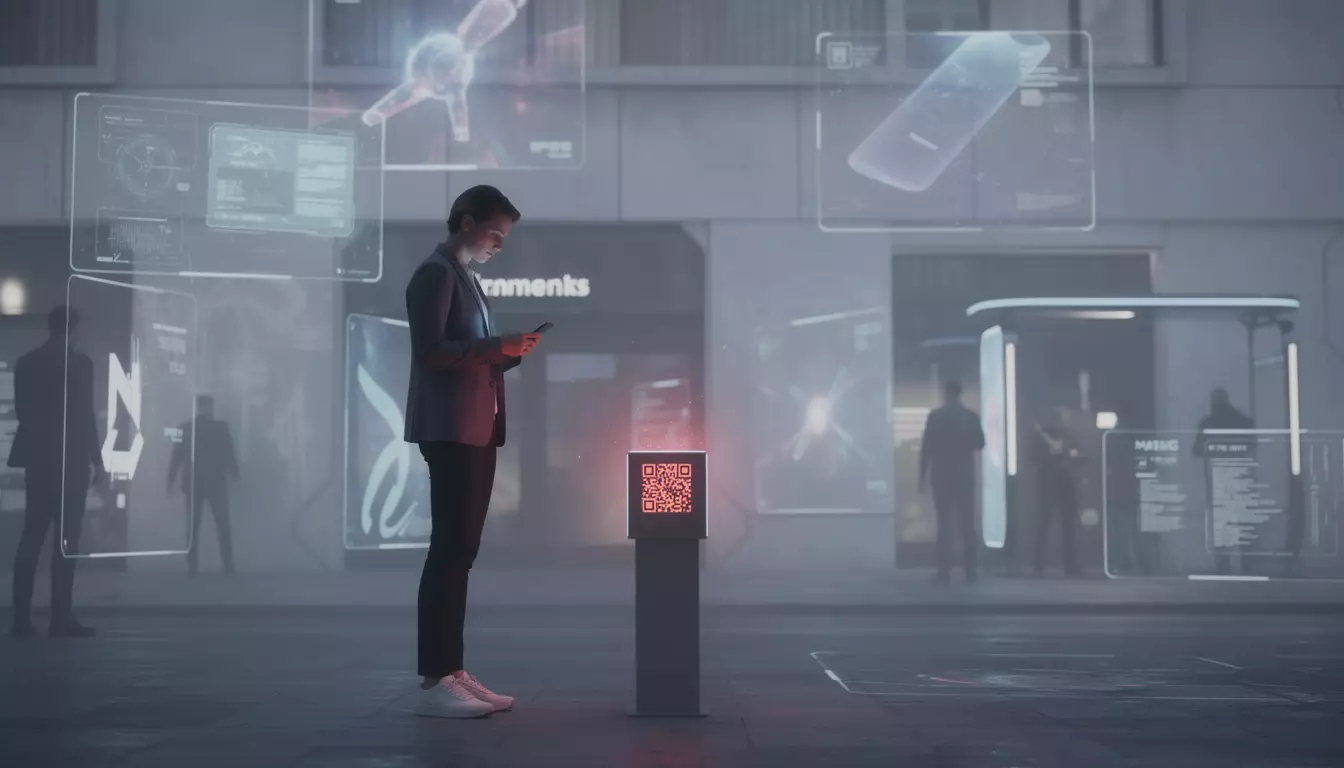
QR code phishing (quishing) is spiking in 2026, from fake parking stickers to email traps. Here’s how to spot the tricks before a quick scan turns costly.
A parking meter flashes in the rain, a restaurant menu sits behind a plastic stand, and an email from “IT support” asks for a fast account check. In each case, the next move feels harmless, just scan the square and move on. That routine is exactly why QR code phishing, often called quishing, has become one of the most effective scam formats heading into 2026.
Security firms and public agencies have been tracking the shift for months. Keepnet Labs reported a 5x jump in QR-based phishing from 2024 to 2025, while NordVPN survey data found that 73% of Americans scan QR codes without verifying the destination first. The appeal for attackers is simple, the link is hidden in an image, and your phone often opens it outside the usual security checks.
QR code phishing is rising because the old defenses miss it
QR code phishing swaps the classic blue hyperlink for a scannable image. The scam still leads to the same places, fake Microsoft 365 logins, payment fraud pages, malware downloads, or cloned banking portals, but it gets there through a route many email filters were not built to inspect.
That blind spot has become expensive. Keepnet Labs recorded 249,000 malicious QR code emails in November 2025 alone, and Microsoft Security has also warned about large daily volumes of QR-laced messages aimed at education environments. Based on the reported design direction of these campaigns, the format works because it combines social engineering with a technical bypass.
The habit problem matters too. QR codes became routine during the COVID-19 years, first for menus, payments, and check-ins, then for everyday convenience. People learned to trust the gesture before they learned to question the destination.
How QR code phishing works in email, public places, and social apps
The basic chain is straightforward. An attacker builds a fake page, turns the malicious URL into a QR code, distributes it through email, stickers, flyers, direct mail, or messaging apps, and waits for someone to scan it on a phone.
In email, the trick is especially effective. A message that appears to come from Microsoft, DocuSign, HR, or a bank can include a QR code with no clickable text link at all. Many traditional gateways scan text URLs, not the pixels inside an image, so the message can slip through looking clean.
Physical quishing is even more deceptive because trust comes from the setting. A fake sticker placed over a legitimate code on a parking meter, event poster, restaurant table, or transit sign borrows the credibility of the location. You are not trusting the sticker, you are trusting the environment around it.
On social platforms and chat apps, attackers add urgency. Free tickets, package updates, account alerts, or limited offers lower skepticism, especially when the post appears in a familiar group or is forwarded by someone you know.
Here is where the main security gaps show up in practice.
| Key detail | Why it matters |
|---|---|
| QR code hides the destination URL | You cannot judge the link by sight before scanning |
| Email image contains no visible text link | Legacy email filters may miss the malicious target |
| Phone opens the page directly | The visit can happen outside corporate browser protections |
| Public sticker looks attached to a real service | Users often trust the location and scan without checking |
That phone handoff is a key part of the threat. If a work email is opened on a laptop but the QR is scanned on a personal device, the session may bypass corporate proxy tools, browser extensions, and internal monitoring. It is a small action with a wide security gap.
What the latest quishing cases reveal
One of the best-known patterns involved fake Microsoft 365 re-authentication prompts. Security researchers and enterprise defenders have documented campaigns where employees were told to scan a code to restore access or review a document, only to land on a cloned sign-in page that harvested credentials.
Banking scams followed a similar script. Customers received mailers or messages that appeared to offer updated mobile banking access or security verification, but the QR code led to a spoofed login page designed to capture passwords and one-time passcodes.
The IRS also raised the profile of the issue. The agency included QR-related phishing in its 2026 Dirty Dozen tax scam list, warning that fake IRS communications could push victims toward pages asking for Social Security numbers, tax filing details, and bank information.
Then there is the financial damage. Industry reporting tied one quishing campaign to $2.3 million in losses at a financial institution after employees scanned a code in a fraudulent internal memo. Based on the reported attack flow, the QR code was only the entry point, the larger loss came from the access it opened inside the organization.
How to protect yourself from QR code phishing before and after you scan
The most effective defense is slowing the moment down. A QR code is just a shortcut to a URL, and it deserves the same suspicion as any unknown link sent by email or text.
Several checks are worth making every time, especially in public spaces or when money is involved.
- Question the context. If the code appears in an unexpected email, on a package, or on a sticker placed over another sign, treat it as suspicious.
- Inspect for tampering. Look for overlay stickers, torn edges, different print quality, or tape marks on physical QR codes.
- Read the preview URL. Most modern phone cameras show the destination before opening it. Check spelling, domain endings, and strange subdomains.
- Do not log in from an unsolicited scan. If a code asks for credentials, payment details, or MFA confirmation, leave the page and visit the service directly.
- Use a QR analysis tool. Services such as a ScamVerify scanner can decode the image before you visit the destination URL.
- Switch to an official app or typed address. For parking, banking, or deliveries, the legitimate app is usually safer than the printed code in front of you.
- Act fast if data was entered. Change passwords, revoke sessions, enable stronger MFA, and contact your bank if payment information was shared.
ScamVerify says its threat database now includes more than 8 million records, including 74,032 URLhaus domains and 60,758 ThreatFox indicators of compromise. That does not make any tool perfect, but it gives suspicious codes a second layer of scrutiny before you trust them.
For businesses, the fix goes beyond user awareness. Security teams now need email tools that inspect QR images, phishing drills that include mobile scenarios, and clear incident response steps for codes found on signage, packages, or internal documents. This is where broader operational planning matters, much like risk protection strategies for modern businesses or communications hardening around a hosted business phone system.
Why QR code phishing is now a business issue, not just a consumer scam
It is tempting to view quishing as a street-level fraud problem, the fake parking sticker, the cloned menu, the bad flyer at a station. That picture is outdated. The bigger story is that QR code phishing now sits at the intersection of mobile security, identity theft, and business email compromise.
When an employee scans a code from a work message using a personal phone, the company may lose visibility at the exact point a credential is stolen. Anti-phishing browser plugins, secure web gateways, and corporate filtering can become irrelevant if the user jumps to a mobile network and signs in there.
Attackers have also become faster at monetizing access. They can move from stolen credentials to wire fraud, cloud account abuse, payroll changes, or lateral movement inside SaaS platforms. In some cases, the QR code is just the modern wrapper around a familiar social engineering scam.
The pattern is similar to what has happened in adjacent digital sectors, where convenience tools create new abuse paths before defenses catch up. That same tension can be seen across payments, identity, and even emerging finance models discussed in areas like how crypto is fueling innovation, where speed and ease often arrive before trust safeguards fully mature.
Frequently asked questions
What makes QR code phishing different from regular phishing?
The malicious destination is often similar, but the delivery method changes everything. Instead of a clickable text link that can be scanned by email tools, the URL is hidden inside a QR image, which can help it bypass older defenses.
Can scanning a QR code install malware on a phone?
Scanning alone usually does not infect the device. The risk appears after the scan, when the user visits a malicious page, downloads a file, installs an app, or enters credentials into a fake login form.
Are fake QR stickers in public places actually common?
Yes. Public warnings from agencies including the FBI and USPS have highlighted fake QR stickers on parking meters and other everyday surfaces across the USA. These scams work because the code appears attached to a legitimate service point.
Why did quishing grow so quickly?
Three forces came together, widespread QR code adoption after COVID-19, weak user verification habits, and slow adaptation by security vendors. Keepnet Labs’ 5x growth figure from 2024 to 2025 captures how quickly attackers exploited that gap.
What should someone do right after falling for a quishing scam?
Change exposed passwords immediately, enable stronger multi-factor authentication, and revoke active sessions for affected accounts. If banking or card details were entered, contact the provider at once and document the incident for fraud reporting.
What to watch next
The next phase of QR code phishing will likely look more polished, not more obvious. Expect better cloned mobile pages, more convincing physical placements, and tighter targeting of sectors where people are already trained to scan quickly, from transit to tax notices to workplace identity checks.
Defenses are improving, and more vendors now inspect QR images directly, but habit is still the weak point. Treat every unfamiliar code like an unknown link, verify the destination before tapping, and if the page asks for money or credentials, stop and use the official route instead.
Want more tech and innovation coverage like this? DualMedia Innovation News tracks the technology shifts that actually matter, from AI to foldable hardware to the next wave of consumer products.
 EN
EN  FR
FR  ES
ES