

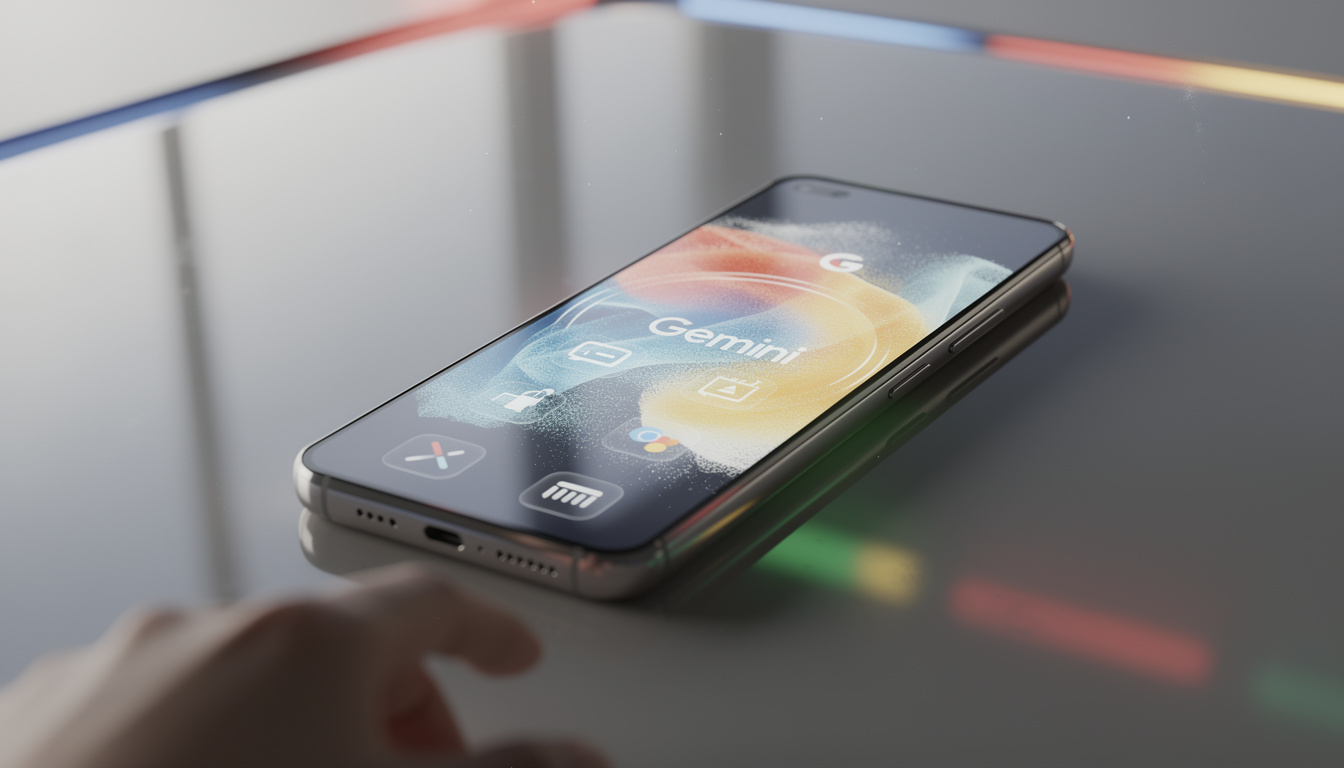
Google empowers Gemini with app control on Galaxy S26 and changes the game forever, bringing background task handling, wider shopping search, and on-device scam alerts to daily phone use.
Google Empowers Gemini With App Control on Galaxy S26
A phone buzzes during a rushed morning. A ride needs booking, groceries need reordering, and a message thread keeps moving. Google empowers Gemini with app control on Galaxy S26 and changes the game forever because those routine taps start shifting from manual work to supervised automation.
The new Gemini feature lets users assign multi-step actions inside supported apps. A rideshare request, a food order, or a grocery cart build no longer starts and ends with constant screen time. Gemini runs the flow in the background, while live notifications show progress and leave room for human approval when needed.
Google empowers Gemini with app control on Galaxy S26 and changes the game forever because the feature aims at chores people repeat every week. The first rollout stays narrow on purpose. Google says support starts with select food delivery, grocery, and rideshare apps, first on eligible Galaxy S26 and Pixel 10 phones in the United States and Korea.
This matters because app control has often looked good in demos and weak in daily use. Here, the stronger point is visibility. Users track each step through notifications, pause the action, or jump back in if pricing, address details, or timing need a final check. That design reduces the black-box feel many people dislike in mobile AI.
A practical example makes the shift easier to read. Picture a parent leaving work at 6:10 p.m. Dinner ingredients are missing, traffic is heavy, and pickup from after-school care is close. Gemini starts a grocery cart with recurring items, checks a rideshare app, and keeps the status visible while the user replies to texts. The phone stops feeling like a stack of separate tools.
That broader trend already appears across mobile software, and AI in mobile apps has been moving toward assistance tied to real tasks instead of novelty prompts. Google empowers Gemini with app control on Galaxy S26 and changes the game forever because this step pushes AI from suggestion mode into supervised execution.
| New feature | What it does | Where it starts |
|---|---|---|
| Gemini app control | Handles multi-step actions in supported apps | Galaxy S26, Pixel 10 |
| Live notifications | Shows progress while tasks run in background | Select markets |
| App categories | Food, grocery, rideshare at launch | U.S. and Korea first |
The key detail is restraint. Google empowers Gemini with app control on Galaxy S26 and changes the game forever, but only if people stay in control. That tension leads straight to security, trust, and what happens when AI starts listening for fraud signals instead of only following commands.
Those trust questions shape the next phase of the Galaxy S26 story.
Why Galaxy S26 Gemini Features Matter Beyond Convenience
Google empowers Gemini with app control on Galaxy S26 and changes the game forever, but convenience is only half the story. The larger shift sits in how Android now links assistance, search, and protection into one user flow. A phone no longer only reacts to taps. It starts interpreting intent across apps, images, and conversations.
Circle to Search shows this clearly. The updated version identifies multiple objects on screen at once. If a user spots an outfit in a short video or photo, the system breaks the look into separate items, searches each piece, and then offers a virtual try-on path on supported devices. On Galaxy S26 and Pixel 10, shopping becomes less about keywords and more about visual context.
Google empowers Gemini with app control on Galaxy S26 and changes the game forever because visual search now links to action. Search used to stop at information. The new model moves from identifying a jacket, pants, and sneakers to comparing them, previewing them, and opening the route toward purchase. That saves time, but it also changes how retailers, advertisers, and app makers compete for attention.
There is a second layer. Scam detection for calls now reaches Samsung’s Phone app on Galaxy S26. The system looks for speech patterns often linked to fraud and warns the user during the call. Google says the feature stays off by default and does not operate during calls with saved contacts. Those limits matter. They reduce false alarms and lower privacy concerns.
Message protection follows a similar path inside Google Messages across several markets. Given the steady rise in phishing, fake delivery alerts, banking impersonation, and account recovery scams, this feature lands at the right time. Readers following current cybersecurity threats or AI security frameworks have seen the same pattern for months. Mobile fraud now mixes social pressure, timing, and impersonation. Detection tools need context, not only blocklists.
Where the update hits daily life
These changes shape three common phone habits.
- Task handling, where users offload repetitive app navigation.
- Shopping research, where a screenshot turns into product matching and virtual try-on.
- Fraud defense, where calls and messages receive live risk screening.
A small business owner offers a good case study. An online seller spots a fashion look on social media, searches the outfit pieces, compares pricing, then receives a suspicious callback about a payment issue. On older phones, each step sits in a separate silo. On Galaxy S26, the same device moves from visual search to transaction support to scam warning with less friction.
Google empowers Gemini with app control on Galaxy S26 and changes the game forever because these features share one goal, reduce busywork while raising awareness. That is stronger than a flashy demo. The phone starts acting like a coordinator.
The harder question is what users should expect next, and where the limits still sit.
What Google Empowers Gemini With App Control on Galaxy S26 Means for 2026
Google empowers Gemini with app control on Galaxy S26 and changes the game forever only if the feature stays useful after launch week. That depends on app support, regional rollout, and user trust. Early access starts on select devices and markets, which means many people will read about the update before they touch it. Expectations need grounding.
The first limit is compatibility. Supported app categories start small. Food delivery, groceries, and rideshare fit the model because they follow clear flows with repeatable steps. Banking, medical, and legal actions bring heavier risk and stronger verification demands. Expansion will likely move in stages, with each new category judged by error cost.
The second limit is control design. People accept automation faster when they see what the system is doing. Live notifications are more than a cosmetic add-on. They are part of the trust layer. If Gemini opens an app, fills part of a form, or reaches a payment screen, the user needs a visible checkpoint. Without that, adoption drops fast.
The third limit is data handling. Consumers have grown more skeptical about AI products after a string of privacy concerns across the sector. Reports around leaks, data overreach, and weak safeguards shaped public opinion, which is why pieces such as recent AI app cautionary cases keep getting attention. A feature tied to app control must feel supervised, local where possible, and narrow in scope.
Still, the upside is clear. Google empowers Gemini with app control on Galaxy S26 and changes the game forever because this is one of the first mainstream attempts to make an assistant finish practical mobile chores at scale. Apple is under similar pressure to sharpen Siri and on-device AI behavior, a race reflected in ongoing coverage of Apple’s AI Siri updates. Consumers benefit when both ecosystems move from promises to measurable time savings.
What readers should watch next
The next six months will likely decide whether this stays niche or becomes standard on premium phones.
| Signal to watch | Why it matters | What success looks like |
|---|---|---|
| More supported apps | Shows platform trust and developer buy-in | Expansion beyond delivery and rideshare |
| Regional rollout | Tests localization and compliance | Availability outside first launch markets |
| Low false scam alerts | Builds confidence in protection features | Warnings feel timely, not noisy |
| User retention | Proves utility after early curiosity fades | People keep using app control weekly |
Google empowers Gemini with app control on Galaxy S26 and changes the game forever is a strong headline. The stronger reality is simpler. Phones are moving from search tools to supervised agents. If this rollout stays accurate, private, and easy to interrupt, the Galaxy S26 will mark a clear shift in what people expect from Android.
Share this article with someone comparing flagship phones this year, or drop a comment about which Gemini feature would save the most time on a busy day.
Which phones get Gemini app control first?
Google says the first rollout covers select Galaxy S26 and Pixel 10 devices. Availability depends on market and supported app categories.
What tasks does Gemini handle at launch?
The first beta focuses on food delivery, grocery, and rideshare actions in supported apps. Google is starting with common repeat tasks where the steps are easier to verify.
Does scam detection listen to every call?
The call protection feature is off by default. Google also says the tool does not run during calls with people saved in your contacts.
What is new in Circle to Search on Galaxy S26?
The upgraded feature identifies multiple objects on screen at once. One headline use case is full-outfit search with virtual try-on for individual clothing items.
Why does this update matter more than earlier phone assistants?
Older assistants often stopped at reminders, voice search, or one-step commands. This update moves closer to supervised task completion across apps, with visible progress and user checkpoints.