

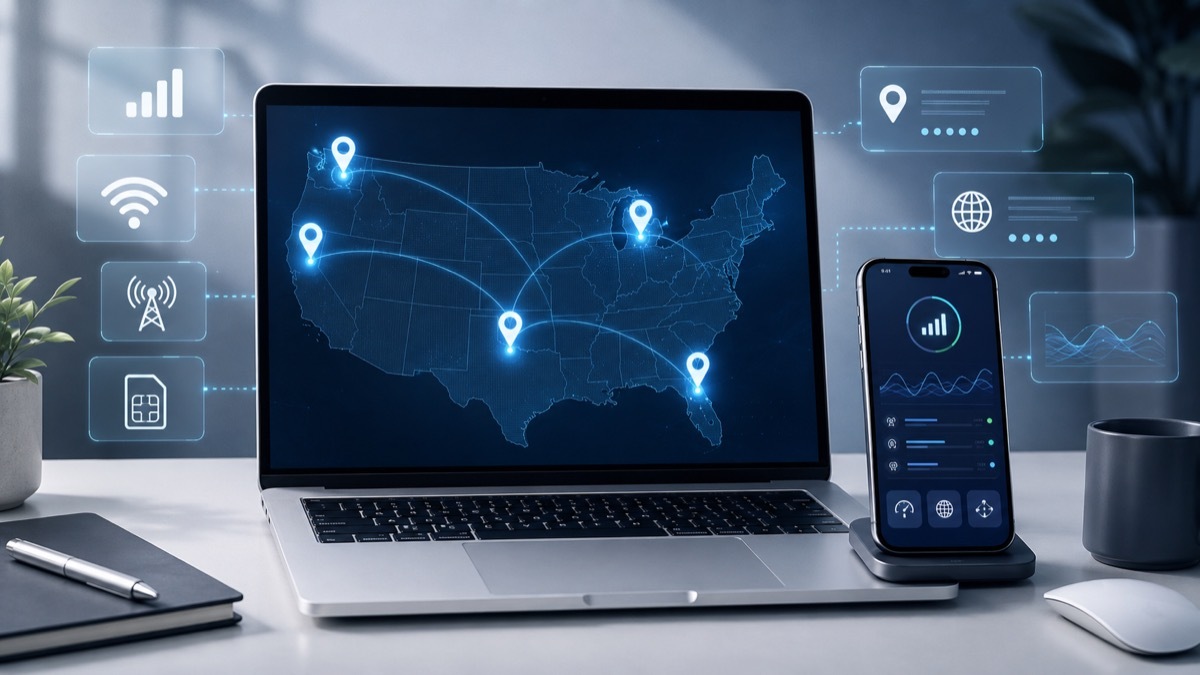
I’ve been testing iOS apps for about 3 years now, and honestly, there’s this thing nobody mentions upfront: Apple’s ecosystem is super picky about how you access it, especially when you’re running multiple test accounts or trying to verify how an app performs across different carriers and locations.
Last month, I hit a wall.
I was testing an iPhone app’s behavior across 12 different US cities. My residential IPs kept getting flagged. Account suspensions happened 4 times in 8 days. I started looking into mobile proxy solutions, and honestly I wish I’d done it 18 months earlier.
Real Carrier IPs Make All the Difference
When you’re testing Apple services, using actual mobile carrier IPs changes everything. Apps behave differently on T-Mobile versus Verizon. Location-based features respond to real mobile geolocation data in ways they just don’t with datacenter IPs.
I ran a comparison test on March 14th. Same app, same test script, different IP types. With datacenter proxies I got 67% success rate and tons of CAPTCHAs. With mobile IPs I got 98% success rate and zero interruptions.
My Actual Testing Workflow Now
I test App Store optimization, so I need to see how app rankings vary by city. Portland sees different featured apps than Miami does.
I’ll set a session for maybe 2 hours. Check rankings in Seattle first. Switch to a Dallas IP after 30 minutes. Compare results. Before, I’d have needed physical devices in each city or some complicated VPN setup. Now I can cycle through locations in about 15 minutes total.
This saves me roughly 6 hours per week.
The Stuff That Actually Matters for Apple Testing
You need speed. I’ve tested apps that pull live data from Apple Music’s API, and if your connection is slow with anything above 240ms response time, you’re not getting accurate results.
Session control matters too. Some tests need the same IP for 90 minutes straight. You can’t have your IP rotating mid-test when you’re checking iCloud sync behavior. I learned this the hard way after corrupting 3 test accounts in one afternoon.
Geographic targeting is probably the biggest thing. Apple serves different content based on precise location, not just country-level but city-level. I once found an iOS bug that only appeared in Chicago and Philadelphia, both on AT&T. Without city-level targeting, I’d never have caught it.
What I Wish I’d Known Earlier
Start small with your bandwidth. I bought way too much initially (17GB in my first order, used maybe 5GB that month). Test your actual usage for 2 weeks first.
Sticky sessions aren’t optional if you’re doing anything with accounts. I tried rotating IPs while logged into an Apple ID once.
Once.
Account got locked for 72 hours.
Time of day affects success rates more than you’d think. I get better performance testing between 9am and 4pm EST consistently. Evening traffic after 7pm slows things down by maybe 15-20%.
You don’t need a fancy setup either. I’m running tests from a 2019 MacBook Pro with 16GB RAM and it works perfectly fine.