

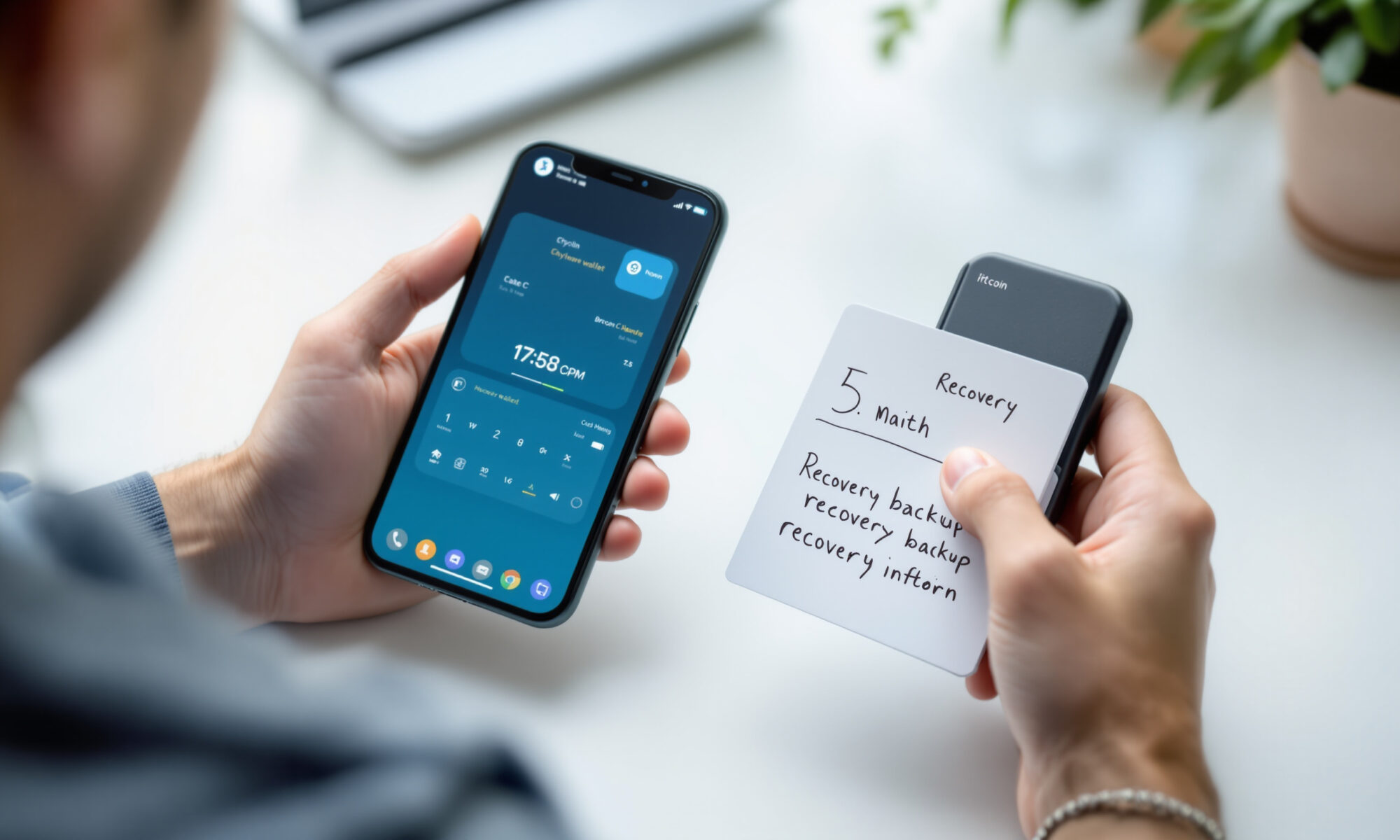
The best crypto wallet for a beginner in 2027 depends on what you own and how you plan to use it. As of October 27, 2026, no verifiable 2027 winner exists. Trust Wallet and Phantom suit convenient mobile use, MetaMask fits multi-network activity, while Ledger Nano S Plus and Trezor Safe 3 provide hardware-based key isolation.
What is the best crypto wallet for beginners in 2027?
The best crypto wallet for most beginners in 2027 will balance self-custody, compatible networks, understandable recovery and safe transaction approval. Based on verified 2026 specifications, Trust Wallet is a broad mobile option, Phantom is approachable for its supported networks, and Trezor Safe 3 is a strong hardware choice.
A crypto wallet is software or dedicated hardware that manages the keys used to authorize blockchain transactions. Coins remain recorded on their respective blockchains; the wallet controls the credentials that let you move them.
There isn’t one universal winner. A person holding Solana assets has different needs from someone using Ethereum applications or storing Bitcoin for years. Device choice matters too: Ledger Nano S Plus works with Android and desktop in 2026, but not iOS, while Trust Wallet works on iOS, Android and browsers.
For everyday mobile access, Trust Wallet offers the broadest stated chain coverage among the beginner-friendly software options compared here. Its 2026 website lists more than 100 blockchains, encrypted on-device private keys and either an offline secret phrase or password-protected cloud backup through iCloud or Google Drive.
Phantom is the more focused choice if your assets sit on Solana, Ethereum, Bitcoin, Base, Polygon or BNB Chain. Be careful with assumptions about permanent support, though. Phantom ended Sui support on September 24, 2026, requiring affected users to restore or import their credentials into a compatible Sui wallet.
Is a hot wallet or hardware wallet safer?
A hardware wallet generally reduces remote key-extraction risk because Ledger Nano S Plus and Trezor Safe 3 keep signing keys in dedicated hardware and require physical approval. A hot wallet keeps keys on an internet-connected phone or computer, trading stronger isolation for faster browser and mobile access.
Hot wallets include MetaMask, Trust Wallet, Phantom and Coinbase Wallet. They’re convenient for decentralized applications, frequent transfers and small working balances. Their larger internet-connected attack surface makes device security, authentic downloads and careful approval checks especially significant.
Cold storage isn’t invulnerable. Hardware can still be affected by compromised firmware, supply-chain tampering, malicious transaction approvals and user mistakes. If you’re buying a device, review how to inspect a hardware wallet for signs of tampering before entering a recovery phrase.
The distinction also gets blurred by companion software. Ledger Nano S Plus connects to Ledger Wallet on desktop or Android, but physical confirmation remains part of the signing workflow. Ledger released desktop version 4.23.0 on October 5, 2026, followed by mobile version 4.23 on October 6, with security improvements documented in its release notes.
My view is simple: a free hot wallet makes sense for learning with a modest balance, while meaningful long-term savings deserve dedicated hardware. Hardware’s inconvenience is often the point. The extra button press creates a pause between a deceptive screen and an irreversible transfer.
How do the best crypto wallet options compare?
The leading beginner wallets differ most in custody interface, network coverage, recovery and device support. Verified 2026 documentation shows that Trust Wallet has broad mobile coverage, MetaMask spans major smart-contract networks, Phantom covers Solana plus selected chains, and Ledger Nano S Plus and Trezor Safe 3 isolate keys in hardware.
| Wallet | Type | Verified network or asset coverage | Recovery | Device considerations |
|---|---|---|---|---|
| Trust Wallet | Hot, self-custody | More than 100 blockchains in 2026 | Offline secret phrase or password-protected iCloud/Google Drive backup | iOS, Android and browsers |
| MetaMask | Hot, self-custody | Ethereum, Bitcoin, Solana, Tron, Base, Polygon, BNB Chain, Arbitrum, Optimism and Avalanche in 2026 | 12-word phrase or encrypted shards accessed with Google, Apple or Telegram plus a MetaMask password | Internet-connected wallet interface |
| Phantom | Hot, self-custody | Solana, Ethereum, Bitcoin, Base, Polygon, BNB Chain, Robinhood Chain, Arc and HyperEVM in 2026 | Recovery phrase, including for wallets created with Google or Apple | Support can change; Sui support ended in 2026 |
| Coinbase Wallet | Hot, self-custody | Mnemonic and social-login wallets support EVM networks, Bitcoin and Solana in 2026; smart wallets are EVM-only | Recovery phrase, recovery key or passkey depending on account type | Users protect their own credentials |
| Ledger Nano S Plus | Hardware | More than 15,000 advertised assets overall in 2026 | 24-word recovery phrase | USB-C; Android and desktop, not iOS |
| Trezor Safe 3 | Hardware | Thousands of assets in 2026 | 12-, 20- or 24-word backups, including SLIP39 multi-share recovery | USB-C; setup and management unavailable on iOS |
Asset totals require context. Ledger’s 2026 product page says Ledger Nano S Plus can install up to 100 apps and directly manage more than 500 assets through Ledger Wallet, even though the company advertises support for more than 15,000 assets overall through direct and third-party interfaces. A large headline number doesn’t mean every asset has the same workflow.
Coinbase Wallet has a similar edge case. Its mnemonic and email or social-login wallets support EVM networks, Bitcoin and Solana in 2026, but passkey-based smart wallets support EVM-compatible networks rather than Bitcoin or Solana. Readers interested in that authentication model can review how mobile passkeys use WebAuthn.
If your decision comes down to two popular software choices, a detailed MetaMask and Trust Wallet comparison can clarify differences in receiving payments and network use. Neither name alone settles the question; the account type and selected chain determine what actually works.
How much should a beginner spend on a crypto wallet?
A beginner can start with a free software wallet, while dedicated hardware adds an upfront purchase cost. Chained Future reported on October 14, 2026, that Trezor listed the Trezor Safe 3 at $59, although promotions and 2027 pricing may change. Cost should be measured against the value being protected.
Here is a useful calculation. A $59 device equals 11.8% of a hypothetical $500 holding but only 1.18% of a hypothetical $5,000 holding, using the reported 2026 price. Hardware becomes easier to justify as your balance grows or your intended holding period lengthens.
Price isn’t the only cost. You must store the device, maintain a valid backup and confirm transactions on its screen. Trezor Safe 3 uses an EAL6+ Secure Element, open-source firmware, USB-C and two physical buttons according to Trezor’s 2026 documentation; Ledger Nano S Plus also uses an EAL6+ Secure Element and USB-C.
Honestly, buying hardware for a tiny experimental balance can create more complexity than protection. Start with careful habits, then move long-term funds when the hardware cost is proportionate. Broader reporting on crypto theft patterns during 2026 also helps put wallet risk in context.
How should you choose and set up a crypto wallet?
Choosing the best crypto wallet requires checking custody, exact chain compatibility, recovery options, supported devices and the transaction-confirmation screen before depositing funds. Beginners should test recovery and receiving addresses with a small amount first, because self-custody transfers cannot be reversed by a bank, wallet company or blockchain operator.
Use the following sequence to reduce avoidable setup mistakes:
- List each asset and network you expect to use in 2027, including the token’s specific chain rather than its ticker alone.
- Confirm support in the wallet provider’s documentation dated 2026 or later; don’t rely on an app-store description or an old review.
- Download software from the official provider and buy hardware through an authorized channel.
- Create the wallet privately, record every required recovery method offline and never paste a recovery phrase into a website.
- Verify the receiving address on the device or trusted interface, then send a small test transaction before moving the rest.
- Practice the documented recovery process without exposing the live phrase, and decide how trusted heirs could regain access if necessary.
The pitfall many comparisons miss is discontinued network support. Coinbase Wallet ended support for Dogecoin, Litecoin, zkSync Era and additional networks on August 15, 2026. The assets remained on-chain, but affected users needed to import their recovery phrase into another compatible wallet.
Security scanners aren’t guarantees either. Trust Wallet stated in 2026 that its Security Scanner checks transactions against known risk signals, while explicitly warning that the alerts don’t guarantee safety. Read the destination, network, amount and requested permissions yourself before approving.
What can go wrong with self-custody?
Self-custody can fail through stolen recovery credentials, lost backups, malicious approvals, unsupported networks, compromised devices or mistaken transfers. Anyone who obtains a valid recovery phrase can control the associated wallet, while losing every valid recovery method can permanently remove access. No wallet provider can insure or reverse an on-chain mistake by default.
Backup design matters as much as wallet design. Trezor Safe 3 supports 12-, 20- and 24-word backups in 2026, including SLIP39 multi-share recovery. Multi-share recovery can reduce dependence on one physical copy, but extra pieces and thresholds can confuse families unless you document the process clearly.
Updates don’t always repair past damage. Coinkite disclosed in August 2026 that COLDCARD seeds affected by a weakened seed-generation vulnerability, covering seeds generated from 2021 through July 2026, required a new seed and movement of funds. Installing firmware 5.6.1 or 1.5.1Q alone did not repair an affected seed.
Your recovery phrase should never enter a password manager, cloud note, chat or support form unless the wallet’s verified recovery design explicitly requires an encrypted cloud method. For ordinary account credentials, a reputable password manager can improve login hygiene; seed phrases demand a separate threat assessment.
Frequently asked questions
Can I keep Bitcoin and Solana in one wallet?
Phantom supports Bitcoin and Solana according to its 2026 documentation. Coinbase Wallet mnemonic and email or social-login accounts also support both, but Coinbase passkey-based smart wallets do not support either network in 2026.
Does Ledger Nano S Plus work with an iPhone?
Ledger Nano S Plus does not support iOS according to Ledger’s 2026 specifications. The USB-C hardware wallet supports Android and desktop systems.
What happens if a crypto wallet stops supporting a network?
Assets normally remain recorded on the blockchain when wallet software ends network support. You may need to restore or import the same recovery credentials into another compatible wallet, as affected Phantom Sui and Coinbase Wallet users did in 2026.
Can a recovery phrase be changed?
A recovery phrase identifies a set of wallet keys and generally isn’t edited like a password. If the phrase is exposed, create a new wallet with new credentials and transfer the assets after verifying the destination.
Is a hardware wallet completely offline?
A hardware wallet isolates signing keys in dedicated hardware, but companion software still uses an internet-connected device to prepare and broadcast transactions. Ledger and Trezor devices require on-device approval, yet malicious approvals, firmware problems and user error remain possible.