

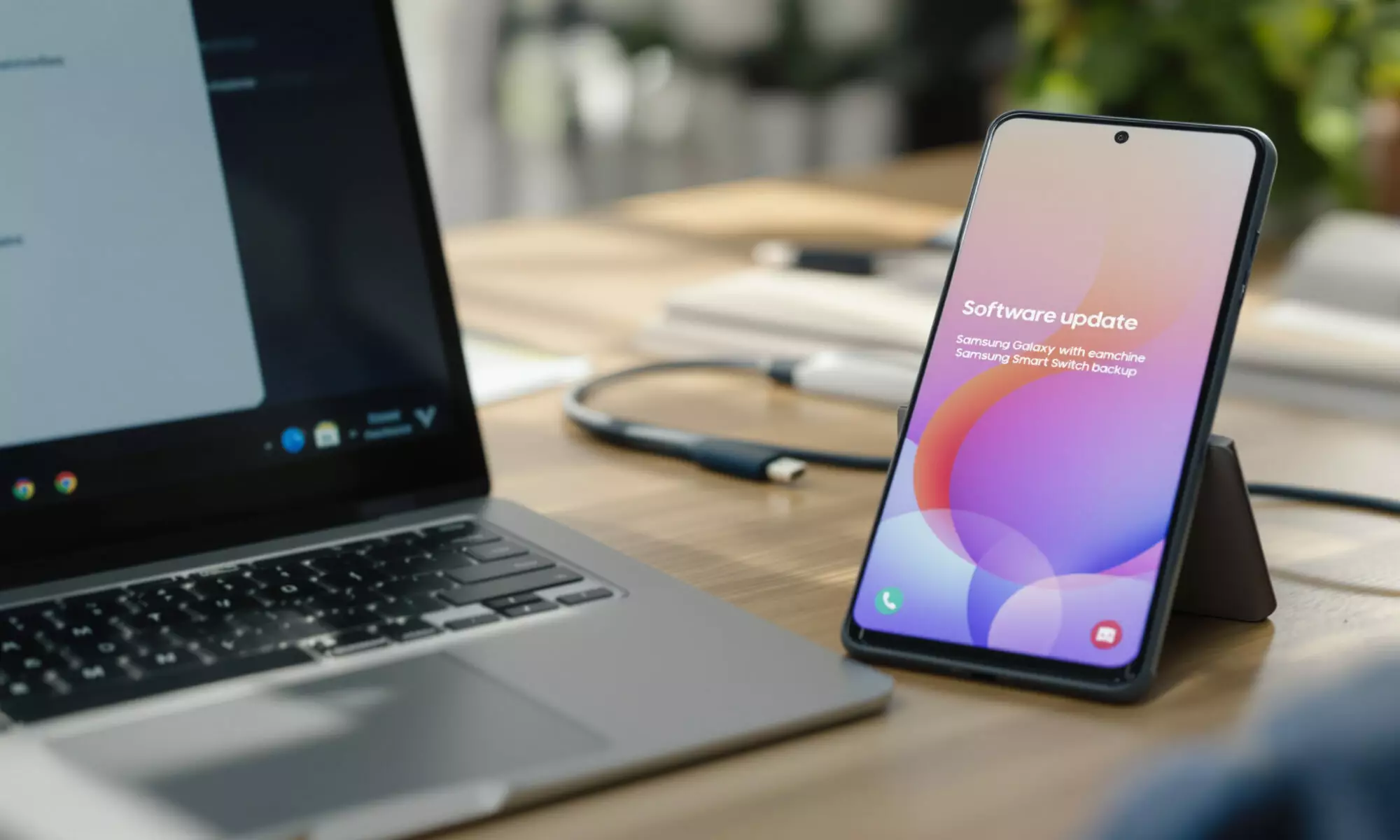
If you own a Galaxy S25, you probably shouldn’t install a One UI 9 beta yet because Samsung has not publicly confirmed an official Galaxy S25 beta as of September 1, 2026. The official program began with the Galaxy S26 series on May 12, 2026. For One UI 9 Galaxy S25 users, the smart move is to check Samsung Members, back up with Smart Switch, and avoid unofficial files.
One UI 9 Galaxy S25 beta status: what’s confirmed
The search intent here is straightforward: you want to know whether the One UI 9 Galaxy S25 beta exists, whether it’s safe, and whether installing it is worth the hassle. The honest answer is less exciting than the rumors. Samsung’s global announcement on May 12, 2026 named the Galaxy S26 series for the One UI 9 beta, not the Galaxy S25 series.
Samsung also said One UI 9 is built on Android 17. That matters because Android platform betas can affect low-level behavior: battery use, Bluetooth, Android Auto, banking apps, enterprise profiles, camera processing, and background notifications. If your S25 is your daily phone, those are not small annoyances.
As of September 1, 2026, reliable public information confirming an official One UI 9 Beta for Galaxy S25 is scarce. Samsung’s public beta-program page still describes eligibility as limited by device, operating system version, country, carrier or region, and beta period. It points users to Samsung Members for compatible devices and timing.
There’s a useful contrast. Android Central reported on August 25, 2026 that One UI 9 Beta 6 was rolling out to enrolled Galaxy S26 users in South Korea, India, the U.K., Germany, and Poland, with a U.S. rollout expected later that week. The same report did not confirm Galaxy S25 beta availability. That absence is the story.
Who can officially join Samsung’s beta program?
Samsung’s official One UI 9 beta markets listed on May 12, 2026 were Germany, India, Korea, Poland, the U.K., and the U.S. Even inside those countries, access is not guaranteed. Device model, carrier region, Samsung Account status, beta capacity, and program timing can all block the banner from appearing.
Enrollment runs through the Samsung Members app with a Samsung Account. After you join, the installation path is Settings > Software update > Download and install. If the One UI 9 Galaxy S25 banner isn’t there, forcing the update through a random package is the wrong kind of clever.
Samsung’s U.S. One UI page says One UI 9 will first be introduced with Galaxy Z Fold8 Ultra, Galaxy Z Fold8, and Galaxy Z Flip8, then roll out to more Galaxy devices. That phrasing suggests a staged release beyond the beta group, but it doesn’t give the S25 a public beta slot. Tom’s Guide also reported in 2026 that Samsung had not revealed details about a wider One UI 9 beta rollout beyond Galaxy S26 at the time of its report.
If you’re weighing Android 17 changes more broadly, our Android 17 vs iOS 27 comparison gives useful context on why platform releases can feel unfinished before the fall stable builds. Samsung’s skin adds another layer on top.
The real cost of installing a beta on your daily phone
Samsung is blunt about beta software. It may contain bugs, errors, inaccuracies, unexpected behavior, incomplete or missing features, and it may cause data loss. That warning is not legal wallpaper. It describes exactly what happens when a prerelease operating system meets a thousand different app and carrier combinations.
A concrete calculation helps. Android Central reported the Galaxy S26 One UI 9 Beta 6 download at 851MB on August 25, 2026. If a future One UI 9 Galaxy S25 beta were similar in size, downloading it over a 5GB monthly mobile plan would consume about 17% of the entire allowance before app updates, cloud sync, or rollback tools. Samsung says beta participation has no fee, but users are responsible for data-network costs, and Wi-Fi is recommended for a reason.
Storage is the other quiet pitfall. You don’t just need room for the update package; you need free space for installation, app optimization, backup exports, and logs if you report bugs. People focus on battery drain and forget that a nearly full phone is exactly the wrong phone to experiment with.
Here’s my view: if your Galaxy S25 holds work authenticator apps, irreplaceable photos, payment cards, or travel documents, beta software belongs on a spare device. Curiosity is cheap. Lost access on a Monday morning isn’t.
| Item | Confirmed 2026 information | What it means for Galaxy S25 owners |
|---|---|---|
| Initial One UI 9 beta device | Galaxy S26 series, announced May 12, 2026 | No official S25 beta named in Samsung’s launch announcement |
| Android base | Android 17 | Expect deeper system changes than a monthly security patch |
| Official beta markets | Germany, India, Korea, Poland, U.K., U.S. | Country eligibility still doesn’t guarantee device eligibility |
| Reported Beta 6 size | 851MB for Galaxy S26 users, reported August 25, 2026 | Use Wi-Fi and keep storage free if an S25 beta appears |
| Rollback method | Withdraw in Samsung Members, then use Smart Switch PC version | Rollback resets the device and removes data generated during beta testing |
Before you tap install: a sensible checklist
If Samsung eventually opens One UI 9 Galaxy S25 enrollment in your region, don’t treat the banner like a normal security update. Take fifteen minutes and remove the obvious failure points. Boring preparation saves weekends.
- Confirm the beta banner appears inside the Samsung Members app, not on a forum, file host, or social post.
- Back up to a computer with Smart Switch, as Samsung recommends for beta software.
- Check that you know your Samsung Account, Google Account, banking app, and two-factor authentication recovery methods.
- Install over Wi-Fi, because Samsung says you’re responsible for mobile data costs.
- Leave enough battery and storage headroom; don’t begin during travel or before a workday.
- Assume rollback will wipe the phone, because Samsung says returning from beta requires Smart Switch PC and resets the device.
The rollback rule is the detail many beta guides underplay. Samsung says you must withdraw in Samsung Members and use the Smart Switch PC version, and the rollback removes data generated during beta testing. In plain English: photos, messages, app data, and settings created after you join may not survive unless you’ve backed them up correctly.
Travelers should be extra cautious. If you depend on roaming, eSIM profiles, or app-based boarding passes, a beta is a bad companion. Our guide to eSIM plans for international travel is useful background, because losing mobile service abroad is far more irritating than missing an early UI feature.
What One UI 9 may bring, and what’s still unclear
Samsung’s U.S. One UI page says One UI 9 includes enhanced DeX window snapping, including top and bottom snapping in addition to left and right. That’s a practical upgrade if you use DeX with an external display, especially for split workspaces. It’s not a reason to risk your only phone on unconfirmed software.
The reported Beta 6 for Galaxy S26 was mainly bug fixes, according to Android Central’s August 25, 2026 coverage. Fixes included display errors and an Expert RAW 24MP focal-length issue. That tells you something important: by the sixth beta, Samsung was still sanding down device-specific problems on supported S26 models.
Features also arrive unevenly. A One UI capability shown on Fold8, Flip8, or Galaxy S26 may not appear identically on the Galaxy S25, because Samsung often gates features by hardware, region, carrier, or app version. The One UI 9 Galaxy S25 experience, once official, could be stable and polished. It just isn’t something to assume from another model’s beta notes.
Foldable buyers have a separate decision because Samsung says One UI 9 comes first to Galaxy Z Fold8 Ultra, Galaxy Z Fold8, and Galaxy Z Flip8. If that’s the device category you’re considering, our piece on whether 2026 foldables are worth buying is more relevant than chasing an S25 beta rumor.
Should you install One UI 9 on Galaxy S25 if it appears?
Install it only if the Samsung Members app offers it for your exact Galaxy S25 model and you can tolerate a full reset. Even then, I’d skip it on a phone used for work, travel, payments, or family logistics. Beta software is fun until the one app you need refuses to open.
Developers, reviewers, and enthusiasts with a backup phone have a stronger case. If you test Android apps, DeX workflows, camera behavior, or enterprise policies, early access can be useful. For a normal owner, stable One UI 9 will almost certainly be the better deal: fewer bugs, fewer wipes, fewer support headaches.
Security-minded users should also consider authentication apps. Passkeys, biometrics, banking tokens, and work device management tools can be sensitive to OS previews. If you rely on passwordless sign-in, our WebAuthn and mobile passkeys explainer shows why losing access to a trusted device can become more than a minor inconvenience.
Ignore unofficial installation packages unless you’re deliberately doing unsupported tinkering and accept the risk. The official path exists for a reason: Samsung Members enrollment, then the software update menu. Anything else can create update-channel problems, failed rollbacks, or a device that your carrier won’t help you troubleshoot.
The practical answer is simple. For One UI 9 Galaxy S25 owners, check Samsung Members periodically, back up with Smart Switch before any beta, and wait for Samsung to name the S25 publicly. At this stage, patience is the high-confidence choice.
FAQ
Is One UI 9 beta available for Galaxy S25?
As of September 1, 2026, Samsung’s official One UI 9 beta announcement names the Galaxy S26 series, not the Galaxy S25. Check Samsung Members on your phone for device-specific eligibility.
How do I join the One UI 9 beta if my Galaxy S25 is eligible?
Samsung says enrollment is through the Samsung Members app with a Samsung Account. After enrolling, go to Settings > Software update > Download and install.
Can I roll back from One UI 9 beta to stable software?
Yes, but Samsung says you must withdraw from the beta in Samsung Members and use the Smart Switch PC version. The rollback resets the device and removes data generated during beta testing.
Does the One UI 9 beta cost money?
Samsung says One UI Beta participation has no fee. You’re responsible for data-network costs, so Wi-Fi is recommended.
Is One UI 9 based on Android 17?
Yes. Samsung announced on May 12, 2026 that the One UI 9 beta is built on Android 17.
 EN
EN  FR
FR  ES
ES