

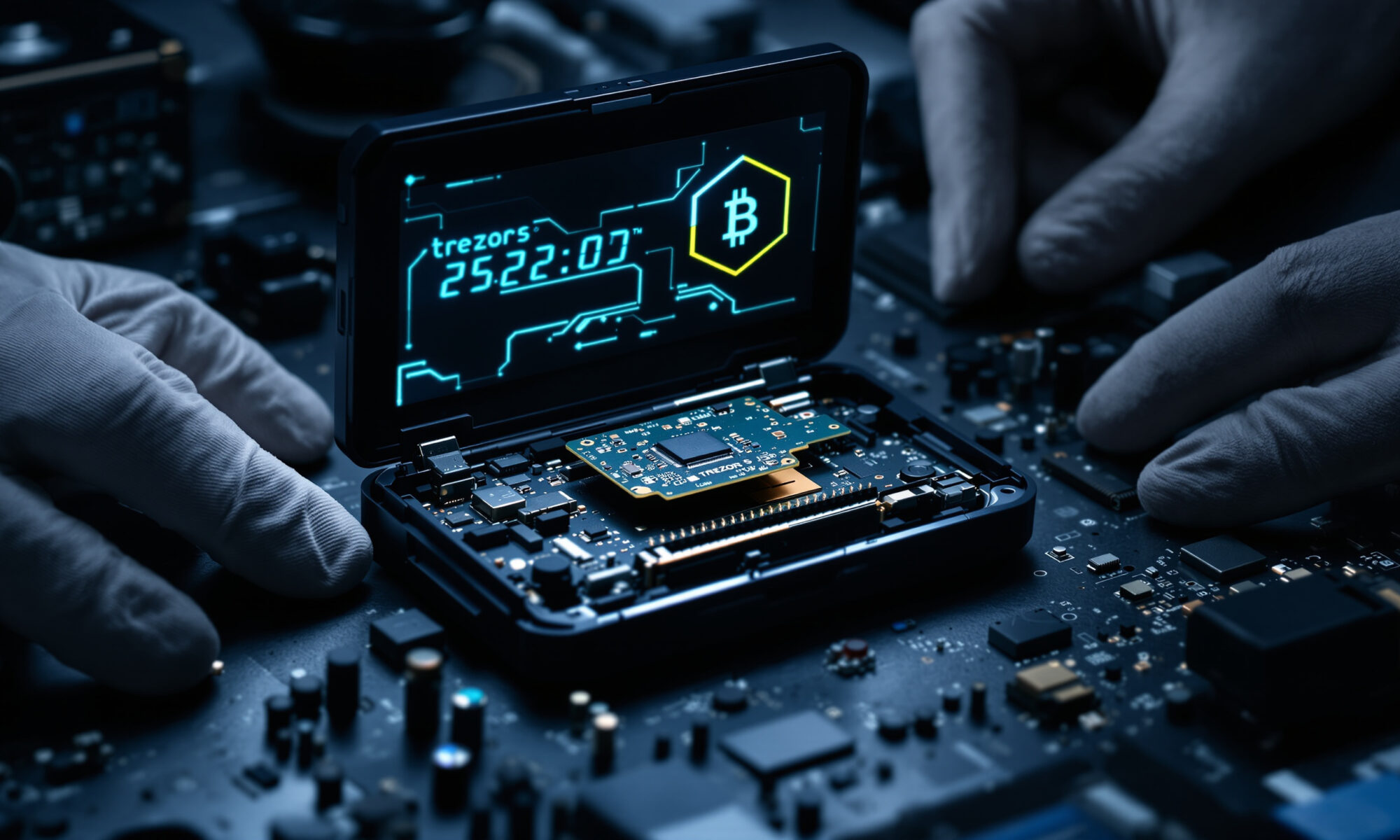
The Trezor Safe 5 implant warning requires anyone who bought any Trezor model from CryptoBilis from March 2026 onward to move every asset to a wallet protected by a newly generated recovery phrase. Updating firmware or restoring the old phrase on a clean device isn’t enough if that phrase may already have been captured.
Who must move crypto after the Trezor Safe 5 implant cases?
Anyone who purchased any Trezor model from CryptoBilis from March 2026 onward should migrate, according to Trezor’s October 30, 2026 warning. The precaution covers purchases through CryptoBilis’s Tokopedia and Shopee stores as well as direct sales, even though confirmed implants were limited to three Trezor Safe 5 devices.
The confirmed group is narrower than the action group. Trezor reported on November 12, 2026 that all three implanted devices were bought from CryptoBilis between August 20 and September 23, 2026. That known purchase window spans 35 calendar days when both endpoints are counted.
| Buyer or device group | Confirmed finding | Recommended action |
|---|---|---|
| Trezor Safe 5 bought from CryptoBilis, August 20–September 23, 2026 | Three implanted units confirmed by November 12, 2026 | Create a new wallet and transfer all assets |
| Any Trezor model bought from CryptoBilis from March 2026 onward | No implant confirmed across the full group as of November 12, 2026 | Migrate as a precaution |
| Trezor bought from another reseller | No implant confirmed through another reseller as of November 12, 2026 | No CryptoBilis-specific migration requested |
| Another Trezor model | No implant confirmed in another model as of November 12, 2026 | Migrate only if purchased from CryptoBilis in the stated period |
Purchase channel matters more than visual condition. A sealed-looking box doesn’t prove that the hardware inside followed the intended supply chain, which is why buying from a reputable seller belongs among the hardware-wallet security features and purchasing checks that deserve attention.
Trezor removed CryptoBilis from its authorized-reseller network on October 9, 2026. The company received the first responsible-disclosure report about an implanted Safe 5 bought through Tokopedia on October 28, 2026, then issued its public migration warning two days later.
How does the Trezor Safe 5 implant capture recovery words?
The Trezor Safe 5 implant is a rogue circuit board positioned between the wallet’s main board and screen. According to Trezor’s November 12, 2026 investigation, the board monitors information displayed or entered during backup and restoration without altering legitimate Trezor firmware or the device’s Secure Element.
A hardware implant is an unauthorized physical component that intercepts, records or changes information inside a device. In this case, the board recognizes recovery words displayed while creating a new-wallet backup and words entered while restoring an existing wallet. It can also capture a passphrase shown on screen.
The captured information doesn’t have to leave the wallet immediately. Trezor said in 2026 that the implant encrypts the stolen data and sends it over a mobile network to an attacker-controlled server. A failed transmission remains stored for a later retry.
That design exposes a blind spot in routine authenticity checks: genuine firmware can coexist with hostile extra hardware. The wallet may behave normally because the implant watches the communication path rather than replacing the official software. Honestly, that distinction is what makes this incident more serious than a simple firmware bug.
A recovery phrase controls the wallet’s underlying keys, so mishandling it is one of the costliest crypto mistakes that catch newer users. A passphrase can create a separate protected wallet, but an on-screen passphrase captured by the implant may also be exposed.
Does firmware 2.13.1 make an exposed wallet safe?
Trezor firmware 2.13.1, released on November 11, 2026, prevents the identified implant batch from capturing future screen data. Trezor states that the update cannot make recovery words secret again if the rogue board recorded them earlier, so potentially exposed wallets still require a new recovery phrase and new addresses.
Firmware protection and wallet recovery solve different problems. Version 2.13.1 blocks the known capture method going forward; migration removes funds from keys an attacker may already possess. Treating those jobs as interchangeable creates a false sense of safety.
Restoring the old phrase on a clean or replacement Trezor also fails to remove the risk. The same words deterministically recreate the same keys and addresses. If an attacker copied the phrase before the update, the attacker doesn’t need the altered device to reach those assets.
Here is the useful test: did the old recovery phrase ever appear on, or get entered into, a potentially affected device before firmware 2.13.1? If yes, assume exposure and retire that wallet. Waiting for evidence of theft gives an attacker the same waiting period.
How do you migrate from a potentially implanted Trezor?
A safe Trezor Safe 5 implant migration creates a completely new wallet on trusted hardware, records a newly generated recovery phrase, verifies receiving addresses on the trusted device and transfers every asset controlled by the old phrase. Trezor published this procedure on October 30, 2026 for affected CryptoBilis customers.
Use the following order to avoid recreating the compromised keys or leaving a less-visible asset behind:
- Obtain trusted hardware and update it through official Trezor software. Do not initialize an unopened CryptoBilis device.
- Create a new wallet and let the trusted device generate a new recovery phrase. Never reuse or slightly alter the old phrase.
- Back up the new phrase offline according to the device instructions, away from cameras and network-connected devices.
- Verify each new receiving address on the trusted hardware’s own screen before sending funds.
- Send a small test transfer when practical, confirm receipt, then transfer the remaining balance.
- Move every asset and token controlled by the old phrase, including holdings on less frequently used accounts or networks.
- Stop using the old wallet after checking that all intended transfers have settled.
The phrase “every asset” deserves attention. A wallet that looks empty on one account may still control tokens, stablecoins or assets on another supported network. A multi-wallet portfolio tracker can help inventory holdings, but verify balances and destination addresses independently rather than trusting a dashboard as signing authority.
Budget for network fees and time. Moving several assets can require separate transactions, and some tokens need a network’s native coin to pay fees. Don’t send everything in one rushed session if you can’t verify each destination carefully.
If trusted hardware isn’t available, Trezor said on October 30, 2026 that a familiar software wallet or exchange can serve as a temporary destination. In my view, that option makes sense only as a short bridge: the priority is getting assets away from potentially copied keys without introducing unfamiliar software under pressure.
What should owners do with unopened devices, replacements and refunds?
Owners of unopened CryptoBilis devices should not initialize them or enter an existing recovery phrase, according to Trezor’s November 12, 2026 guidance. Owners should retain the hardware and contact official Trezor Support. Eligible CryptoBilis customers may request a replacement, alternative delivery arrangement or refund, subject to shipping constraints.
Don’t open the casing to search for a rogue board. Aside from the risk of damaging evidence or the device, one confirmed unit required laboratory examination. Trezor identified the other two confirmed devices from owner-submitted photographs, according to its November 12, 2026 report.
Trezor said 48 CryptoBilis customers had contacted the company for laboratory or photographic checks by November 12, 2026. That count came from Trezor alone and doesn’t establish the total number of potentially affected sales or implanted units.
The company also reported in 2026 that it had reduced its reseller network by approximately 80% and introduced stricter requirements for sourcing, storage and inventory access. Those changes address future supply-chain exposure, but they don’t remove the need for migration when old recovery words may have been recorded.
No owner of the three confirmed implanted devices had reported losing funds by November 12, 2026. Trezor also said it had received no customer report of implant-linked fund loss by that date. No reported theft is reassuring, but it isn’t proof that copied credentials don’t exist.
Frequently asked questions about the Trezor Safe 5 implant
Can I keep my old recovery phrase after replacing the device?
No. A replacement device loaded with the old recovery phrase recreates the same potentially exposed keys. Generate a new phrase on trusted hardware and move the assets to addresses controlled by that new phrase.
Were all Trezor Safe 5 wallets compromised?
No. Trezor had confirmed three implanted Trezor Safe 5 devices by November 12, 2026, all purchased from CryptoBilis during the August 20–September 23, 2026 window. No other reseller was linked to a confirmed implant at publication.
Does a passphrase protect against the implant?
A passphrase isn’t a reliable defense against the identified implant because Trezor said in 2026 that the rogue board could capture an on-screen passphrase. Potentially exposed users should create new wallet credentials rather than assume the passphrase remained secret.
Should I send my recovery phrase to Trezor Support?
No. A recovery phrase should never be sent to support staff or entered into a website. Contact official Trezor Support about the physical device, replacement or refund process without disclosing the words.