

Explore All the Latest Features in iOS 26.5 Beta 1, from restored RCS encryption to new Maps suggestions, EU wearable support, and smaller changes worth watching before the next public release.
Explore All the Latest Features in iOS 26.5 Beta 1 and Why This Beta Feels More Strategic Than Flashy
Explore All the Latest Features in iOS 26.5 Beta 1 and one point stands out fast. This beta does not chase attention with a big Siri reveal or a dramatic redesign. Apple instead focuses on smaller changes with direct effects on privacy, app discovery, device pairing, and European compliance. For many readers, that sounds minor. In practice, these are the kinds of updates that shape daily use more than flashy demo features.
Explore All the Latest Features in iOS 26.5 Beta 1 through the Maps app, and the most visible change is Suggested Places. Apple now recommends spots based on nearby trends and recent searches. A person searching for coffee near a train station might start seeing fresh recommendations nearby without typing another query. This shifts Maps closer to a recommendation engine, not only a navigation tool.
There is a larger issue behind this move. Apple is also preparing ads in Maps. The software includes wording explaining that Maps might show local ads tied to approximate location, current search terms, or the map view in use. Those ads are expected to carry a clear label, which matters. Search is one thing. Paid placement is another, and users deserve a visible line between the two.
Why does this matter? Because local search shapes spending. A restaurant, repair shop, or pharmacy placed at the top of a search result gains an edge before the user even scrolls. For small businesses, the coming Maps ad system opens a new marketing channel. For users, the main question is simple. Will recommendations stay useful once paid placement enters the feed?
Explore All the Latest Features in iOS 26.5 Beta 1 with this tension in mind, and the update starts to look more calculated than small. Apple is building commercial layers into everyday tools while trying to preserve trust. That balance is hard.
| Feature | What changed | Why users should care |
|---|---|---|
| Suggested Places | Maps recommends locations from local trends and recent searches | Faster discovery, but more influence over what gets seen first |
| Maps Ads | Search and place suggestions are being prepared for sponsored listings | Businesses gain visibility, users need clear labels |
| RCS Encryption | Encrypted cross-platform messaging returns in beta form | Better privacy for iPhone to Android chats |
A commuter looking for lunch, a tourist hunting for a museum, a parent searching urgent care, each search becomes a commercial decision point. That is why this beta deserves close attention. The quiet updates often reshape behavior first.
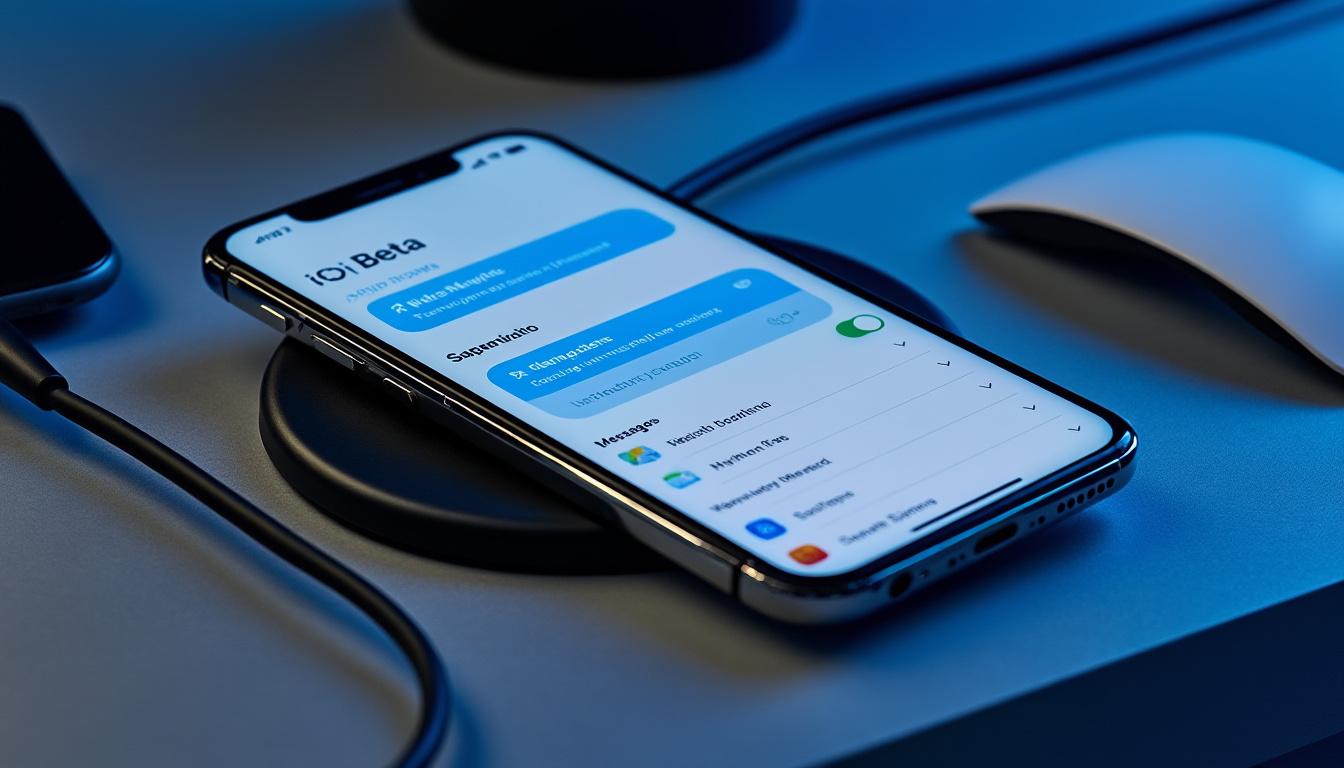
The next part of Explore All the Latest Features in iOS 26.5 Beta 1 shifts from discovery to privacy, and that is where the strongest user-facing change appears.
Explore All the Latest Features in iOS 26.5 Beta 1 Through Privacy, Messaging, and Cross-Platform Friction
Explore All the Latest Features in iOS 26.5 Beta 1 in the Messages settings, and the headline item is the return of RCS end-to-end encryption for conversations between iPhone and Android users. Apple tested this path before, then left it out of the final release. In this beta, the encryption option is back, enabled by default, and shown as a toggle in Settings. That matters because cross-platform messaging has long carried an uneven privacy standard.
When encryption works end to end, outside parties cannot read the content in transit. For users, the benefit is plain. A conversation between an iPhone owner and an Android owner should not lose protection because the two picked different hardware. This is less about marketing and more about baseline digital safety.
There is also a practical angle. Families, group projects, and work chats often span both platforms. An architect sending site photos to a contractor, a student sharing travel details with friends, or parents coordinating school pickup need consistency. When one message path is secure and another is weaker, confusion follows. Strong defaults reduce human error.
Explore All the Latest Features in iOS 26.5 Beta 1 and another small but notable item appears during device migration. Apple seems to be adding a setting for iPhone to Android message attachment transfer. Users appear able to choose attachment history from All, 1 year, or 30 days. That sounds narrow, yet it solves a real problem. Moving platforms often means losing media history or waiting through bloated transfers full of old files nobody needs.
These are the changes worth tracking most closely:
- RCS end-to-end encryption returns and is switched on by default.
- Message settings now show a direct encryption control.
- Attachment transfer options appear to reduce clutter during a move to Android.
- Cross-platform communication gets closer to a normal, secure experience.
Explore All the Latest Features in iOS 26.5 Beta 1 through this lens, and the beta starts correcting long-running pain points instead of adding novelty. That is a stronger argument for installing a future stable release than any cosmetic tweak.
One more detail sharpens the picture. Apple also adds support for an Inuktitut keyboard layout. This is not a headline feature for most users, yet inclusive language support often matters more than flashy visuals. Software earns trust when it supports how people live and communicate, not only how keynote slides look.
Messaging and privacy set the tone, but the beta reaches further. The biggest policy-driven shifts sit inside the European Union changes, where interoperability is moving from debate to product behavior.
Explore All the Latest Features in iOS 26.5 Beta 1 for EU Wearables, Magic Accessories, and Daily Device Use
Explore All the Latest Features in iOS 26.5 Beta 1 in Europe, and the update turns into a case study in regulation shaping product design. Apple is testing new interoperability tools linked to Digital Markets Act requirements. Some of these features appeared in earlier betas and then vanished before public release. In this build, the list grows, and the most interesting addition is support for Live Activities on third-party wearables.
This means a non-Apple smartwatch or wearable might receive the same glanceable updates users expect on Apple hardware. A food delivery countdown, sports score, ride arrival time, or boarding update could sync beyond the Apple Watch. That is not a small technical checkbox. It changes how locked the ecosystem feels.
Another change targets proximity pairing. Third-party earbuds and accessories would pair with an iPhone or iPad through a simpler near-device flow, much closer to the AirPods experience. Today, setup quality often separates Apple accessories from the rest. If outside devices gain the same one-tap ease, the buying decision shifts back toward price, battery life, and sound quality. That is healthy competition.
The notification changes are equally important. Third-party wearables are being prepared to receive and react to iPhone notifications. There is a limit, though. Notifications forward to one connected wearable at a time, and enabling them for a third-party device turns them off for the Apple Watch. Apple is opening the door, but not removing every wall.
Explore All the Latest Features in iOS 26.5 Beta 1 and a pattern becomes clear:
| EU Interoperability Feature | Expected benefit | Current limitation |
|---|---|---|
| Proximity pairing | Faster setup for third-party earbuds and accessories | Still in testing, no public launch date |
| Notification forwarding | Third-party wearables gain richer iPhone integration | Only one wearable receives notifications at a time |
| Live Activities sync | Real-time updates move beyond Apple Watch | Feature has appeared only in beta testing so far |
Outside the EU story, Apple also adds a smart convenience feature for Magic accessories. Connect a device like a Magic Keyboard by USB-C, and the iPhone automatically creates a Bluetooth link. This removes one more setup step. Small? Yes. Useful? Also yes. These are the changes users feel during busy mornings, rushed meetings, and travel days.
There is one more quiet signal in the beta. Apple Books includes references to new awards, likely tied to year-end reading summaries. Readers who track habits across fitness, media, and productivity apps will recognize the pattern. Apple wants more services to feel sticky through progress markers and wrap-up culture.
Explore All the Latest Features in iOS 26.5 Beta 1 and the strongest takeaway is clear. This update is building plumbing for privacy, commerce, competition, and device switching. The surface looks calm. The stakes are not.
What Readers Should Watch Next in Explore All the Latest Features in iOS 26.5 Beta 1
Explore All the Latest Features in iOS 26.5 Beta 1 over the next few test builds, and three questions will shape the final verdict. First, will RCS encryption stay in the release version this time. Second, how aggressive will Maps ads become once Apple turns them on. Third, will the EU wearable features ship broadly or disappear again before launch.
Those answers will decide whether this beta becomes a footnote or a turning point. If these tools survive to the stable build, users get better privacy, more hardware choice, and a Maps app with stronger local discovery but heavier commercial influence. Share this article with someone testing the beta, or compare notes in the comments if one of these changes already showed up on a daily driver.
Does iOS 26.5 Beta 1 include new Siri features?
No. This beta does not add the Siri upgrades many users expected. The focus sits on Maps, messaging privacy, device interoperability in the EU, and smaller system changes.
What is the biggest privacy change in iOS 26.5 Beta 1?
The biggest privacy change is the return of end-to-end encryption for RCS chats between iPhone and Android users. The setting appears in Messages and is enabled by default in the beta.
Will Apple Maps show ads in iOS 26.5?
The beta lays the groundwork for ads in Maps, including ad labeling and location-based sponsored placement. Apple is expected to roll this out later, with ads appearing in search results and Suggested Places.
What changes are coming for third-party wearables in the EU?
Apple is testing proximity pairing, notification forwarding, and Live Activities support for third-party wearables in the EU. These features are tied to Digital Markets Act compliance and do not yet have a final public release date.
Are there any smaller hidden changes in the beta?
Yes. The beta includes an Inuktitut keyboard layout, Apple Books award references, and easier Bluetooth linking for Magic accessories connected through USB-C. Small updates like these often improve day-to-day use more than headline features.