

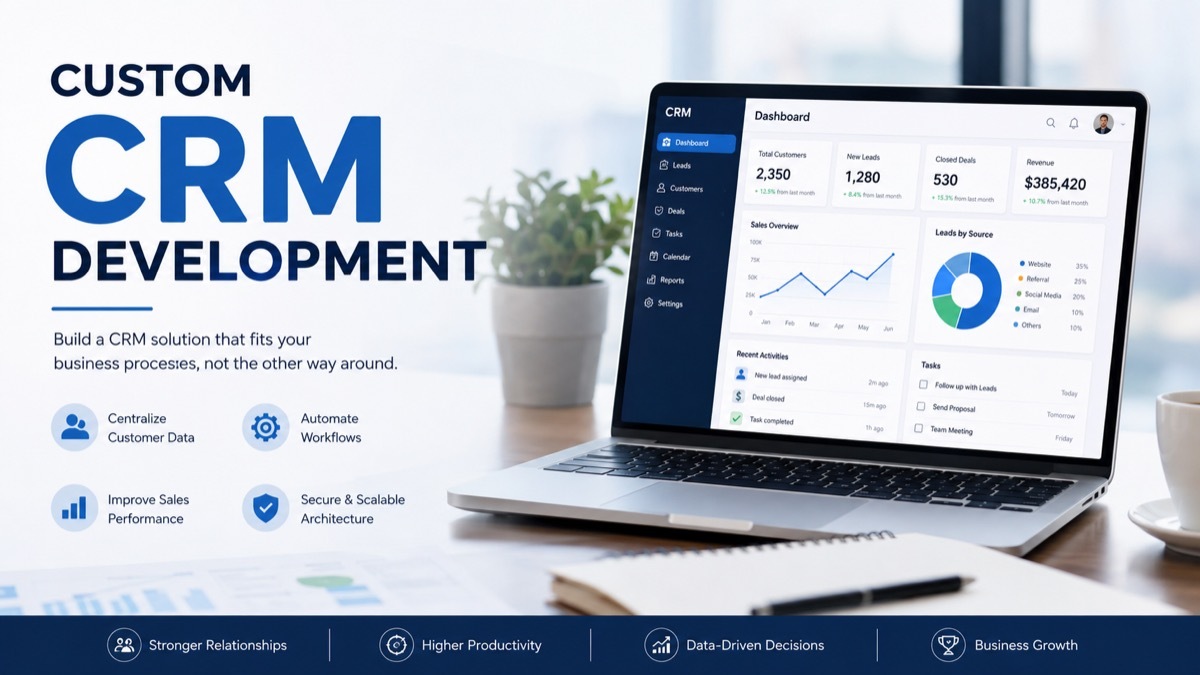
A CRM may appear to be ideal during the sales demonstration but be a problem after half a year.
That usually happens when the software doesn’t match the way a company actually works.
A sales team may need a simple pipeline. A property company may need listings, buyers, agents, and viewing schedules. There are shipments, drivers, routes, and delivery information needed for logistics firm.
The core concept is quite simple.
When standard software starts creating more work than it removes, custom CRM development becomes worth looking at.
What Is Custom CRM Development?
Custom CRM development means building CRM software around the needs of one business.
Instead of changing your process to fit a ready-made platform, you define the process first. The CRM is then designed around it.
A custom CRM can put those rules directly into the system.
The benefit is not having more buttons or a longer feature list. The benefit is making the software behave the way the business needs.
Custom CRM Development vs CRM Customization
These terms are often used as if they mean the same thing.
They don’t.
With CRM customization, you start with an existing platform. You change fields, dashboards, workflows, permissions, and integrations to make it more suitable.
With custom development, the software itself can be designed around your requirements.
There is also a middle path.
Does Your Business Really Need a Custom CRM?
This is the first question to answer.
Building software from scratch takes time and money. It also creates an ongoing maintenance responsibility.
A custom CRM makes more sense when the current system is causing real operational problems.
Your Team Keeps Using Spreadsheets
A spreadsheet isn’t automatically a problem.
The problem starts when it becomes a second CRM.
Your Sales Process Is Unusual
Most CRMs are designed around familiar sales concepts.
You have a lead. The lead becomes an opportunity. The opportunity moves through stages and eventually becomes a customer.
That model works well for many companies.
It doesn’t work for every business.
A recruitment company may work with candidates, vacancies, interviews, employers, and placements. A real estate company may deal with properties, buyers, sellers, viewings, and offers.
If the central business process doesn’t fit the standard CRM structure, customization can become complicated.
You Need Several Systems to Share Data
A CRM rarely operates by itself.
In addition, customer data can be stored in the ERP, accounting software, website, marketing software, support software, or even internal applications.
Moving that information manually creates extra work.
A custom CRM can be designed with those connections in mind from the beginning.
You Need More Control Over Data
Some businesses have strict requirements around customer information.
They may need specific permissions, audit records, storage arrangements, or internal security controls.
A custom system can give the company more control over how the application handles its data.
The exact security and compliance requirements still depend on the industry and location.
When an Existing CRM Makes More Sense
There is no reason to build custom software if an existing platform already does the job.
A standard CRM is often the better option when:
- Your sales process is straightforward.
- You need the system quickly.
- Your team is small.
- Existing features cover most requirements.
- You want ready-made integrations.
- You don’t have technical staff to maintain custom software.
Custom CRM vs Off-the-Shelf CRM
| Area | Custom CRM | Off-the-Shelf CRM |
| Setup | Requires development | Usually quick |
| Initial cost | Higher | Usually lower |
| Flexibility | Very high | Depends on platform |
| Data model | Built around your needs | Mostly predefined |
| Integrations | Designed for your stack | Existing connectors |
| Maintenance | Your responsibility | Mostly handled by vendor |
| Control | Greater | Platform dependent |
| Features | Chosen during development | Already available |
A standard CRM gives you a head start.
A custom CRM gives you more control.
The right choice depends on what your business actually needs.
What Should a Custom CRM Include?
There isn’t one feature list that works for every company.
Still, several areas appear in most CRM projects.
Customer and Contact Records
The system should give employees a clear view of each customer.
Depending on the business, that can include contact details, company information, previous interactions, notes, documents, tasks, and related deals.
The important part is the relationship between those records.
A salesperson should not have to search through several systems to understand a customer’s history.
Lead Management
A CRM can manage leads from the first interaction through qualification and conversion.
Common functions include:
- Lead capture
- Assignment
- Qualification
- Lead scoring
- Follow-up tasks
- Status tracking
- Conversion
Sales Pipeline
A pipeline should reflect the company’s actual sales process.
It may include custom stages, deal values, expected closing dates, ownership, activities, and probability.
Some businesses also need separate pipelines for different products or sales teams.
That is one area where a custom CRM can be useful. The pipeline can be designed around the way deals really move.
Workflow Automation
Automation is often one of the biggest reasons companies consider custom software.
A CRM could automatically:
- Create a follow-up task
- Notify a manager
- Assign a new lead
- Request approval
- Update a record
- Send a reminder
- Move an opportunity to another stage
The best automation removes repetitive work. It shouldn’t make simple tasks harder.
Reporting and Dashboards
Reports should answer useful questions.
For example:
- Which sources produce the best leads?
- How many opportunities are stuck?
- Which salespeople are closest to their targets?
- How long does it take to convert a lead?
- Which customers have become inactive?
A custom dashboard can show the metrics that matter to that particular business.
AI in Custom CRM Software
AI can add useful functions to a CRM, but it should have a clear purpose.
Lead Prioritization
AI can examine customer activity and other signals to help sales teams decide which leads deserve attention first.
Data Extraction
Information from emails, forms, or documents can sometimes be extracted automatically and added to customer records.
Sales Forecasting
Historical data can be used to identify patterns and support forecasting.
Conversation Summaries
AI can summarize calls or customer conversations so employees don’t have to read every message.
Customer Risk Signals
Businesses with enough historical data can use models to identify customers who may be likely to leave.
There is a catch.
How Much Does Custom CRM Development Cost?
There is no honest single price for custom CRM development.
A small internal CRM and a large enterprise platform are completely different projects.
The cost can be affected by:
- Number of features
- Number of users
- Workflow complexity
- Integrations
- Data migration
- Mobile applications
- Reporting
- Security requirements
- AI features
- User interface requirements
A simple project may focus on contacts, leads, deals, and reports.
A larger project may include several departments, external systems, advanced permissions, mobile access, and complex automation.
For that reason, a detailed scope is more useful than a generic price range.
How Long Does Development Take?
The timeline depends on the scope.
A focused MVP can be completed in weeks. A larger CRM can take several months.
The biggest factors are usually:
- Number of modules
- Integration work
- Data migration
- Security requirements
- Testing
- Feedback cycles
- Changes to the original scope
A rushed discovery phase can cause delays later.
It is usually better to spend time understanding the process before development begins.
CRM Integrations
A custom CRM may need to communicate with several other systems.
ERP
Customer, order, inventory, and operational information can be exchanged with the ERP.
Accounting Software
Invoices, payments, and customer records can be connected.
Marketing Platforms
Lead sources and campaign activity can be shared with marketing tools.
E-commerce
Customer accounts and purchase information can be linked to CRM records.
Email and Calendar
Salespeople can keep communication and meetings connected to customer records.
Internal Applications
APIs and webhooks can connect the CRM with proprietary software.
Integration planning should happen early. A late integration can force changes to the database or workflow.
Data Migration Can Make or Break the Project
Companies often focus on new features and forget about old data.
That can be expensive.
An existing CRM may contain years of customer records. Some will be useful. Some won’t.
Before migration, the team should:
- Review the existing database.
- Remove unnecessary records.
- Identify duplicates.
- Standardize important fields.
- Map old data to the new structure.
- Run a test migration.
- Check the results.
The goal isn’t to move every record.
The goal is to move useful, accurate information.
Security Considerations
A CRM contains valuable information.
Access should be based on what each employee actually needs.
Useful controls can include:
- Role-based permissions
- Multi-factor authentication
- Encryption
- Secure APIs
- Audit logs
- Backups
- Access monitoring
- Session controls
Security requirements should be considered during architecture planning.
Waiting until the end can make security changes harder and more expensive.
How to Choose a CRM Development Company
The development company will influence both the software and the development process.
Look beyond the portfolio.
Ask About Similar Projects
A team that has built a CRM with similar workflows can usually identify problems earlier.
Check Integration Experience
Ask which APIs and third-party systems they have worked with.
Discuss Data Migration
If you’re replacing an existing system, migration experience matters.
Understand Ownership
Clarify who owns the source code, data, infrastructure, and documentation.
Ask About Support
Find out what happens after launch.
Mistakes to Avoid
Trying to Build Everything at Once
A CRM does not need every possible feature on day one.
Start with the workflows that matter most.
Copying an Existing CRM
You don’t need to build another Salesforce.
Your system should solve your problems.
Ignoring Employees
The people using the CRM every day should be involved in the process.
They know where the current system wastes time.
Treating Migration as Simple
Moving messy data without cleaning it can create problems from the first day.
Adding Integrations at the End
Important integrations can affect the database and architecture.
Plan them early.
Adding AI Without a Real Use Case
AI should remove work or improve a decision.
If it doesn’t, it probably doesn’t belong in the first version.
How to Plan a CRM MVP
A useful MVP starts with one clear problem.
Ask:
- What is taking the most manual effort?
- Which employees need the system?
- What information do they use every day?
- Which workflow causes the most delays?
- Which integration is essential?
- What report does management need most?
A sales team might start with contacts, leads, one pipeline, tasks, basic reporting, and email integration.
After employees use the system, the company can decide what deserves to be added next.
Custom CRM by Industry
Different industries need different workflows.
Real Estate
A CRM can tie together properties, buyers, sellers, agents, showings, offers, and commissions.
Healthcare
Appointment, referral, communication, and access control could be needed for the system.
Financial Services
It may involve relationship management, documents, permissions, and connections with financial systems.
Manufacturing
The CRM may connect customers with quotations, orders, and production information.
E-commerce
Customer profiles can be connected with orders, products, campaigns, and support.
Logistics
The system may manage customers alongside shipments, routes, drivers, and delivery updates.
The point is not to add industry labels.
The underlying workflow needs to match the business.
Is Custom CRM Development Worth It?
Sometimes it is.
Sometimes it isn’t.
Custom CRM becomes more justifiable in case there are particular processes within your organization, costly solutions, integration needs, and special data demands.
It can also make sense when customer management is an important part of the company’s competitive process.
An existing CRM is usually the better choice when the requirements are common and speed matters more than complete control.
There is no shame in using an existing platform.
The mistake is paying for a custom system when you don’t need one.
The opposite mistake is forcing a growing business into software that no longer fits.
Final Thoughts
The best CRM is not necessarily the one with the longest feature list.
It is the one that fits the work.
Before deciding to build, look at the problems your current system creates. Check the manual work, spreadsheets, integrations, reporting gaps, and workflow limitations.
Then compare those problems with what existing CRM platforms can already solve.
If a standard platform is enough, use it.
If the process of your company is so difficult to manage without workarounds constantly being applied, then CRM customization could prove useful for you.
The goal is simple.
Build software that helps people work better, not software that simply gives them another system to manage.