

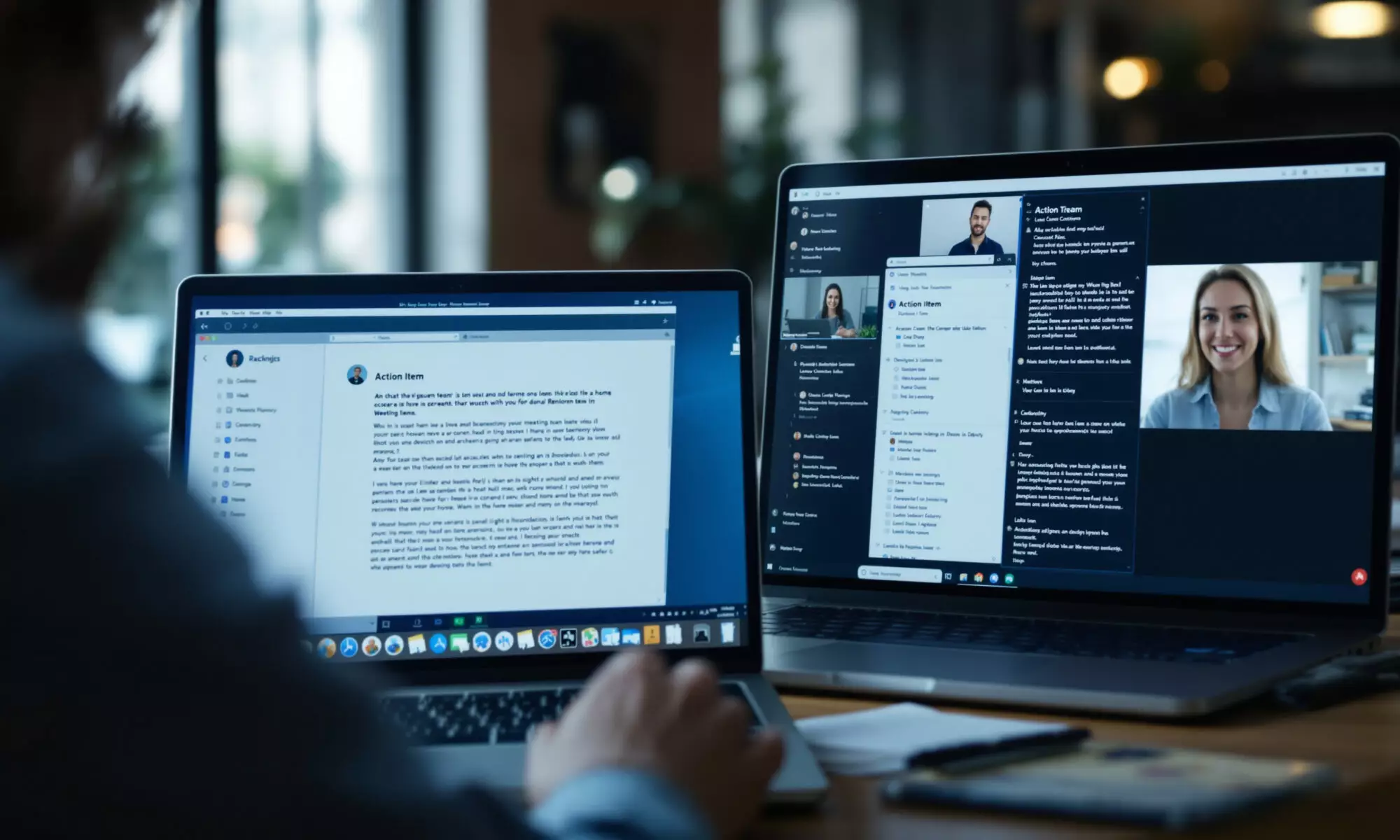
The best AI meeting assistant depends on your team’s existing platform and language needs. Fireflies offers the widest documented language coverage in 2026, Fathom has a strong free individual option, Otter connects to broad workflows, and the native tools from Google Meet, Microsoft Teams, and Zoom reduce setup for teams already using those platforms.
An AI meeting assistant is software that records or transcribes conversations and uses artificial intelligence to produce summaries, decisions, action items, or follow-up material. The strongest choice saves administrative time without creating a new security, retention, or review problem.
Which AI meeting assistant is best for remote teams?
For multilingual remote teams, Fireflies is the strongest general-purpose option because its 2026 documentation covers more than 100 transcription and summary languages. Fathom suits cost-conscious individuals, Otter fits integration-heavy workflows, while Google Meet, Microsoft Teams, and Zoom are more practical when a company has standardized on one meeting platform.
No single product wins every category. Fireflies combines broad language support with real-time assistance, meeting preparation, and configurable retention for Business and Enterprise customers. On October 19, 2026, Fireflies also updated Meeting Prep to email recurring-meeting briefs one hour before a call, drawing from earlier decisions and open tasks.
Fathom is appealing when you want useful meeting capture without an immediate subscription. Its individual Free plan costs $0 in 2026, and Premium costs $16 per month with annual billing or $20 month to month. Team pricing starts at $15 per user per month when billed annually or $19 monthly, according to Fathom’s 2026 pricing page.
Otter Notetaker automatically joins Zoom, Google Meet, and Microsoft Teams. Its 2026 integration catalog includes Slack, Asana, Zapier, SharePoint, Amazon S3, Salesforce-related workflows, and more than 2,300 applications through viaSocket. That breadth matters when notes must move into project, storage, and customer systems after every call.
Native assistants deserve serious consideration. Google Meet’s Gemini note taker creates a Google Docs recap containing a summary, decisions, and action items. Microsoft Teams Intelligent Recap draws on transcripts, attendance, and PowerPoint Live data, while Zoom AI Companion supports meeting summaries and in-meeting questions in more than 30 languages in 2026.
How do the leading meeting assistants compare in 2026?
The leading AI meeting assistant products differ most clearly in language coverage, meeting-platform compatibility, workflow integration, and retention. Fireflies documents more than 100 languages, Microsoft Teams Intelligent Recap supports 23, Google Meet note-taking supports 8, Fathom’s main overview lists 7 native languages, and Otter supports 6 in 2026.
| Product | Documented language coverage | Meeting platforms | Useful distinction |
|---|---|---|---|
| Fireflies | 100+ transcription and summary languages | Designed for online meeting capture | Beta detection of multiple languages in one meeting |
| Zoom AI Companion | More than 30 languages for summaries and in-meeting questions | Zoom | Native Zoom workflows and transcript controls |
| Microsoft Teams Intelligent Recap | 23 languages | Microsoft Teams | Uses attendance and PowerPoint Live data alongside transcripts |
| Google Meet Take notes for me | 8 languages | Google Meet | Creates recaps in Google Docs |
| Fathom | 7 native transcription and summary languages on its main overview | Zoom, Google Meet, Microsoft Teams | $0 individual Free plan |
| Otter Notetaker | 6 languages | Zoom, Google Meet, Microsoft Teams | 2,300+ app connections through viaSocket |
Language totals require caution because vendors count different capabilities. Fathom’s 2026 overview lists 7 native transcription and summary languages, but its help documentation separately advertises unlimited transcription in 38 languages. Those statements may describe different features or tiers, so confirm the languages required by your team before signing a contract.
The same caution applies to multilingual meetings. Google Meet supports one language per meeting, whereas Fireflies documented beta automatic detection of multiple languages in one meeting on October 13, 2026. A nominally larger language catalog won’t help if colleagues switch languages mid-call and the product expects one fixed selection.
Can you trust AI meeting transcripts and summaries?
No AI meeting assistant has a standardized, independent accuracy benchmark across the leading products in 2026. Official guidance from Otter, Microsoft, Zoom, and Google says transcript or summary quality varies with audio conditions, language, and model limitations. You should review names, numbers, decisions, and assigned tasks before distributing a recap.
Fireflies claims 99% English transcription accuracy and 95% accuracy for other languages in 2026. Those are vendor-published figures, not results from an independent test using the same recordings, microphones, accents, and scoring method across competing products. Treat them as marketing claims rather than a reliable comparison table.
Poor input remains the mundane failure point. Overlapping speakers, laptop microphones across a large room, specialized vocabulary, unstable connections, and code-switching can all reduce transcript usefulness. A polished summary can also conceal a transcription error, which makes the output feel more authoritative than the underlying record deserves.
Otter reports that a finalized transcript for a typical 30-minute meeting usually takes 1.5 to 3 minutes after the meeting in 2026, while its AI summary takes 2.5 to 6 minutes. Fast processing is convenient, but speed says nothing about whether a product correctly captured a contract value or assigned the right owner.
What privacy and retention settings should you check?
Before adopting an AI meeting assistant, verify where recordings are stored, how long transcripts remain available, which model providers process the content, and whether administrators can impose retention rules. These checks matter because meeting notes may contain customer data, personnel discussions, unpublished financial information, credentials, or legally sensitive decisions.
Use the following review sequence before enabling automated attendance across the company:
- Confirm whether participants receive notice that transcription or recording is active, and check applicable consent requirements.
- Map where audio, video, transcripts, summaries, and backups are stored.
- Set a retention period that matches the meeting’s business purpose rather than keeping every record indefinitely.
- Check whether customer content or de-identified data can be used to improve proprietary or third-party models.
- Test deletion, export, access control, and administrator audit procedures with a non-sensitive meeting.
Fireflies states in 2026 that customer meeting content isn’t used to train AI models and that external AI vendors retain processed data for zero time. Fireflies Business and Enterprise customers can also configure custom retention controls. Those controls are valuable, but your administrators still need to configure them.
Fathom stores data in the United States and says recording data and metadata are deleted when an account is removed, with backup copies removed seven days later under its 2025–2026 documentation. Custom retention programs are limited to Enterprise customers. Fathom also says AI subprocessors can’t train on customer data, although Fathom may use de-identified data to improve proprietary models unless a user or organization opts out.
Microsoft says Teams meeting transcripts normally expire after 120 days and generated audio recaps after 60 days in 2026, unless administrators apply different Microsoft Purview policies or content is deleted sooner. Teams recordings reside in OneDrive or SharePoint. Google Meet notes follow the organization’s configured Meet retention policy.
For a broader control model, compare these settings with an enterprise AI governance framework. Companies worried about unapproved meeting bots should also review methods for finding shadow AI services and the shift toward runtime AI controls.
How should you choose an AI meeting assistant?
Choose an AI meeting assistant by testing the same representative calls across your finalists, then scoring transcript corrections, action-item accuracy, language handling, integration effort, and retention controls. A practical pilot should include quiet calls, poor audio, overlapping speakers, technical terms, and at least one meeting containing the languages your team actually uses.
Start with your existing software suite. A Google Workspace organization may get more value from Gemini notes flowing into Google Docs and Google Chat than from adding another repository. Google announced Gemini-generated Meet recaps in Google Chat on October 19, 2026, with Scheduled Release rollout beginning October 27, 2026.
Microsoft-centered organizations gain similar administrative continuity from Intelligent Recap, OneDrive, SharePoint, and Microsoft Purview. Zoom customers can keep notes inside Zoom AI Companion, whose September 2026 workflows can send notes to Google Docs or Gmail, update CRM records, and apply templates. Third-party application actions require a ZoomMate license.
Independent assistants make more sense when your team switches among meeting services or needs broader integrations. Fathom connects with Slack, HubSpot, Salesforce, Close, Zapier, Make, ChatGPT, Claude, and public API or Model Context Protocol workflows. If your company connects meeting records through MCP, review MCP server security risks before exposing transcripts to additional systems.
Don’t buy solely from a time-saving claim. Fathom says a Q4 2025 user survey found an average saving of 38 minutes per meeting. If that result held across 10 weekly meetings, the arithmetic would equal 380 minutes, or 6 hours 20 minutes per week; it’s a useful planning hypothesis, not a guaranteed return.
My preference is a two-week pilot with a small cross-functional group. Score corrected errors rather than asking whether the summary “looks good.” Honestly, the native option often makes more sense when your team uses one platform and has already configured its identity, storage, and compliance controls.
Frequently asked questions
Can an AI meeting assistant join meetings automatically?
Some AI meeting assistants can join scheduled calls automatically. Otter Notetaker supports automatic attendance in Zoom, Google Meet, and Microsoft Teams in 2026, while availability and behavior vary among other products.
Which meeting assistant supports the most languages?
Fireflies has the broadest documented coverage in this comparison in 2026, with transcription and summaries in more than 100 languages. Fireflies also offers beta automatic detection for multiple languages used during one meeting.
Do AI meeting assistants record video?
Recording behavior varies by product, platform, administrator settings, and meeting configuration. Before deployment, verify separately whether the service stores audio, video, a transcript, metadata, or only generated notes.
Are free AI meeting assistants good enough?
A free AI meeting assistant can be sufficient for individual use and light meeting volumes; Fathom offers a $0 individual Free plan in 2026. Teams should still compare administration, retention, integrations, language support, and data controls before relying on a free tier.
Should AI-generated meeting notes be reviewed?
AI-generated meeting notes should be reviewed before they become an official record. In 2026, leading vendors acknowledge that audio quality, language support, and model limitations can affect transcripts and summaries.