

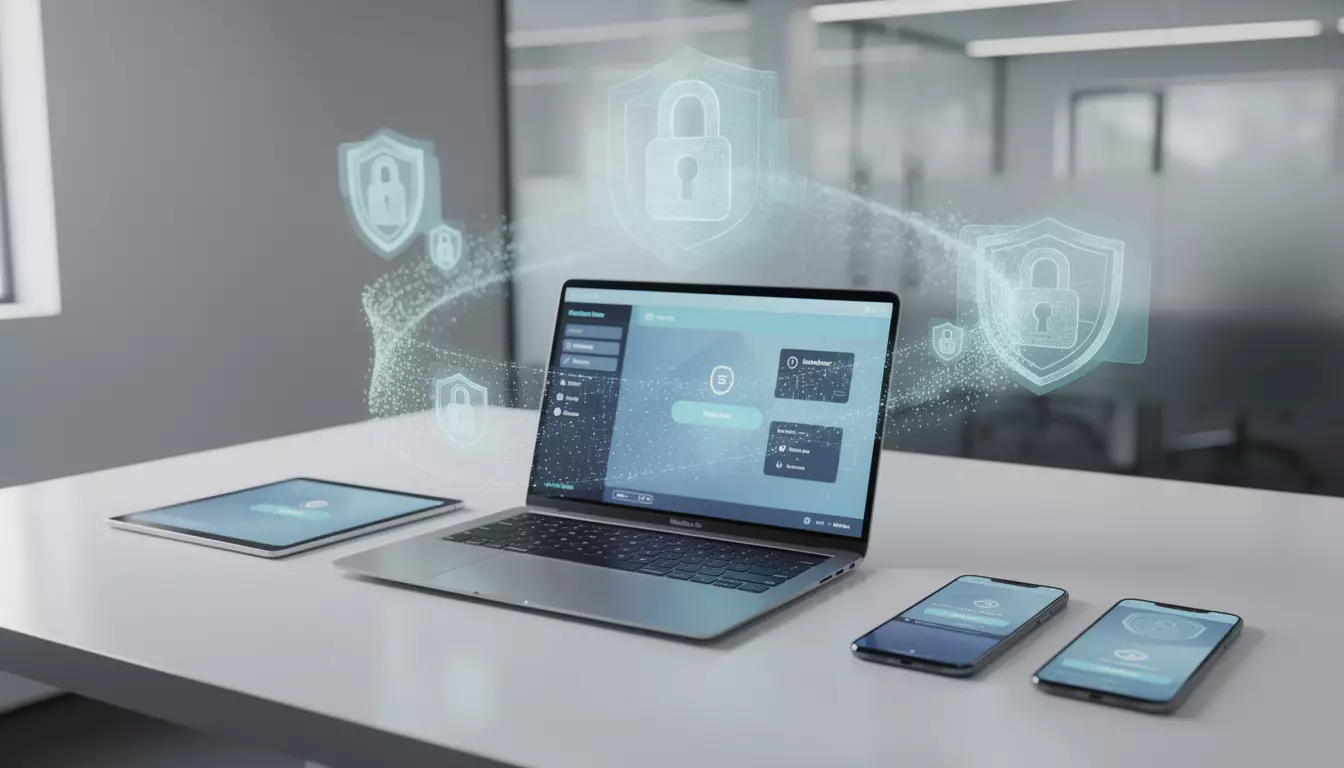
Best password managers 2026 tested for security and usability
The next breach story often starts with something boring, a reused password, an old credential, a login saved in the wrong place. That became painfully clear in mid-2025, when attackers used stolen Snowflake credentials to compromise 165 companies, with names like Ticketmaster, Santander, and AT&T caught in the fallout. For anyone still relying on browser storage or scattered notes, best password managers 2026 is no longer a shopping query. It is a security decision with real consequences.
Over six weeks, eight password managers were tested across Windows, macOS, iOS, and Android. The process included importing 340 credentials, checking autofill on more than 200 sites, verifying 2FA support, and reviewing independent audits where available. The result is less about flashy features and more about what actually holds up when your accounts matter.
Why best password managers 2026 matters more after Snowflake
The Snowflake attacks changed the tone around credential security. According to public reporting in 2024 and 2025, the weak point in many affected organizations was not some exotic exploit, but stolen or reused login details already circulating in breach databases.
That matters because most people still underestimate how quickly one exposed password can spread across email, banking, work software, and cloud storage. If your digital habits still depend on a browser vault alone, the risk is no longer abstract.
Password managers also do more than store logins. The stronger tools now combine encrypted vaults, passkey support, dark web monitoring, emergency access, and hardware key options, which makes them part of a broader personal security stack alongside antimalware protection and safer mobile habits.
How the testing focused on security and daily usability
Most password manager reviews stop at checkboxes. This one did not. Testing used a live credential set of 340 entries, including difficult logins with multi-step authentication, iframe forms, and banking pages that usually trip up autofill tools.
Each service was checked for import accuracy, sync delays after password changes, emergency access flow, and support for TOTP and FIDO2 hardware keys. Independent audits were weighed heavily, especially when a product claimed zero-knowledge architecture.
That last point matters. A vendor saying a vault is encrypted is not the same as an outside firm verifying it. Cure53, NCC Group, SOC 2 Type II reporting, ISO 27001, and FedRAMP authorization all carry different weight, but they are still stronger than marketing copy.
The practical checklist looked like this:
- Import success from CSV and LastPass export files
- Autofill reliability across 200+ real websites
- Cross-device sync speed after credential updates
- 2FA support including TOTP and hardware keys
- Recovery options for device loss or forgotten master passwords
Top picks among the best password managers 2026
1Password stood out as the strongest choice for business teams. Its two-key model, combining a master password with a device-generated Secret Key, gives it a stronger story if a server-side incident ever occurs. The 2022 Cure53 audit found no critical vulnerabilities, and in testing it posted a 94 percent autofill success rate with an average sync time of 8 seconds.
Bitwarden remains the most convincing option for budget-conscious users and privacy-focused households. Its code is open source, audits from NCC Group in 2018 and Cure53 in 2022 are public reference points, and the free tier is still unusually functional. Autofill hit 89 percent in testing, which is below 1Password but good enough for most users.
Dashlane deserves attention for dark web monitoring. During testing, it surfaced an older exposed credential from a 2023 forum breach that competing tools missed. Its 92 percent autofill score and polished UX help, though pricing changes after a late-2024 CEO transition make long-term value less clear.
Keeper is the strongest fit for regulated industries. Annual SOC 2 Type II review, ISO 27001 alignment, and FedRAMP authorization give it compliance depth few rivals can match. Its interface is denser than rivals, but security teams may accept that trade-off.
| Tool | Why it stands out |
|---|---|
| 1Password | Best for business teams, strong architecture, 94% autofill, Cure53 audit |
| Bitwarden | Best value, open source, functional free tier, audited by NCC Group and Cure53 |
| Dashlane | Best dark web monitoring, smooth autofill, but pricing is harder to justify |
| Keeper | Best compliance profile, strong 2FA support, built for regulated environments |
| Apple Passwords | Best inside the Apple ecosystem, free, excellent iOS autofill |
Which password manager fits your devices and risk profile
Not every tool is built for the same kind of user. Apple Passwords is a good example. On iPhone, iPad, and Mac, it feels effortless, and the app introduced with iOS 18 and macOS Sequoia made Apple’s old Keychain setup easier to live with. In testing, Apple-to-Apple sync averaged 6 seconds and autofill reliability was excellent.
Outside that ecosystem, the experience weakens fast. There is no native Android app, and Windows support depends on iCloud for Windows. If your household mixes platforms, Bitwarden or 1Password is the safer long-term call.
RoboForm has a different strength. It handled complex web forms better than any rival, posting a 96 percent success rate for full form filling. That makes it useful for people dealing with insurance portals, government sites, or repetitive admin tasks, even if its last disclosed audit from ISEC Partners dates back to 2017.
NordPass lands in the middle. It uses XChaCha20 encryption, passed a 2020 Cure53 audit, and is competitively priced. Based on the reported design direction and current feature set, it looks best suited to individuals who want a simple tool and already trust the Nord security brand.
If you also manage sensitive assets beyond logins, it helps to think bigger than passwords alone. DualMedia has separately covered how to secure crypto wallets and the rise in mobile app security threats, both of which connect directly to weak credential hygiene.
Why LastPass still cannot be recommended
LastPass is still widely known, which is exactly why it needs a clear verdict. In August 2022, the company disclosed a breach, then revised the scope months later to confirm that attackers had also accessed customer vault data. That sequence badly damaged confidence.
The deeper problem is not only the breach itself, but the uneven protection across older accounts. Public disclosures showed some vaults may have relied on 5,000 PBKDF2 iterations if they dated from before 2018, compared with 600,000 for current settings. That gap matters if a weak master password was involved.
In testing, LastPass still worked reasonably well, with 88 percent autofill success and a clean interface. None of that offsets the trust issue. If you are still on LastPass, the practical move is to export your vault, import it into Bitwarden or 1Password, then rotate your most sensitive credentials.
This is also where user behavior matters more than brand habit. A product can remain popular long after its security reputation starts to crack.
Frequently asked questions
Are password managers safer than browser password storage?
Usually, yes. Dedicated tools separate your vault from a browser session, support stronger encryption layers, and often add features like emergency access, breach alerts, and better 2FA options.
What happens if you forget your master password?
With zero-knowledge services such as 1Password, Bitwarden, and Keeper, the provider generally cannot reset it for you. Recovery depends on setup choices like recovery keys, trusted contacts, or admin recovery options in team plans.
Is Bitwarden free good enough for most people?
For many individuals, yes. The free plan includes unlimited password storage, cross-device sync, and basic 2FA support, which already covers the essentials for daily use.
Should work and personal accounts stay in separate vaults?
In most cases, yes. Keeping work credentials apart from personal ones reduces friction if you change jobs, lose access to a company device, or need to hand over admin visibility to an employer.
What is the easiest way to leave LastPass safely?
Export your vault as a CSV, import it into Bitwarden or 1Password, then verify the transfer before deleting the old account. For email, banking, and primary social accounts, changing passwords afterward is a sensible precaution.
The bottom line
The gap between the top password managers is smaller than the gap between using one and using none. For most people, Bitwarden is the best balance of price, transparency, and daily practicality. For teams, 1Password remains the strongest all-around deployment choice. For Apple-only homes, Apple Passwords is hard to ignore.
What matters now is action. The lesson from recent breaches is blunt, reused or weak credentials still open the door faster than most people think. If your passwords are scattered across a browser, notes app, or old spreadsheet, moving this week matters more than endless comparison shopping.
Readers who want to go further can also review DualMedia’s reporting on FBI-backed scam warnings and broader personal cybersecurity practices that help turn better password hygiene into a stronger overall defense.
Want more tech and innovation coverage like this? DualMedia Innovation News tracks the technology shifts that actually matter, from AI to foldable hardware to the next wave of consumer products.
 EN
EN  FR
FR  ES
ES