

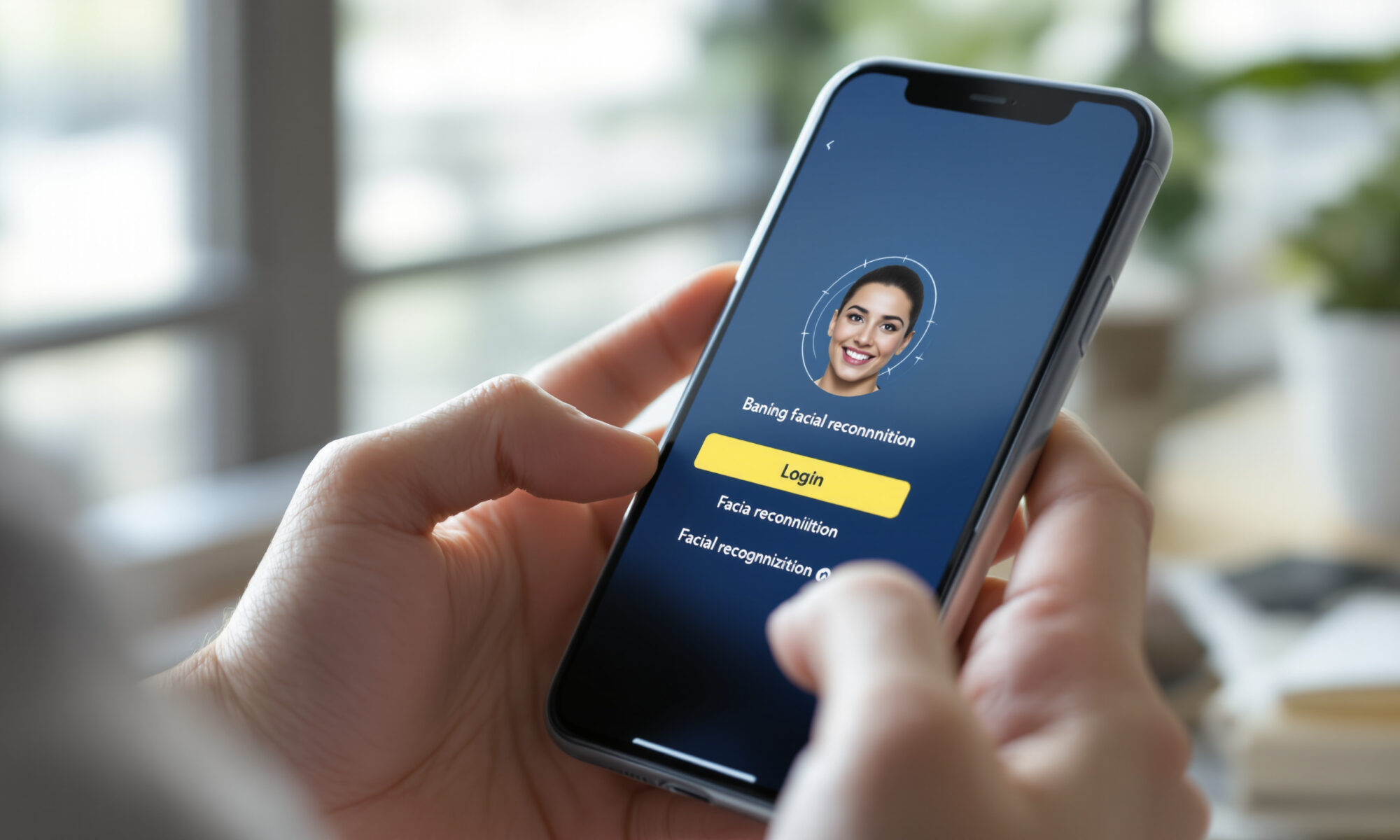
WebAuthn mobile lets you sign in on a phone with Face ID, Touch ID, fingerprint, a device PIN, or another local screen lock instead of a password. The site gets a public key, not your face or fingerprint. For users, it’s faster and strongly phishing-resistant; for product teams, it’s the browser standard behind passkeys and FIDO2 authentication.
What is WebAuthn mobile?
WebAuthn mobile is the use of the W3C Web Authentication API on smartphones and mobile browsers to create and use passkeys. WebAuthn Level 1 became a W3C Recommendation on March 4, 2019, and WebAuthn Level 3 was still in Candidate Recommendation status in 2026, with W3C feedback open at least through June 23, 2026.
The plain-English version is simple. Your phone creates a cryptographic credential for a specific website or app account. The service stores the public key. The private key stays with the authenticator, such as the phone’s secure hardware, or with a passkey provider such as iCloud Keychain, Google Password Manager, or another supported provider.
Biometrics are only the local approval step. When you use WebAuthn mobile, Face ID or a fingerprint sensor confirms that the person holding the phone is allowed to use the credential, but the relying party never receives biometric data. That distinction matters, because many people still think “biometric login” means a company stores a face scan. With passkeys, it doesn’t.
FIDO Alliance defines a passkey as a FIDO credential, and in 2024 it formally described passkeys as either synced across devices or device-bound. By World Passkey Day on May 7, 2026, FIDO Alliance estimated 5 billion passkeys were in active use worldwide. That’s no small pilot anymore.
How biometric login works on a phone
On iPhone, Apple’s passkey implementation supports account creation and sign-in using Face ID or Touch ID. On Android, Google recommends WebAuthn for websites and Credential Manager for Android apps; Android developer documentation in 2026 also described passkey support across Android, Wear OS, and Android XR.
Registration comes first. You create a passkey for a service, your phone asks for local user verification, and the browser sends the resulting public key plus metadata to the service. Later, during sign-in, the service sends a cryptographic challenge and your authenticator signs it. No shared secret travels over the network.
That last point is the reason WebAuthn mobile is so much better than one-time codes sent by SMS. A phishing site can trick you into typing a six-digit code. It can’t easily make your passkey sign in to the wrong origin, because WebAuthn binds credentials to the relying party’s web origin.
There is a small user-experience catch. If you visit a site in an embedded browser inside a social app, or on an older browser/device combination, passkey login may not be available even when the same account works in Safari, Chrome, or a native app. PayPal’s 2024 help documentation, for example, described passkey support while warning that the current browser or device may not yet be eligible.
WebAuthn mobile versus passwords, SMS codes, and app OTPs
The biggest security difference is that passwords and codes are knowledge or copyable values, while passkeys use public-key cryptography. Your password database can leak. Your SMS can be intercepted. Your authenticator app code can be phished in real time. A passkey private key is not supposed to leave the authenticator or passkey provider.
A concrete comparison helps. Assume a bank has 1 million monthly active mobile users and 12% call support at least once a year for password resets, a plausible order of magnitude for consumer services but one you should replace with your own help-desk data. If each reset costs $6 in support time in 2026, that’s $720,000 a year. Cutting reset volume by even 40% through passkeys saves $288,000 before you count fraud reduction or user retention.
Security teams also like the phishing resistance. Microsoft said in a May 7, 2026 World Passkey Day post that passkey adoption was accelerating and cited FIDO Alliance’s 5 billion-passkey estimate. Microsoft also said phishing-resistant authentication covered 99.6% of users and devices inside Microsoft in 2026. That’s a useful signal from a large enterprise environment, even if your threat model is different.
Banks and fintech apps are paying attention because SMS OTP, app OTP, and push approvals all have awkward failure modes. FIDO Alliance reported in June 2026 that banking and finance interest was being driven by demand for phishing-resistant alternatives. If you work on mobile financial products, pair passkeys with broader fraud controls such as device risk, transaction monitoring, and checks for synthetic identity fraud patterns. Authentication alone doesn’t prove the account was opened by a real person.
| Method | What the service stores | Phishing resistance in 2026 | Common mobile friction |
|---|---|---|---|
| Password | Password hash | Low; users can type it into a fake site | Forgotten passwords, reuse, reset flows |
| SMS OTP | Phone number and session state | Low to medium; codes can be relayed | SIM swaps, roaming issues, poor signal |
| Authenticator app OTP | Shared secret or enrollment record | Medium; real-time phishing is still possible | Device migration and backup confusion |
| WebAuthn mobile passkey | Public key and credential metadata | High; credential is bound to the site origin | Cross-device recovery and provider lock-in |
Synced or device-bound passkeys: choose with care
Passkeys can be synced or device-bound. Synced passkeys follow you across devices through a passkey provider, which is the version most consumers will tolerate. Device-bound credentials stay tied to a particular device or hardware authenticator. They can be stricter, but they can also create ugly lockouts.
Honestly, synced passkeys are the better default for consumer mobile products unless you’re protecting very high-risk actions. People replace phones, break screens, share tablets, and forget recovery steps. A login system that is theoretically perfect but strands users after a lost iPhone will become a support problem and, worse, a reason to keep passwords around forever.
The counter-argument deserves respect. A 2026 academic paper on device-bound versus synced credentials argued that synced passkey security becomes concentrated in the passkey provider. If an attacker compromises the provider account or its recovery process, the security story changes. That’s the pitfall glossy passkey rollouts rarely mention.
NIST SP 800-63B Revision 4 in 2025 recognized syncable authenticators and said many are built on W3C WebAuthn. For product teams, that means synced authenticators are no longer fringe. The design task is policy: when do you accept a synced passkey, when do you step up authentication, and when do you require a device-bound credential?
Mobile app teams should also consider how the rest of the app stack is evolving. If you’re planning authentication for a product that will run across phones, wearables, and mixed-reality devices, the broader shift described in mobile application development in 2026 matters. Identity is now part of the product architecture, not just a login screen.
Implement WebAuthn mobile without annoying users
Good passkey design starts by admitting that users don’t care about WebAuthn. They care about getting into their account quickly and safely. The product language should say “Sign in with a passkey” or “Use Face ID” where the platform convention supports it, while the technical layer uses the WebAuthn API or Android Credential Manager.
A practical rollout usually works better than a hard switch. Offer passkeys after a successful password sign-in, during account creation, and after a high-confidence session. Don’t force enrollment while someone is trying to complete a purchase or move money. Bad timing turns a security upgrade into checkout friction.
- Start with optional passkey enrollment for users with compatible browsers and devices.
- Keep a verified recovery path before you remove passwords or SMS fallback.
- Test Safari, Chrome, Android WebView contexts, iOS, Android, and account switching flows separately.
- Log credential creation failures by browser, OS version, passkey provider, and device class.
- Use step-up checks for sensitive actions such as adding a payout method or changing recovery email.
For websites, Google’s 2026 guidance points developers toward WebAuthn. For Android apps, the recommended path is Credential Manager, which gives users a system-level credential picker. On Apple platforms, AuthenticationServices provides the passkey flows, including support for managed environments, Managed Apple Accounts, and iCloud Keychain syncing controls according to Apple’s 2026 developer documentation.
One edge case can wreck your metrics: passkey prompts that appear before the browser has a stable user gesture. Some mobile browsers and in-app contexts are picky about when credential UI may be shown. Treat passkey registration like a product flow with telemetry, not a one-line API call. Teams already investing in automation testing for mobile QA should add passkey creation, sign-in, cancellation, and recovery scenarios to their regression suite.
Another trap is device resale. A passkey should not survive as usable authentication for the next owner of a phone, but real users often leave accounts signed in or fail to wipe devices properly. If your product handles sensitive data, remind users how to remove devices and review active sessions; the same hygiene underpins any guide to selling an old phone safely.
Payments, banking, and high-risk mobile actions
Secure Payment Confirmation is where WebAuthn mobile becomes more than login. W3C published a Candidate Recommendation Draft of Secure Payment Confirmation on June 4, 2026. The specification is a WebAuthn extension for payments that can sign payment-specific data, including merchant origin, amount, and currency.
Why does that matter? A normal login proves the user authenticated to your site. A payment confirmation can cryptographically connect approval to a particular transaction. For banking, wallets, and marketplace payouts, that is a different class of signal.
Still, don’t treat WebAuthn mobile as a fraud silver bullet. A passkey can confirm that the enrolled user or device approved an action, but it won’t tell you whether the user is being coached on a phone call, whether the beneficiary account is mule-controlled, or whether a session was started from a compromised device. The rise of AI-assisted attacks, covered in recent cybersecurity risk analysis, makes that layered view more important.
For high-value actions, combine passkeys with transaction risk scoring, device intelligence, notification review, and cooling-off periods. At low risk, passkeys can remove friction. At high risk, they should anchor a step-up flow rather than replace all other controls.
Recovery is the part that decides success
Most failed passwordless projects don’t fail at cryptography. They fail at recovery. A user gets a new phone, loses access to their passkey provider, changes jobs, or travels with only one device. Then the clean passwordless story meets the support queue.
Build recovery before celebrating conversion rates. Allow multiple passkeys per account, show named devices clearly, and make it easy to revoke old credentials. If the account is valuable, require a recent passkey assertion before adding a new passkey or changing recovery methods.
Google Password Manager may become easier to move between providers. Android Central reported on May 19, 2026 that Google was working on passkey import and export for Google Password Manager on Android, but the report said there was no confirmed public rollout date at publication. Until portability is routine, provider lock-in is a real product consideration.
For enterprise or managed accounts, policy knobs matter. Apple’s 2026 documentation described passkeys in managed environments with Managed Apple Accounts and iCloud Keychain syncing controls. Administrators will care about enrollment, revocation, device replacement, and audit trails more than the elegance of the sign-in button.
My view: WebAuthn mobile is ready for mainstream login, but only if you treat recovery as part of authentication rather than an afterthought. Ship the passkey button by all means. Just don’t remove the ladder before you know users can climb back in.
FAQ
Is Face ID login secure with WebAuthn mobile?
Yes, when implemented correctly. Face ID or fingerprint verification only unlocks local use of the passkey; the website receives a cryptographic signature, not your biometric data.
Does WebAuthn replace passwords completely?
It can, but many services start by offering passkeys alongside passwords. Full replacement depends on recovery design, device coverage, account risk, and user support readiness.
Can I use a mobile passkey on a desktop computer?
Often, yes. Many passkey systems let a phone approve sign-in to a desktop browser, typically using a platform-mediated flow, but availability depends on browser, operating system, and passkey provider support.
What happens if I lose my phone with my passkeys?
If your passkeys are synced, you may recover them through your provider account and another trusted device. If they’re device-bound, recovery depends on the service’s account recovery process and any backup credentials you’ve registered.
Is WebAuthn mobile the same as FIDO2?
Not exactly. WebAuthn is the W3C browser API used with FIDO2 and passkeys, while FIDO2 is the broader set of standards for phishing-resistant public-key authentication.
 EN
EN  FR
FR  ES
ES