

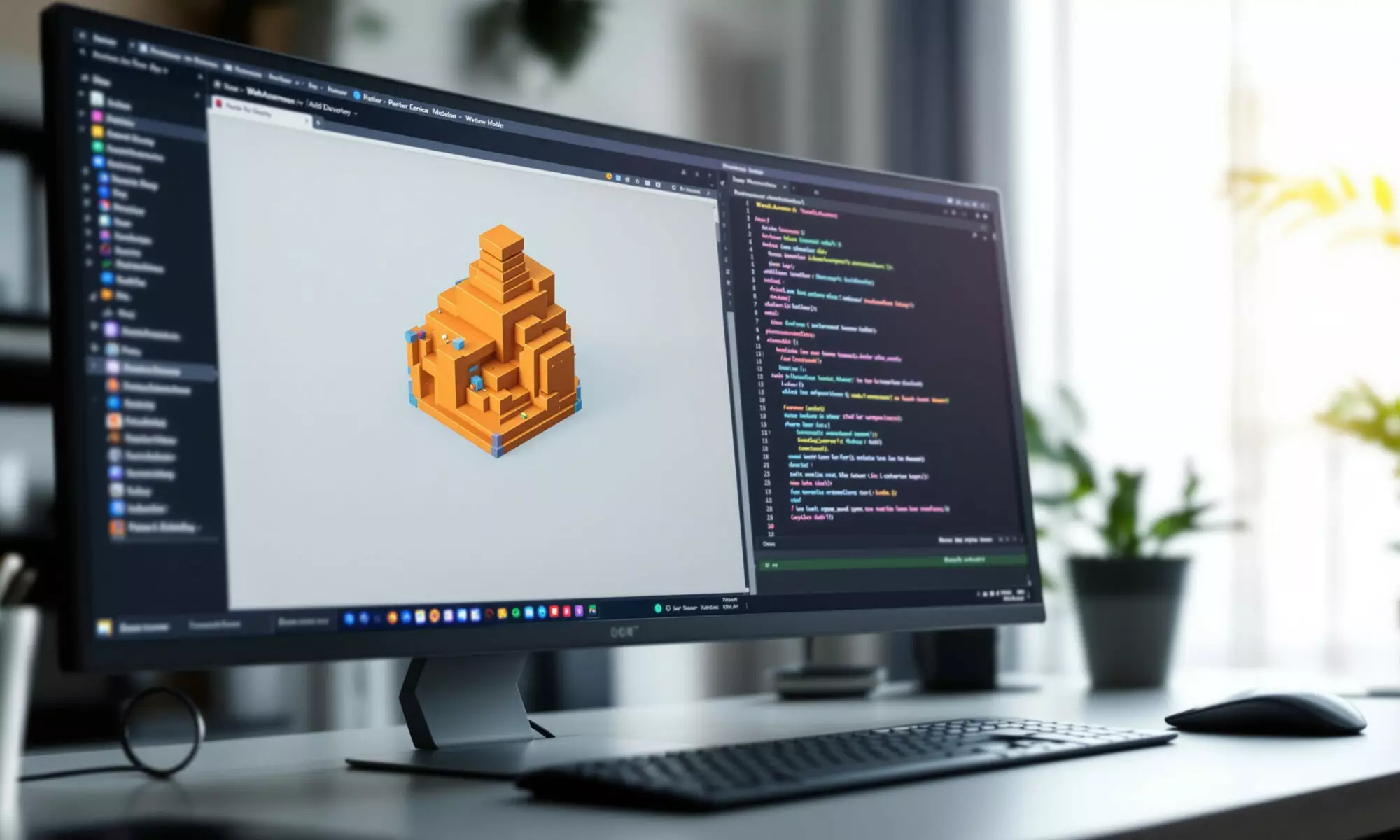
WebAssembly 2026 means the browser can run serious software: design tools, games, emulators, local AI helpers and code shared with native apps. It’s not magic, and it hasn’t replaced JavaScript. The real shift is narrower and more useful: Wasm gives compiled languages a fast, compact target inside the web platform, while WebGPU, WasmGC and WASI are filling in the missing desktop-class pieces.
WebAssembly 2026: what changed in the browser
WebAssembly, often shortened to Wasm, is defined by MDN in 2026 as a low-level, compact binary format for modern browsers that can run at near-native performance. It gives C, C++, C# and Rust a realistic web compilation target, which is why you now see it behind serious browser apps rather than only demos.
The browser has become more capable because several technologies matured together. Wasm handles compiled application logic. JavaScript still coordinates loading and access to Web APIs. WebGPU handles modern graphics and parallel compute. The result feels less like a web page and more like a sandboxed desktop runtime.
There’s a catch. WebAssembly 2026 is still JavaScript-mediated in browsers. A common loading pattern remains const {instance} = await WebAssembly.instantiateStreaming(fetch("app.wasm"));, and MDN reported in 2026 that Wasm isn’t yet integrated with <script type="module"> or JavaScript import statements by default.
That one detail matters more than many product pages admit. If your Wasm module needs DOM access, networking, storage or canvas calls, it usually crosses through JavaScript glue code. Mozilla Hacks argued in 2026 that this keeps WebAssembly “second-class” on the web, even as its raw execution model has matured.
What is WebAssembly used for?
WebAssembly.org lists browser use cases in 2026 that read like a desktop software catalogue: games, collaborative editing, platform emulation, peer-to-peer apps, remote desktop, local web servers and reuse of existing code in JavaScript and HTML applications. That range is the story.
Figma remains the cleanest public example. In 2017, the company reported that moving its C++/asm.js codebase to WebAssembly cut load time by over 3x. Later performance work also cited up to 3x faster file loading, dragging and zooming after renderer restructuring and Wasm-related bug fixes.
By 2025, Figma said its renderer architecture compiled shared engine code to WebAssembly for the web app and to native x64 or arm64 for server-side rendering, testing and debugging. That’s the model many teams want: one core engine, multiple targets, fewer mismatches between web and native behavior.
You can see the same pattern in adjacent categories. Browser-based creative suites, CAD viewers, medical imaging viewers, DAWs, retro emulators and local developer tools all benefit from compiled modules that start quickly and run predictably. For more context on the graphics side of that shift, DualMedia’s guide to WebGPU for AI and browser graphics is a useful companion read.
Is WebAssembly faster than JavaScript?
Sometimes. Not always. WebAssembly.org’s FAQ says the Wasm binary format can be decoded much faster than JavaScript parsing, with experiments showing more than 20× faster native decoding. That helps startup, especially for large compiled codebases where parsing and compilation costs are visible to users.
Execution speed is more nuanced. The 2019 USENIX ATC paper “Not So Fast” reported that WebAssembly performance versus native and JavaScript varies by workload, which is still the right mental model for WebAssembly 2026. Tight numeric code can shine. DOM-heavy code often won’t.
Here’s a concrete way to think about it. If a 9 MB JavaScript bundle takes 900 ms to parse and prepare on a mid-range laptop, a binary module that decodes 20× faster for that phase could theoretically reduce that specific decode step to about 45 ms. Your app won’t become 20× faster, because downloading, instantiation, memory allocation, rendering and API calls still exist.
The pitfall nobody mentions enough: boundary crossings can eat your win. If you call from Wasm into JavaScript thousands of times per animation frame for tiny DOM updates, you’ve built a toll booth into your hot path. Batch the work. Keep loops inside Wasm. Send bigger chunks across the boundary.
The numbers: adoption is real, but still niche
The web is not suddenly all Wasm. HTTP Archive’s 2025 Web Almanac reported WebAssembly on 0.35% of desktop sites and 0.28% of mobile sites in 2025. Desktop usage was slightly down from 0.36% in 2024, while mobile was flat.
Another 2025 data point adds color: HTTP Archive said Chrome Platform Status data showed WebAssembly active during 3.37% of page loads in January 2024. Those two figures can coexist because they measure different things. One is site-level prevalence in the crawl; the other is activity during page loads observed through Chrome Platform Status data.
Tooling signatures are telling. HTTP Archive identified source-language or tooling signatures for 64.3% of desktop WebAssembly modules and 72.8% of mobile modules in 2025. Likely .NET/Mono-based language signatures were the largest category, at 36.8% on desktop and 35.2% on mobile.
| Metric | Year | Reported figure | What it suggests |
|---|---|---|---|
| Desktop sites using WebAssembly | 2025 | 0.35% | Wasm is powerful but still specialized |
| Mobile sites using WebAssembly | 2025 | 0.28% | Mobile adoption remains modest |
| Desktop change from previous year | 2025 vs 2024 | 0.35%, down from 0.36% | No broad adoption surge in crawled sites |
| Chrome page loads with Wasm active | January 2024 | 3.37% | High-traffic apps can skew user exposure |
| Likely .NET/Mono signatures | 2025 | 36.8% desktop, 35.2% mobile | .NET-based web deployment is a major source |
My read: WebAssembly 2026 is not a general replacement for everyday web development. It’s a specialist tool with outsized influence in high-computation apps. Most sites don’t need it. The ones that do can feel dramatically different.
Why WasmGC and tail calls matter
WasmGC and Wasm tail-call optimizations became “Baseline Newly available” across major browser engines on December 11, 2024, according to web.dev. That’s dry standards language, but it opens the door for languages that depend on managed runtimes and garbage-collected objects.
WebAssembly.org’s 2026 feature tables list Garbage Collection support in Chrome 119, Firefox 120, Safari 18.2, Node.js 22.0 and Deno 1.38. Exception Handling with exnref is listed for Chrome 137, Firefox 131, Safari 18.4, Node.js 25.0 and Deno 2.3.2.
For developers, this reduces awkward compilation strategies. Languages such as Kotlin, Dart, Java, C# and others with managed object models can target Wasm more naturally when the runtime doesn’t need to fake every high-level feature with bulky support code. Smaller glue. Better interop prospects. Fewer compromises.
Quality teams should care too. When the same core engine can run in browsers, server-side renderers and test harnesses, regressions become easier to reproduce. If you’re thinking about QA at that scale, the site’s overview of automation testing platforms for scaling QA pairs well with this architecture discussion.
Build with WebAssembly without fooling yourself
A good WebAssembly project starts with a hard question: what work belongs in compiled code? Math kernels, compression, image processing, parsing, emulation, codecs, game engines and shared native libraries are good candidates. DOM choreography, form validation and ordinary interface state usually are not.
The most reliable pattern in WebAssembly 2026 is hybrid architecture. Keep UI in JavaScript or a web framework. Put stable, compute-heavy or portable logic in Wasm. Use Web Workers where possible so long tasks don’t freeze the main thread.
- Measure startup separately from runtime; a faster loop doesn’t help if instantiation delays first interaction.
- Batch JavaScript-Wasm calls instead of crossing the boundary for tiny operations.
- Check browser support for WasmGC, exception handling and WebGPU before promising parity.
- Budget memory carefully on mobile devices, where large modules and model weights can fail silently or degrade fast.
- Keep a JavaScript fallback only if the feature is business-critical; dual implementations are expensive to maintain.
Security deserves sober treatment. Wasm runs inside the browser sandbox, which is good. But desktop-class workloads increasingly pair Wasm with WebGPU, file access patterns, local models and large memory use. A June 2026 WebGPU privacy measurement paper reported that browser, driver, OS and GPU shared state can expose privacy-relevant signals despite validation protecting memory safety.
That matters for local AI and pro creative apps. A May 2026 arXiv paper, “Llamas on the Web,” described a WebGPU backend for llama.cpp aimed at memory-efficient, browser-based LLM inference across model weight formats. APX Terminal also described local LLM execution in browser memory using WebAssembly and WebGPU in June 2026. If you follow browser-based agents, compare this with the broader shift covered in AI browser agents in 2026.
WASI, the component model and the road beyond the tab
WebAssembly isn’t only about browsers anymore, which is slightly ironic for an article about the browser becoming desktop-class. The Bytecode Alliance announced in June 2026 that WASI 0.3.0 was ratified and stable, rebasing WASI onto WebAssembly Component Model async primitives and adding native async support for components.
Why should you care if you’re building for the web? Because teams increasingly want portable components that can run in a browser, at the edge, in a server runtime or inside a plugin system. The browser is one target. Wasmtime, Node.js and Deno are part of the same conversation.
Figma’s 2025 architecture hints at the practical payoff: shared engine code compiled to WebAssembly for the web and native x64/arm64 elsewhere. That kind of portability changes how companies staff platform teams. It also changes what “web app” means.
There is a counter-argument, and it’s fair. If your product is mostly documents, dashboards, e-commerce flows or content pages, WebAssembly 2026 may add build complexity without user-visible benefit. Honestly, I’d avoid it unless you can name the hot path and measure the win.
Still, the direction is clear. WebAssembly made the browser a credible host for desktop-class software not by replacing the web stack, but by giving it a compiled engine room. The future belongs to teams that treat Wasm, JavaScript and WebGPU as separate tools, not rival religions.
FAQ
What is WebAssembly in simple terms?
WebAssembly is a compact binary format that lets code from languages such as C++, Rust and C# run in modern browsers at near-native speed. JavaScript usually loads it and connects it to Web APIs.
Is WebAssembly 2026 supported in all major browsers?
Core WebAssembly is broadly supported across major browsers. Newer features vary by version, but WebAssembly.org lists WasmGC support in Chrome 119, Firefox 120 and Safari 18.2, with newer exception-handling support in later releases.
Will WebAssembly replace JavaScript?
No. WebAssembly is best for compiled, compute-heavy or portable code, while JavaScript remains the main language for browser APIs and UI wiring. Most serious Wasm apps use both.
Can WebAssembly run AI models in the browser?
It can be part of the stack, especially alongside WebGPU. In 2026, research and developer posts described browser-based LLM inference using WebGPU, with WebAssembly involved in runtime and tooling contexts.
Is WebAssembly safe for users?
Wasm runs inside the browser sandbox, which limits direct system access. Safety still depends on the whole app, including JavaScript glue, memory use, WebGPU behavior and any files or models the user loads.
 EN
EN  FR
FR  ES
ES